Your Guide to Being a Timezone Event Planner
Become a savvy timezone event planner. Learn how to navigate global schedules, manage attendee needs, and use the right tools to host seamless virtual events.

Calendar0 Team
December 4, 2025

Being a successful event planner in a global company means you're part empathy counsellor, part time-travel coordinator. It’s not just about math; it's about finding that sweet spot in the calendar that respects everyone's life outside of work.
It's the difference between a productive, well-attended meeting and a 5 AM nightmare for your colleagues. This is the real skill needed to connect teams from Berlin to Tokyo and San Francisco without causing burnout.
Why Global Event Scheduling Is More Than Just Math
Coordinating anything across multiple time zones is a tricky puzzle. Just converting the hours doesn't cut it. Ask someone in Tokyo to join a call at their 5 AM, and you’ve pretty much guaranteed they'll be zoning out, if they show up at all.
This is where time zone empathy becomes your most valuable asset.

Real planning means you have to look past the clock. A standard 9-to-5 in Berlin feels completely different from the working rhythm in San Francisco or the typical business hours in Tokyo. If you ignore these realities, your event is DOA. The goal isn't just to get people in a room (virtual or otherwise), but to make them feel seen and valued.
The Human Side of Time Zones
At its core, the challenge is about respecting people's personal time. A meeting scheduled during your prime working hours might land right in the middle of someone else's family dinner. A great planner builds their strategy on a foundation of attendee well-being.
You have to shift your thinking from, "What time works for the majority?" to "What time is reasonable for everyone?"
With remote and hybrid work now the norm, this has never been more critical. The surge in virtual events in Germany is a perfect example. A recent report showed that 21% of all events scheduled in Germany were virtual-only, built for international crowds. This shift makes smart time zone management a non-negotiable skill. You can dig into the full event industry statistics to see just how big this trend is.
The best time for a global meeting is rarely the "perfect" time for anyone. Instead, it's the least bad time for everyone involved. That's the compromise you're aiming for.
Finding that compromise often means someone has to start a bit early or end a bit late. The trick is to rotate that "inconvenience" so it doesn't always fall on the same person or team. Fair is just as important as functional.
Before you can even think about sending out a calendar invite, you have to get inside the heads of the people you’re planning for. A truly successful cross-timezone event starts with knowing your attendees, not just what city they’re in. This means ditching the assumptions and getting some real, practical data about their work lives.
The easiest way to do this? A quick pre-event survey. You're not being nosy; you’re just trying to find out their preferred windows for meetings and get a feel for their local work culture. A standard 9-to-5 day in Berlin, for example, is a completely different world from the often more flexible schedules you find in San Francisco's tech scene.
Mapping Out the Scheduling Puzzle
Once you have that location and preference data, it’s time to visualise it. This doesn't need to be fancy. A simple spreadsheet or a shared world clock tool can instantly show you where your participant clusters are. This visual gives you an immediate sense of the scheduling mountain you need to climb.
From there, I like to build what I call a ‘constraint matrix’. It sounds technical, but it’s really just a simple way to organise the hard limits for each group.
- Geographic Group: List out the main locations (e.g., Tokyo, Berlin, San Francisco).
- Core Working Hours: Make a note of their typical “no-go” times, like anything before 9 AM or after 6 PM their time.
- Cultural Norms: Add notes on things that might not be obvious, like long lunch breaks common in some countries or company-wide "no meeting" days.
Suddenly, an abstract problem becomes a concrete puzzle. You can see right away which time slots are dead on arrival and where you might find a sliver of overlap.
A great timezone event planner doesn't force a schedule onto their audience. They build the schedule around their audience's reality. That simple shift is what earns you engagement and respect.
A Real-World Scenario
Picture this: a Berlin-based tech company is planning a product launch for key partners in both Tokyo and San Francisco. The time difference is a beast—a full 16 hours between Tokyo and the US West Coast. A single event time would be absolutely brutal for one of those groups, guaranteed.
So, instead of just picking a time and hoping for the best, the planner surveyed the partners first. They found out the Tokyo team strongly preferred early morning slots to fit their business day, while the San Francisco crew was fine with a late afternoon session.
Armed with that insight, the company made a smart move and hosted two separate launch events:
- An APAC-focused session: This was scheduled for 9 AM in Tokyo, which happened to be late evening for the hosts in Berlin.
- An Americas-focused session: This one was set for 4 PM in San Francisco, meaning a very early start the next day for the Berlin team.
Yes, it took more effort from the organisers. But it also showed a massive amount of respect for everyone's time. The result? Nearly perfect attendance at both sessions and glowing feedback. It just goes to show that understanding your audience’s constraints isn't just a preliminary step—it's the foundation for success.
Right, you've got all your constraints mapped out. Now for the fun part: actually finding a time that works. This isn't just about throwing a dart at a world clock; it's a strategic process of layering information and using some clever tools to nail the perfect slot. Get this right, and you'll sidestep those frustrating no-shows and keep your live engagement rates high.
My first move is always to get a visual overlay of everyone's time zones. I find a tool like World Time Buddy is perfect for this. I'll punch in the main locations—say, Berlin, Tokyo, and San Francisco—and it instantly shows me the tiny slivers of time where business hours might just overlap. This simple visual is the bedrock of any solid time zone scheduling strategy.
Prioritise the Core Hours
Next, I zero in on the core hours for each group. Sure, a standard workday might be eight hours long, but let's be realistic—the most productive, collaborative time is usually a much shorter window. For most teams I've worked with, that sweet spot falls somewhere between 10 AM and 2 PM local time.
Focusing on this timeframe helps cut through the noise, but it also means you’re targeting peak attention spans. If a perfect overlap of core hours just doesn't exist (and it often won't), you've got a decision to make. Which group's prime time do you prioritise? This is where you have to circle back to your event goals. Is it more critical for the Tokyo team to be sharp and engaged, or does the San Francisco crew need to be at their best?
A successful global event isn't about finding a time that’s convenient for you. It's about finding a time that is least disruptive for everyone else. This small shift in perspective makes all the difference.
This whole process can really be broken down into three key stages: survey your attendees, map their time zones, and then analyse the overlaps.
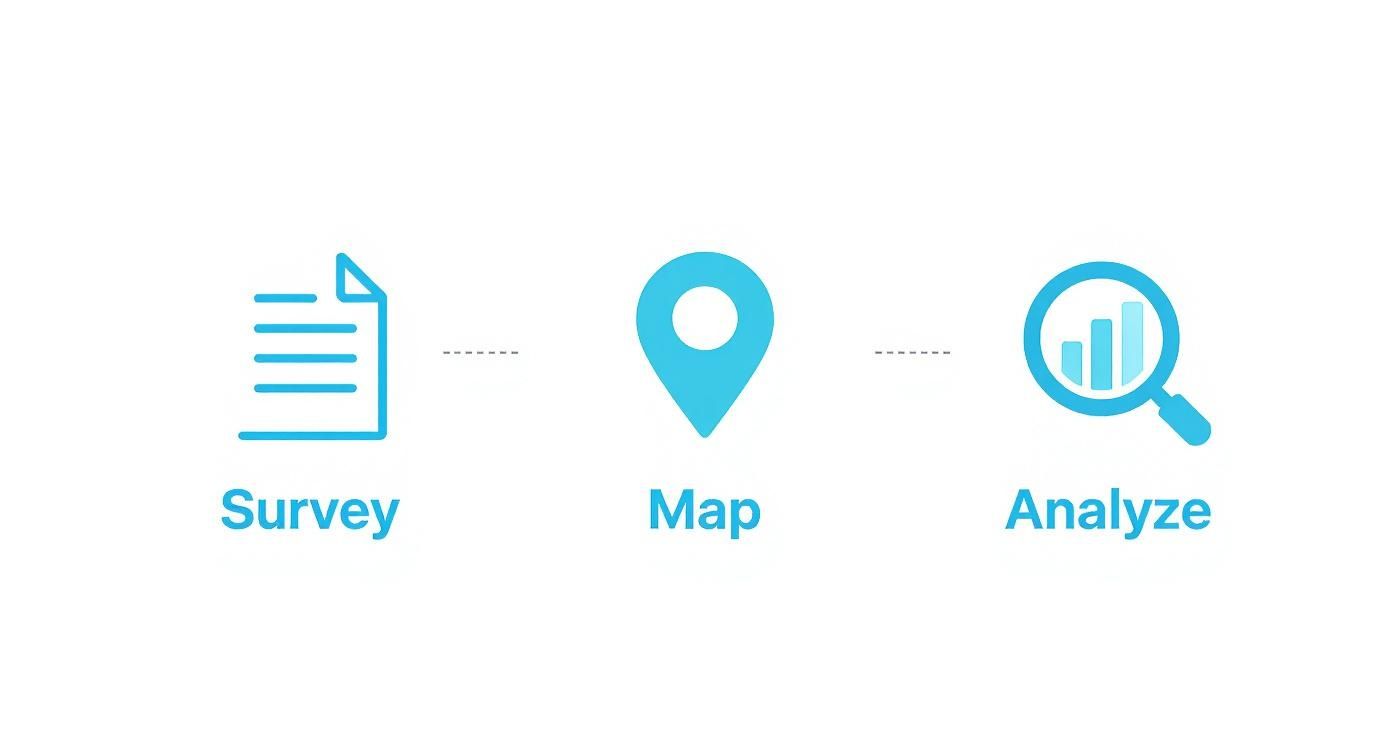
Following this workflow turns what could be a messy spreadsheet of locations into a clear, actionable scheduling map that highlights both the challenges and the opportunities.
Comparing Your Scheduling Tool Options
The right tool can make this whole headache disappear. Trying to coordinate this manually over email is a recipe for disaster—it’s slow, confusing, and just plain frustrating. A dedicated scheduler, on the other hand, can crunch the numbers and find the best slot based on everyone's actual, real-time availability.
Of course, not all tools are created equal. If you want to go deeper, we've got a whole guide on choosing a great meeting planner for time zones that you might find helpful.
To give you a head start, here’s a quick rundown of some popular options I've used.
Comparison of Timezone Scheduling Tools
| Tool Name | Best For | Key Feature | Cost |
|---|---|---|---|
| Doodle Poll | Finding consensus with large external groups | Lets attendees vote on preferred time slots from a list you create. | Free & Paid Tiers |
| Calendly | One-on-one meetings or small group scheduling | Syncs with your calendar and lets people book available slots directly. | Free & Paid Tiers |
| World Time Buddy | Quick visual time zone comparison and planning | Simple interface to layer multiple time zones and see overlaps at a glance. | Free & Paid Tiers |
| When2meet | Simple, anonymous availability polling | A no-frills tool for quickly finding common free time within a small team. | Free |
Ultimately, picking the right tool comes down to your specific needs. If you’re planning a big company-wide webinar, a Doodle Poll is probably your best bet. But for coordinating a critical client meeting across continents, the polished experience of something like Calendly is hard to beat. When you match the tool to the task, you create a seamless, professional experience for everyone involved.
Done. Here is the rewritten section, designed to sound like it was written by an experienced human expert.
Getting the Time Right: How to Communicate Across Time Zones
All your careful planning goes out the window if your attendees show up an hour late or, even worse, not at all. Once you've found that perfect meeting slot, your next mission is to communicate it so clearly that getting it wrong is almost impossible. Ambiguity is the enemy of attendance.
The easiest way to create confusion is to list the time in your local zone and just hope for the best. That's not just lazy; it puts all the mental work on your attendees.
A much better approach is to display the event time in the local zones of your key participants. If you're running a webinar for people in Germany and the US, your invitation should spell it out for them: list the start time in both CET and EST/PST. It’s a tiny detail that shows you’ve thought about them, and it builds immediate confidence.
Use UTC as Your Single Source of Truth
For any internal planning or official documentation, you need one time to rule them all. That time is Coordinated Universal Time (UTC). It’s the global standard, and crucially, it never changes for daylight saving. Think of it as your reliable anchor in the stormy seas of time zones.
While you should always talk to your audience in their local time, using UTC behind the scenes keeps your organising team on the same page. No more second-guessing if someone remembered to account for daylight saving.
A simple communication formula can prevent countless headaches: "The event is at 14:00 UTC. For our key attendees, that's 15:00 in Berlin, 9:00 in New York, and 6:00 in Los Angeles."
This gives you the best of both worlds: a universal standard for your team and localised convenience for your guests. There’s zero room for misinterpretation.
Let Technology Do the Heavy Lifting
Modern calendar apps are built to handle time zone conversions automatically. Your job is to make it dead simple for attendees to use these features. The most powerful tool in your arsenal? An "Add to Calendar" link (an .ics file) in every single invitation and reminder.
When someone clicks that link, their calendar—whether it’s Google Calendar or Outlook—instantly converts the event to their device's local time zone. This one simple click can slash your no-show rate from time zone mistakes.
Here's what that looks like in a reminder email that leaves no doubt:
- Subject Line: Reminder: [Event Name] Tomorrow at 15:00 CET / 9:00 AM EST
- Body: Just a friendly reminder that our event is happening tomorrow!
- Time Display:
- Berlin: 15:00 CET
- New York: 9:00 AM EST
- San Francisco: 6:00 AM PST
- Call to Action: A big, can't-miss-it
[Add to Your Calendar]button linked to the .ics file.
Setting up automated reminders takes this a step further. If you want to streamline the process, learning how to schedule an email in Outlook or your email client of choice ensures these messages land in inboxes at just the right moment. It keeps your event top-of-mind and makes sure everyone shows up on time.
Let Technology Do the Heavy Lifting
Trying to juggle time zones with spreadsheets and frantic emails is a surefire way to cause confusion and missed meetings. Let's be honest, it's a headache. The good news is that the right tech can turn this coordination nightmare into a smooth, automated process. You'll look more professional and claw back hours of admin time.
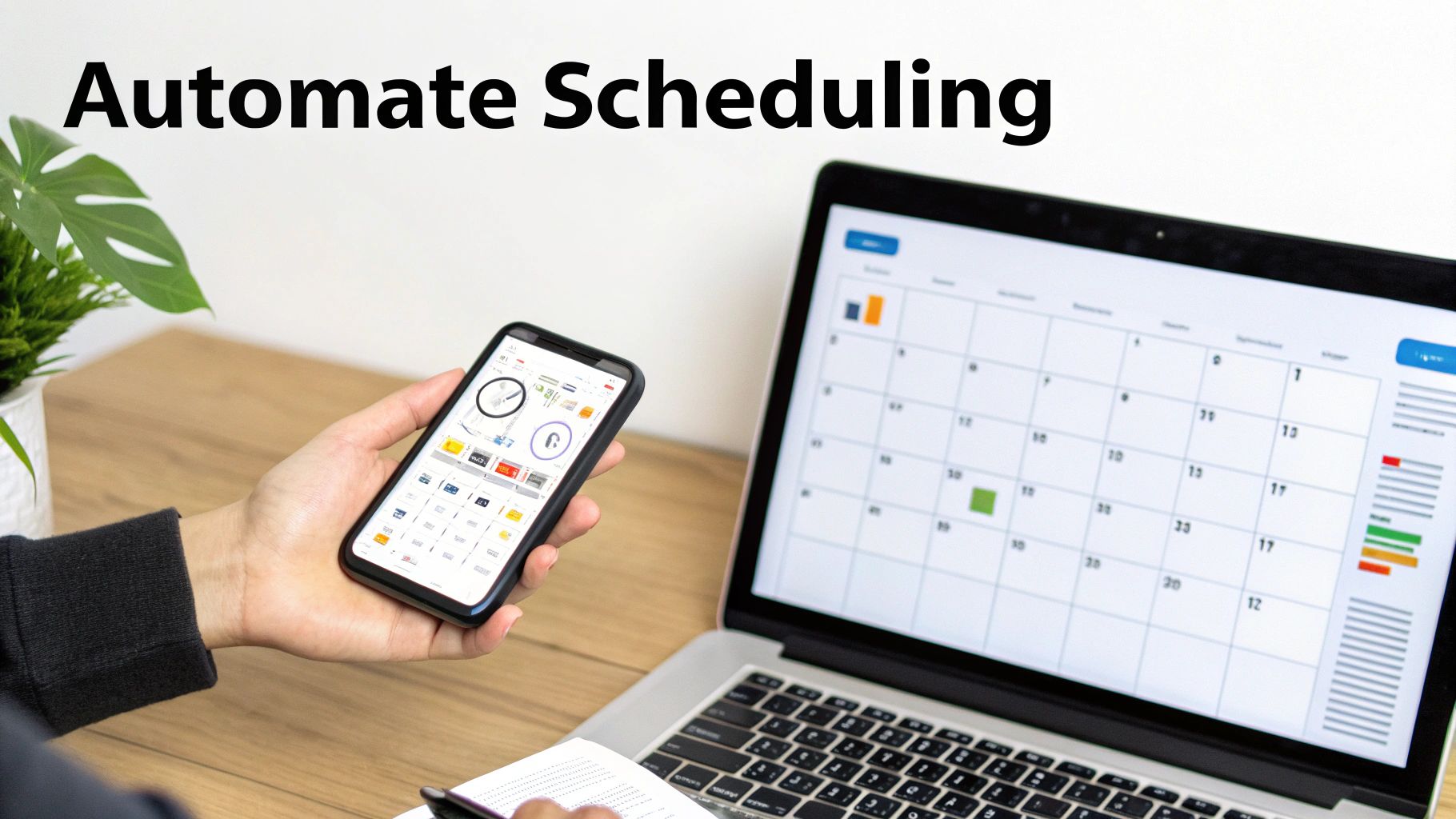
You probably already have a powerful tool at your fingertips: your calendar. Both Google Calendar and Outlook have settings that let you display multiple time zones right on your main view. This is a simple but incredibly effective change. It gives you an instant visual check, so you don't accidentally book a Berlin meeting for 3 AM San Francisco time.
Beyond that, most native calendar apps now have a "find a time" or "scheduling assistant" feature. It’s perfect for quickly checking the availability of your internal colleagues, suggesting slots where everyone is free. It’s a solid first line of defence against the endless back-and-forth emails within your own company.
Bring in the Specialists: Scheduling Tools
While your built-in calendar is great for internal chats, dedicated scheduling software is where the real magic happens, especially when dealing with people outside your organisation. Tools like Calendly and Doodle were built specifically to kill the guesswork.
Instead of suggesting times and waiting for replies, you just send a link showing your availability. Your guest picks a time that works for them, and the tool does the rest—it handles the time zone conversion, sends the calendar invite, and blocks out the time for both of you. It's a total game-changer for anyone acting as a timezone event planner.
- Calendly is my go-to for one-on-one meetings or letting clients book time directly. It syncs with your calendar, so it only ever shows slots when you're genuinely free.
- Doodle Polls are fantastic for getting a group to agree on a time. Just propose a few options, and everyone votes on what works for them. Simple.
The real win with these tools isn't just saving time. It's about shifting the mental load of coordination from people to software. This frees up everyone to focus on the actual meeting, not the logistics of setting it up.
And for those organising truly complex global events, it's worth exploring AI tools specifically for event planners which can offer even more sophisticated ways to manage intricate schedules.
Weave Your Tools into a Smart Workflow
Real efficiency kicks in when you get your tools talking to each other. Calendar syncing is the absolute foundation. If you run Outlook for work but use Google Calendar for personal life, you have to make sure they're in sync to avoid double-booking yourself. We've got a handy guide on how to sync your Outlook and Google calendars that makes this a breeze.
This kind of integration is crucial in Germany's booming event industry, where planners are under immense pressure. In fact, reports show that 49% of German event professionals find juggling deadlines across different time zones a major challenge. With average hourly rates anywhere from €50 to €150, every minute saved is money earned. By automating the tedious bits of scheduling, you free up valuable time to focus on what really matters: creating an amazing event.
Answering Your Toughest Timezone Event Questions
Even with the best planning, coordinating across the globe throws curveballs. You've got the tools and the strategy, but what happens when the unexpected crops up?
Let's dive into the most common questions I get asked, with real-world answers to keep your event on track. This is your go-to guide for those tricky "what if" moments.
How Do I Actually Handle Daylight Saving Time?
Ah, Daylight Saving Time (DST)—the nemesis of global scheduling. It's a notorious source of confusion because different countries start and stop on different dates. Trying to track it all manually is a recipe for disaster.
The secret is to anchor everything internally to Coordinated Universal Time (UTC). UTC never, ever changes. It's your single source of truth.
However, you must always communicate with your attendees in their local time. A good scheduling tool will be DST-aware and handle the conversion automatically, but you can’t just set it and forget it.
Pro Tip: Send a final reminder email exactly 24 hours before the event. This email should clearly state the start time in the attendee's local timezone. It lands in their inbox after any last-minute DST shifts could have occurred, cutting through any potential confusion.
What's the Best Practice for Recording Sessions?
Let's be realistic: for any global event, someone, somewhere, will be asleep. Assuming a portion of your audience can't make it live isn't a failure—it's a reality. Recording your sessions isn't just a backup plan; it’s a fundamental part of an inclusive event strategy.
Use a reliable platform like Zoom or Microsoft Teams that offers high-quality cloud recording. The key is to tell people upfront that a recording will be available.
Once the event is over:
- Trim the fluff. Cut out the awkward silence and setup chatter from the beginning and end.
- Host it somewhere easy. A private Vimeo or unlisted YouTube link works perfectly.
- Email the link to everyone who registered, not just the no-shows.
This simple workflow shows you respect everyone's time. It also maximises the reach of your content long after the live event has ended.
Should I Just Host Multiple Sessions for Different Regions?
This is the gold standard, often called the "follow-the-sun" model. If you're running a major product launch, critical company training, or a high-stakes client presentation where live interaction is everything, this is the way to go.
You might schedule three distinct sessions:
- One for the Asia-Pacific (APAC) morning.
- A second timed for Europe, the Middle East, and Africa (EMEA).
- A third that catches the Americas during their workday.
Yes, it's more work. It takes more logistical planning and more of your speakers' time. But the payoff is huge. You get dramatically higher live attendance and engagement. More importantly, it sends a powerful message that you value every single one of your regional audiences, which is far more impactful than forcing everyone into one awkward time slot.
To stay on top of all the moving parts, it helps to lean on proven resources. You can find some essential event planner checklists that go beyond just timezones to help keep every detail organised.
Stop wasting time on calendar admin and start scheduling at the speed of thought. Calendar0 uses AI to find the perfect time, check for conflicts across all your calendars, and send invites for you. Try it free and see how much time you save. Learn more about Calendar0.

