The 12 Best Time Tracker Mac Apps for 2025
Discover the best time tracker Mac apps for freelancers and teams in 2025. Compare automatic vs manual tracking, features, and pricing to boost productivity.

Calendar0 Team
November 27, 2025

Finding the right time tracker for your Mac can transform your productivity, but the sheer number of options is overwhelming. From fully automated background trackers to simple manual timers, the best tool depends entirely on your workflow, whether you're a freelancer invoicing clients, a manager optimising team performance, or a developer focused on deep work. This comprehensive guide is designed to cut through the noise and help you select the ideal application for your specific needs.
We will analyse a curated selection of the most powerful and user-friendly time tracking apps available for macOS. For each tool, we'll provide a detailed breakdown of its core features, including its approach to manual versus automatic tracking, idle detection capabilities, and the depth of its reporting and analytics. We'll also examine crucial integration options with popular platforms like Slack, Asana, and Jira, helping you understand how each app fits into your existing software ecosystem. To give you a complete picture, we'll cover pricing structures, privacy considerations, and share practical insights.
This resource provides direct links and screenshots for every application, making your evaluation process simpler. For users who need to document their time logs or share reports with clients, knowing the basics of your operating system is key. For example, if you need to quickly share a timesheet summary, understanding how to take screenshots on your MacBook is a fundamental skill. By the end of this article, you will have a clear understanding of the top contenders and be equipped to choose the perfect time tracker for your Mac with confidence.
1. Timing
Timing is a Mac-native application designed for users who prefer automatic tracking over manual start/stop timers. It meticulously logs your activity, from the apps you use to the specific documents you edit and websites you visit, creating a detailed timeline of your day. This approach makes it an exceptional time tracker for Mac users who engage in deep, focused work and want to reconstruct their billable hours without constant interruptions.
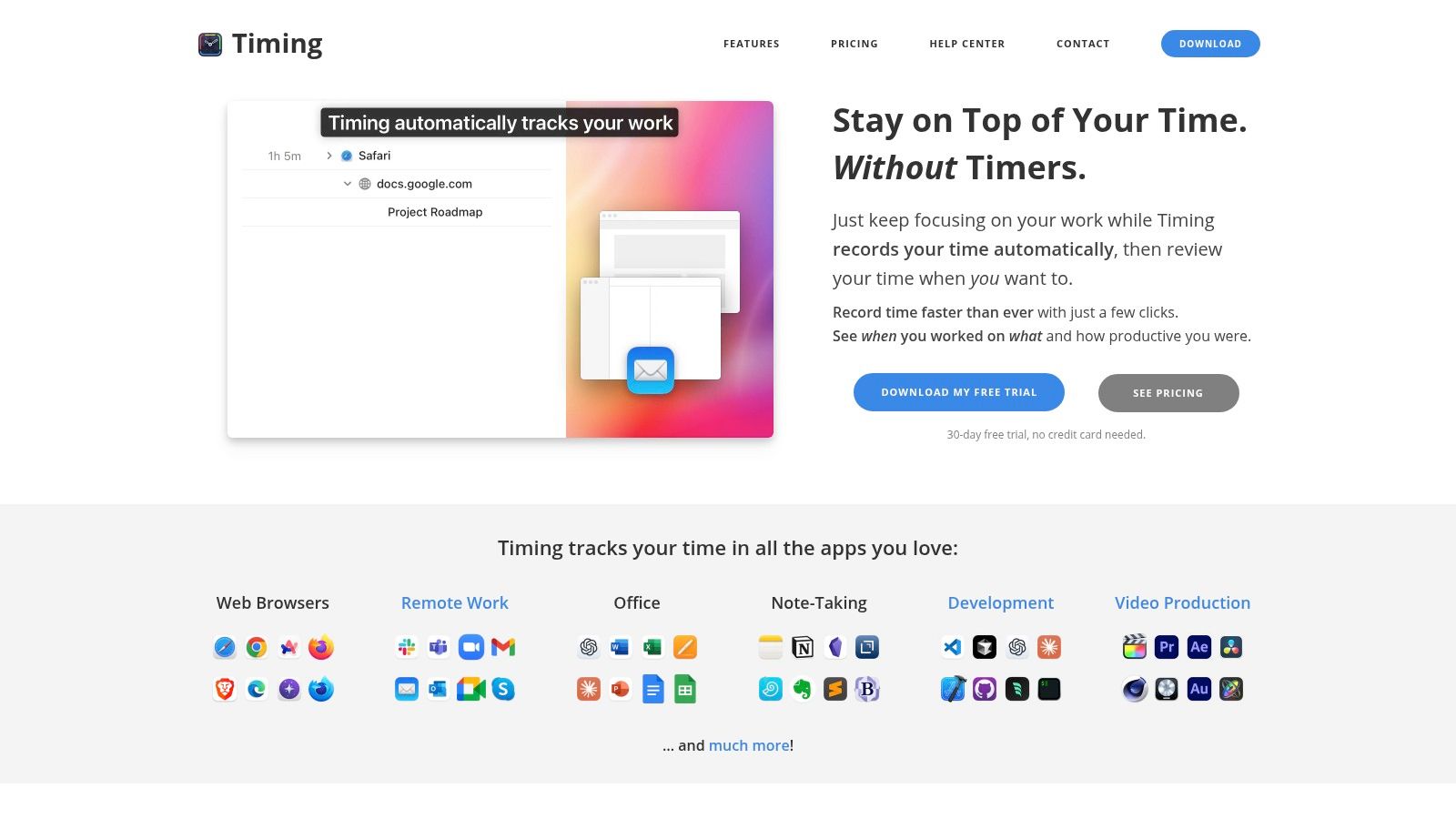
The platform’s strength lies in its intelligent data organisation. You can create rules to automatically categorise activities into specific projects, saving significant administrative effort. Its privacy-first architecture is a key differentiator, as all data is stored locally on your Mac by default, only syncing to the cloud if you enable the optional team features. For those needing to connect their workflow, Timing integrates well with various tools and offers detailed exports in PDF, CSV, and XLSX formats.
Key Features and Considerations
- Best for: Consultants, freelancers, and developers who need detailed, retroactive time logging.
- Standout Feature: Its ability to automatically capture not just app usage but also file paths and browser URLs, offering unparalleled context for time entries. The AI-powered summaries provide quick, insightful overviews of your workday.
- Pricing: Timing operates on a subscription model, with different tiers (Professional, Expert, Connect) unlocking advanced features like team sync and calendar integration.
- Limitation: The primary drawback is its exclusivity to the macOS ecosystem; there is no Windows or Linux client available.
This tool’s detailed tracking can complement your workflow, especially when paired with powerful task managers for Mac.
Website: https://timingapp.com
2. Tyme
Tyme is a highly polished and visually clean time tracker for Mac, iPhone, iPad, and Apple Watch, making it an ideal choice for Apple ecosystem enthusiasts. Developed in Germany, it focuses on providing a seamless, synchronised experience across all your devices with a single subscription. Its intuitive interface allows you to easily manage projects, set budgets and deadlines, and track your work hours with minimal friction, whether you are at your desk or on the move.
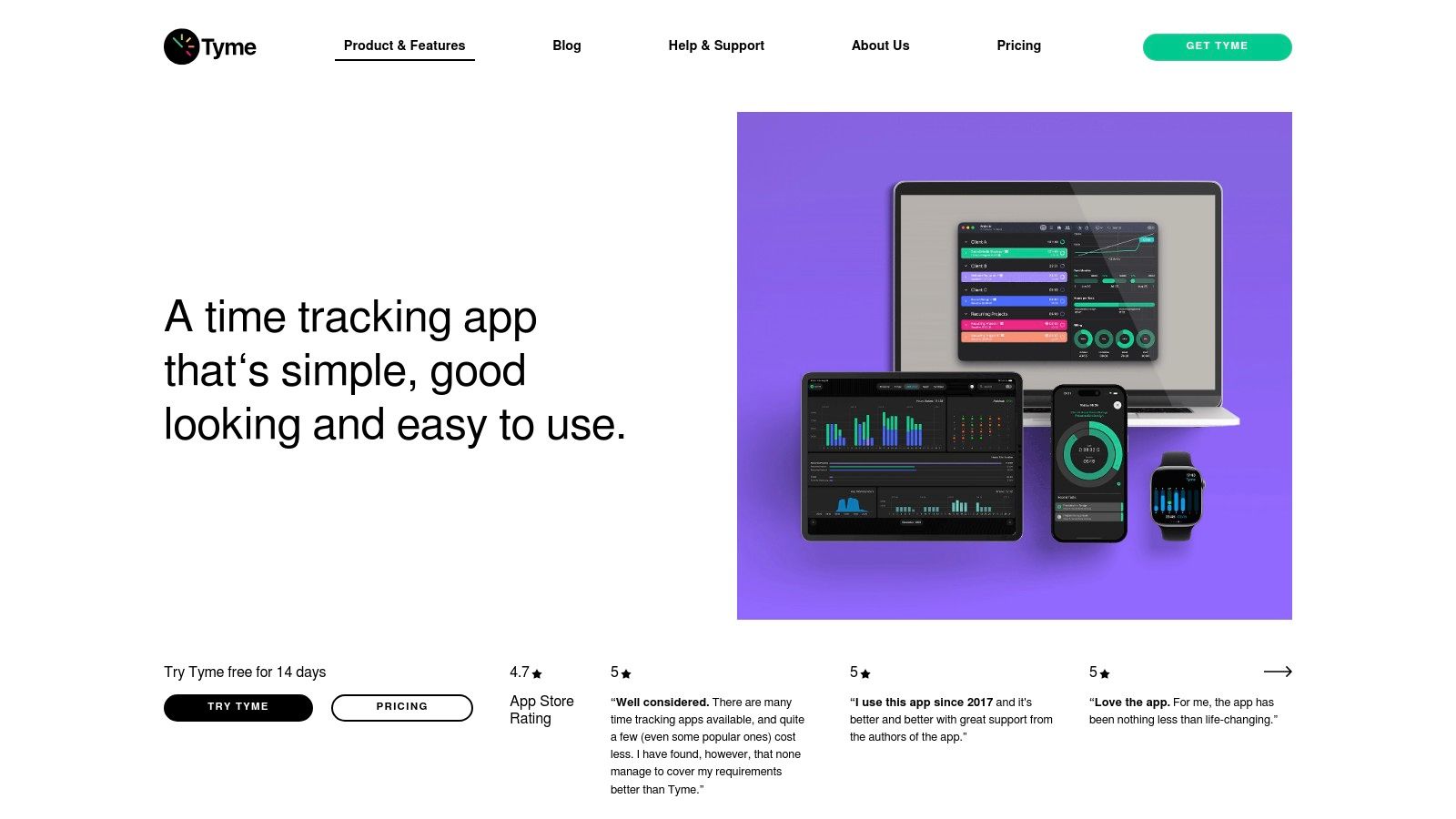
The platform’s strength is its elegant simplicity combined with powerful under-the-hood features like Shortcuts and automation support. You can start timers using Siri or integrate Tyme into your automated workflows, a significant benefit for power users. While it is primarily a manual tracker, its detailed statistics provide clear insights into your productivity and project profitability. For those needing to move data, Tyme supports both CSV import and export, ensuring your time-tracking information remains portable and accessible.
Key Features and Considerations
- Best for: Freelancers and small teams deeply integrated into the Apple ecosystem who value a clean user interface and cross-device synchronisation.
- Standout Feature: Its seamless and native synchronisation across Mac, iPhone, iPad, and Apple Watch offers a consistent and reliable experience, regardless of the device you are using.
- Pricing: Tyme is available as a subscription, which covers all platforms. It can be purchased directly from the developer or through the Mac and iOS App Stores.
- Limitation: Its reporting and analytics features are more straightforward and may not suffice for larger teams or users who require complex, in-depth business intelligence from their time data.
Website: https://www.tyme-app.com
3. Timemator
Timemator is a privacy-focused, Mac-native application that champions a buy-once, own-forever model. It combines manual and automatic tracking, allowing you to define rules that automatically assign activities to projects based on the app, file, or website you're using. This makes it an ideal time tracker for Mac users who value data ownership and prefer a one-time purchase over recurring subscriptions.
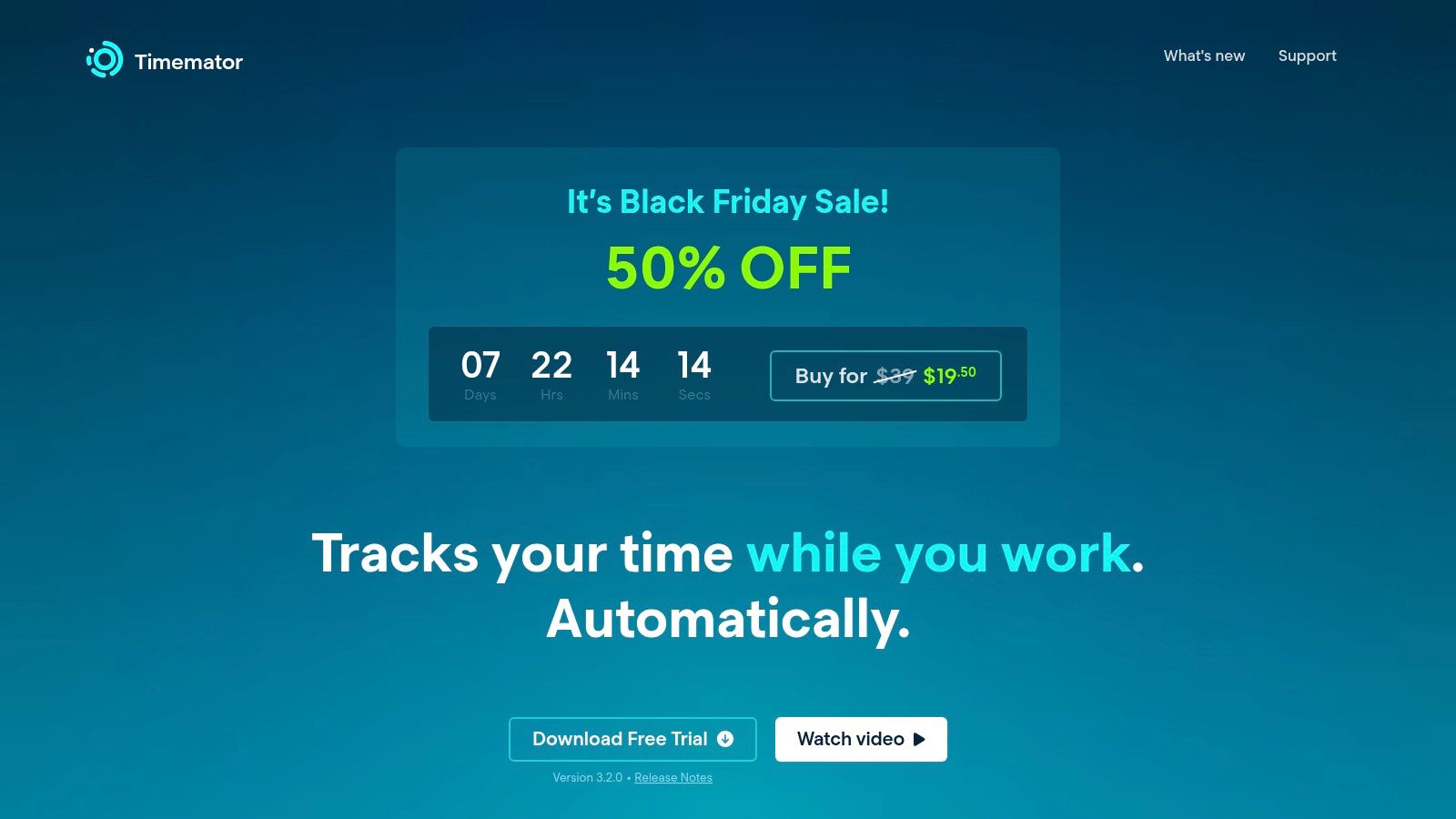
The platform’s core philosophy is local-first data processing. All your time-tracking data is stored securely on your machine, and the app functions perfectly offline, giving you complete control over your information. While it doesn't have built-in cloud sync for teams, you can configure backups to your own iCloud or Dropbox account. Its clean, native macOS interface feels right at home, offering a seamless and intuitive user experience for solo professionals who want powerful features without complexity or privacy compromises.
Key Features and Considerations
- Best for: Privacy-conscious freelancers, consultants, and solo professionals who want a perpetual licence without subscription fees.
- Standout Feature: The combination of a strong privacy-first architecture (local-only data) with a one-time purchase model is increasingly rare and highly appealing for users seeking to avoid the SaaS subscription model.
- Pricing: Timemator is offered as a one-time purchase for the Mac app. The companion iOS app is sold separately, also as a one-time purchase.
- Limitation: It currently lacks native team management features, making it best suited for individual use. The iOS app requires a separate purchase.
Website: https://timemator.com
4. Toggl Track
Toggl Track is a widely recognised cross-platform time tracker celebrated for its simplicity and powerful features. Its Mac desktop app provides a seamless experience, blending manual start/stop functionality with an automated activity timeline that helps users reconstruct their day. This makes it an excellent time tracker for Mac users who work across multiple devices and require a flexible solution that accommodates both focused tasks and retroactive logging.
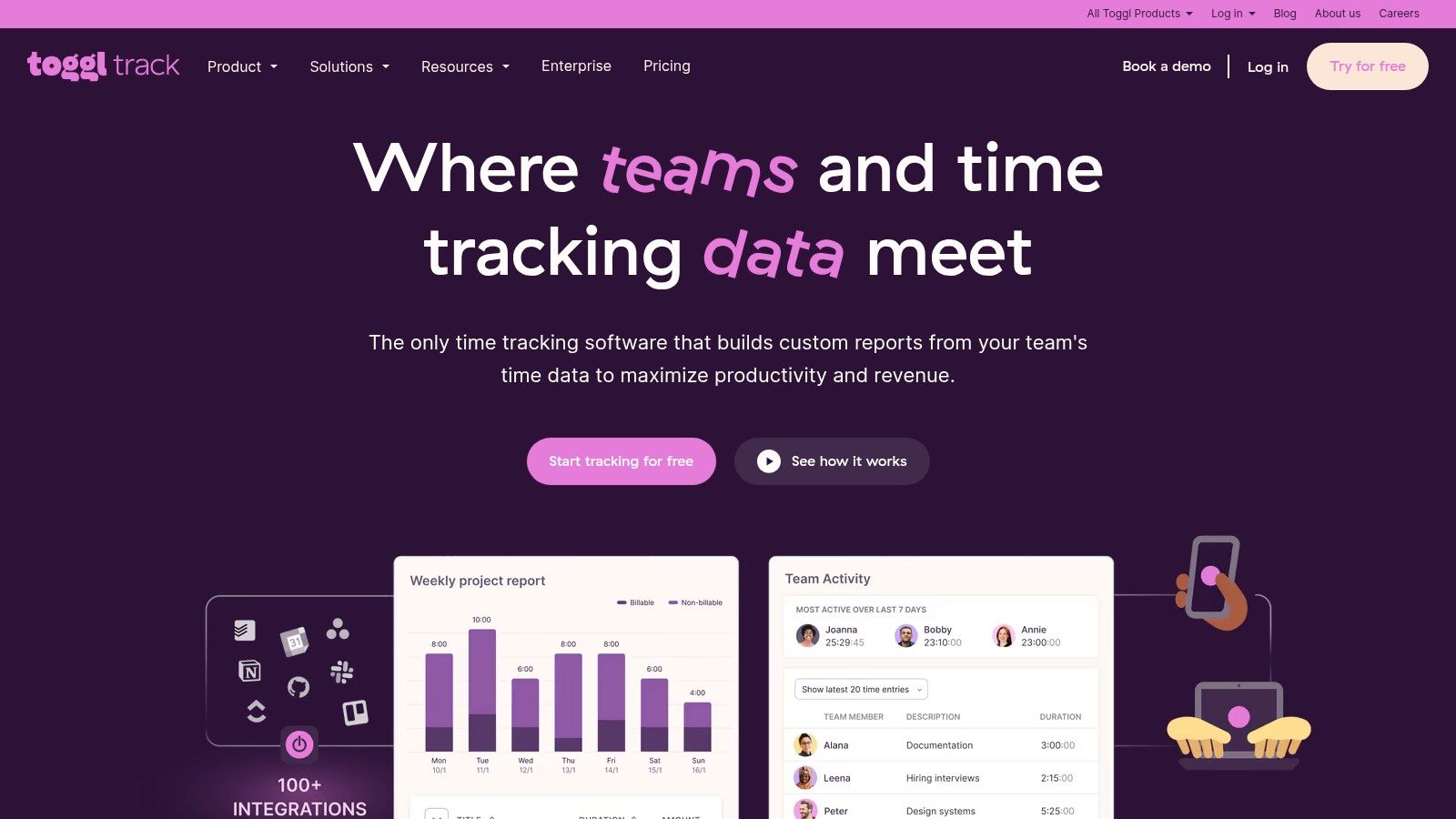
The platform’s strength is its versatility, suiting everyone from individual freelancers to large teams. With over 100 tool integrations, including Asana, Jira, and Slack, it fits effortlessly into existing project management workflows. The ability to set billable rates, create detailed reports, and integrate with calendars makes invoicing and project analysis straightforward. Toggl Track’s user-friendly interface ensures a fast onboarding process, allowing users to start tracking time effectively within minutes.
Key Features and Considerations
- Best for: Freelancers, agencies, and small to medium-sized teams looking for a versatile, easy-to-use tracker with extensive integrations.
- Standout Feature: Its exceptionally generous free plan for up to five users, which includes core tracking features and many integrations, makes it highly accessible. The one-click timer is a model of efficiency.
- Pricing: Offers a robust free tier. Paid plans (Starter, Premium, Enterprise) introduce features like billable rates, time estimates, project dashboards, and advanced security controls like SSO.
- Limitation: While its timeline feature offers some automation, it is less granular and rule-based than dedicated automatic trackers. Advanced team management features like time approvals are reserved for higher-tier paid plans.
Website: https://toggl.com/track
5. Harvest
Harvest excels by tightly integrating time tracking with invoicing and expense management, making it an all-in-one solution for businesses that bill clients for their hours. It moves beyond simple time logging by connecting your billable hours directly to professional invoices, project budgets, and detailed financial reports. This makes it an ideal time tracker for Mac users in agencies, consultancies, and freelance roles who need a seamless workflow from tracking time to getting paid.
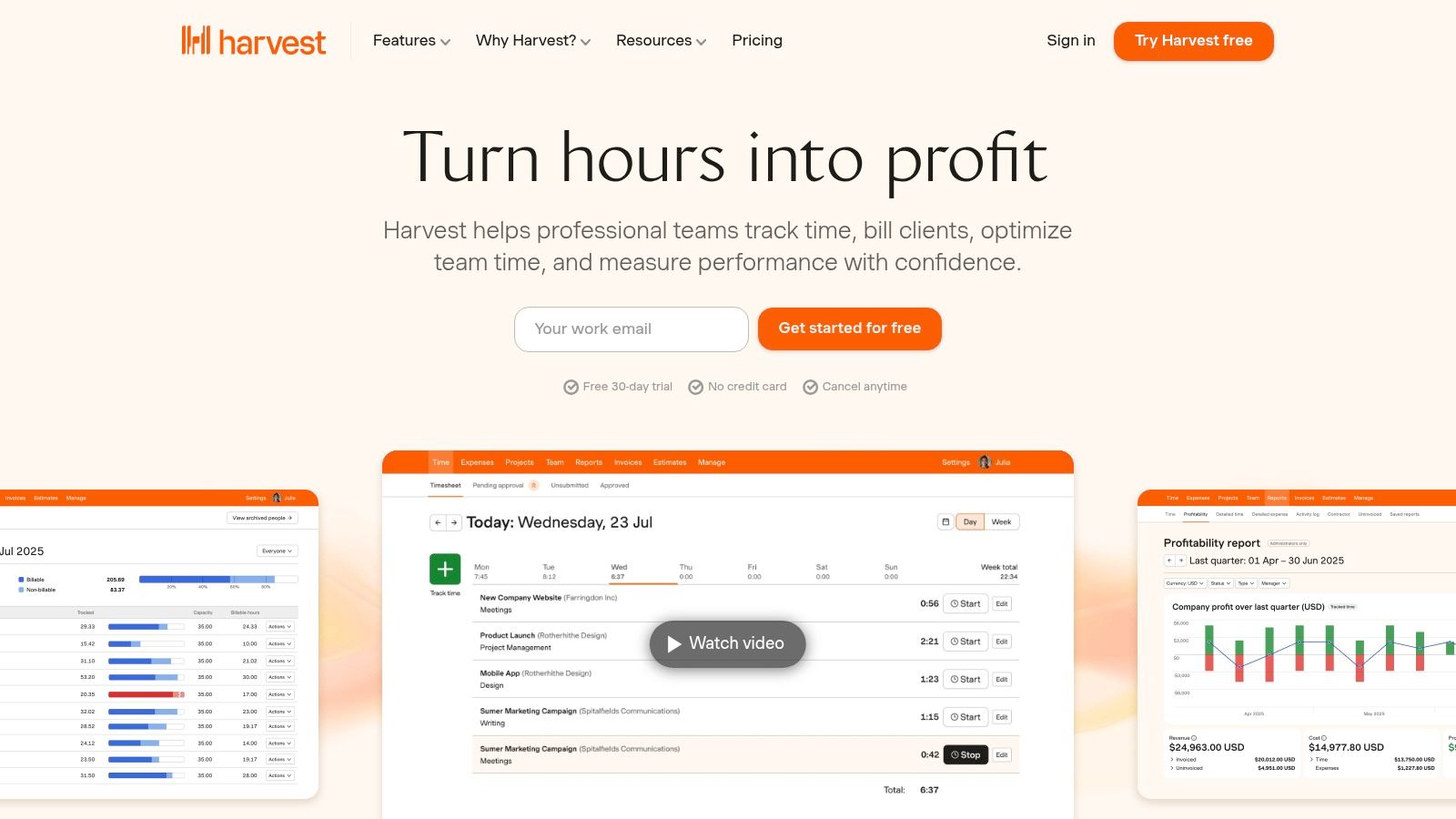
The platform’s strength is its robust ecosystem. Harvest integrates with a vast array of project management, accounting, and payment tools like Asana, QuickBooks, and Stripe, creating a centralised hub for business operations. While its native Mac app offers convenient time tracking from the menu bar, the full power of its features, including detailed reporting and invoice customisation, is realised through its comprehensive web interface. The system is organised to give managers a clear view of team capacity and project profitability.
Key Features and Considerations
- Best for: Teams, agencies, and freelancers requiring a streamlined system for time tracking, invoicing, and expense reporting.
- Standout Feature: Its end-to-end billing workflow is exceptional. The ability to create an invoice directly from tracked time and expenses, and then accept payment through integrations like Stripe and PayPal, saves considerable administrative time.
- Pricing: Harvest offers a limited free plan for single users with up to two projects. The Pro plan unlocks unlimited projects and clients for a per-seat, per-month fee.
- Limitation: The native Mac application is more of a lightweight companion for tracking; advanced features like in-depth reporting and invoice management are primarily accessed via the web application.
Website: https://www.getharvest.com
6. Clockify
Clockify stands out as a highly popular and cost-effective time tracker, offering a powerful free-forever plan that supports unlimited users and projects. Its straightforward Mac desktop app, available via the App Store, provides core time-tracking functionalities, making it an excellent entry point for teams and freelancers alike. The platform is designed for scalability, allowing organisations to start for free and add advanced features as their needs evolve.
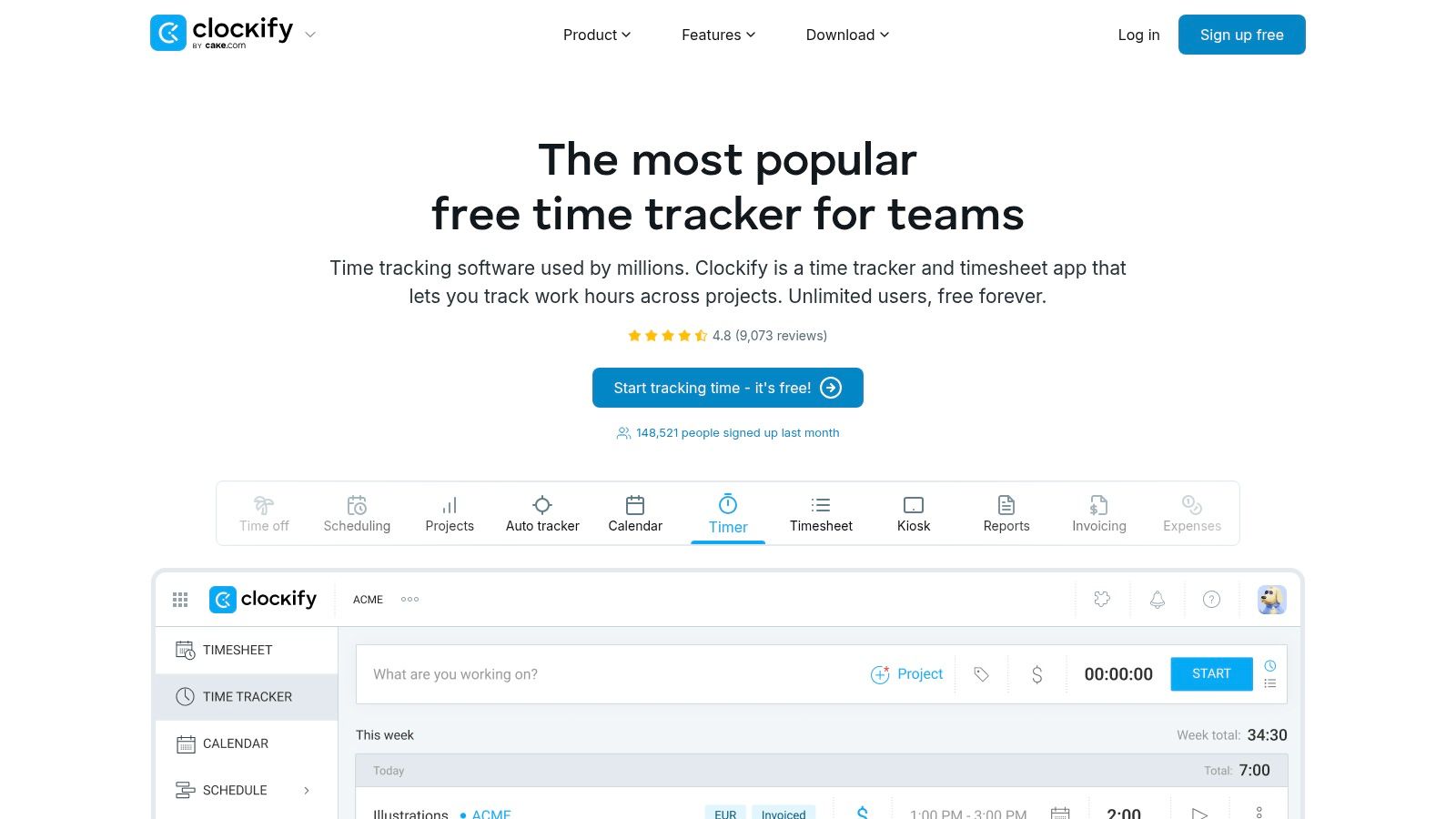
This tool is a versatile time tracker for Mac that balances simplicity with comprehensive functionality. While the free tier covers essentials like timers, timesheets, and basic reporting, paid plans unlock a suite of powerful tools. These include timesheet approvals, project budget management, invoicing, and enhanced security options like single sign-on (SSO). Its utilitarian interface prioritises function over form, ensuring users can quickly log hours and generate reports without a steep learning curve.
Key Features and Considerations
- Best for: Start-ups, large teams, and agencies needing a scalable, budget-friendly solution with robust core features.
- Standout Feature: The incredibly generous free-forever plan, which includes unlimited tracking for unlimited users and projects, provides unparalleled value in the market.
- Pricing: Starts with a comprehensive free plan. Paid tiers (Basic, Standard, Pro, Enterprise) add features like approvals, invoicing, and advanced security.
- Limitation: The user interface is more functional than polished compared to premium competitors, and some related features are split across different paid tiers, which can complicate purchasing decisions.
Website: https://clockify.me
7. RescueTime
RescueTime is an automatic time tracker that shifts the focus from simply logging hours to understanding and improving your attention habits. It runs discreetly in the background, categorising your app and website usage to give you a clear picture of where your time goes. This makes it an ideal time tracker for Mac users who want to build better work habits, minimise distractions, and reclaim their focus without the friction of manual timers.
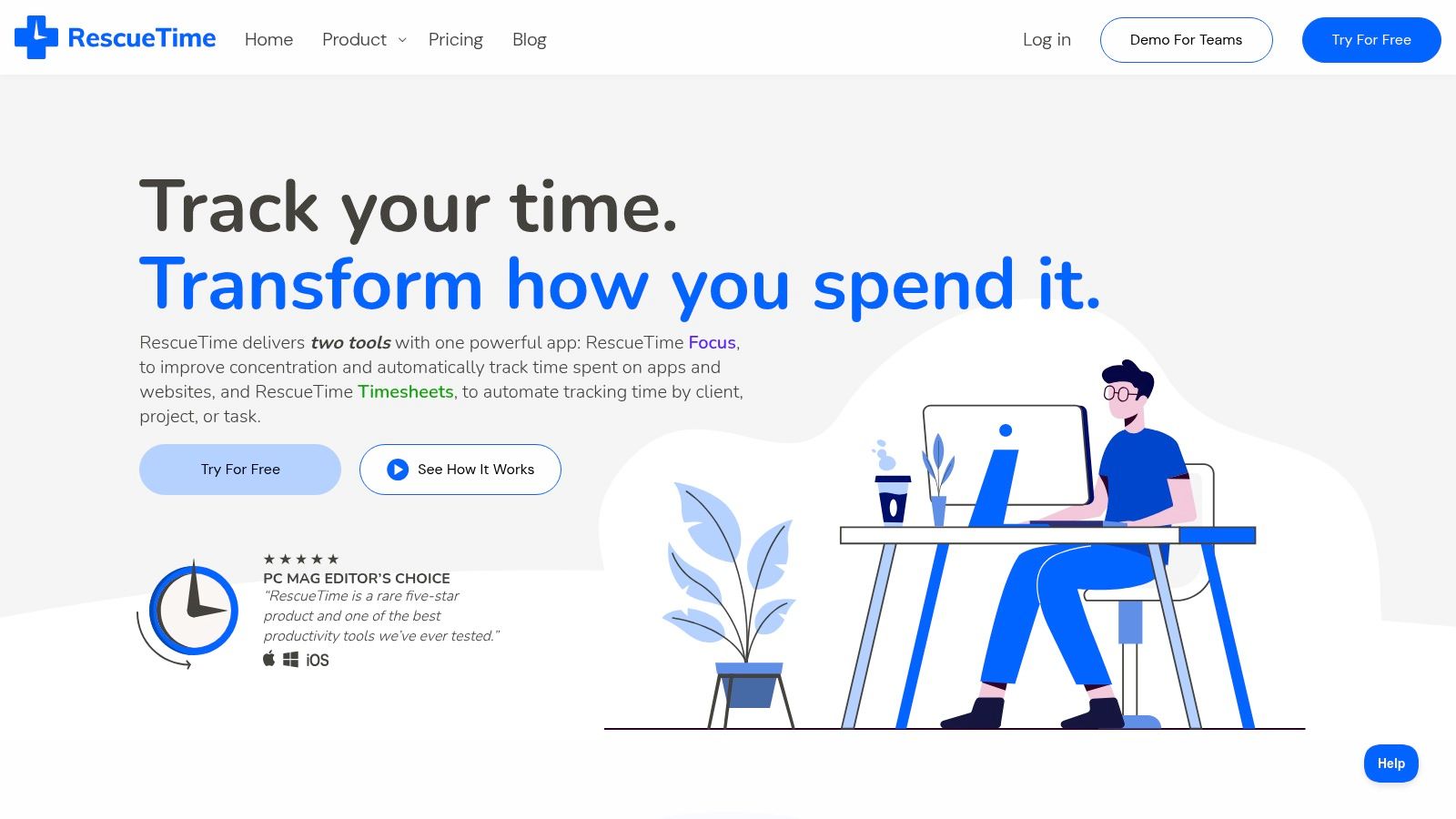
The platform's core strength is its "Focus Sessions" feature, which actively blocks distracting websites and apps to help you dedicate time to deep work. You can set daily focus goals and receive alerts, which gamifies the process of improving productivity. RescueTime is designed for both individuals looking to enhance personal effectiveness and teams aiming to foster a healthier, more focused work culture by providing insights into digital work patterns.
Key Features and Considerations
- Best for: Individuals and teams focused on habit-building, attention management, and reducing digital distractions.
- Standout Feature: The proactive "Focus Sessions" with website and app blocking provide a powerful tool for enforcing deep work, going beyond passive tracking. The detailed productivity reports offer actionable insights.
- Pricing: Offers a free plan with basic tracking, and paid plans (Premium, Teams) that unlock advanced features like Focus Sessions, real-time alerts, and team-level reporting.
- Limitation: While it excels at productivity analysis, its project and client billing capabilities are less granular than dedicated time-billing software; some advanced timekeeping features require extra bundles.
Website: https://www.rescuetime.com
8. Timely by Memory
Timely by Memory is an automatic time tracking tool that uses AI to transform your daily activity into accurate timesheets. It captures everything you do in its "Memory" timeline, from app usage to browser tabs and calendar events, without requiring manual timers. This makes it a powerful time tracker for Mac for teams and individuals who need precise, auditable data for client billing and project management without the administrative burden.
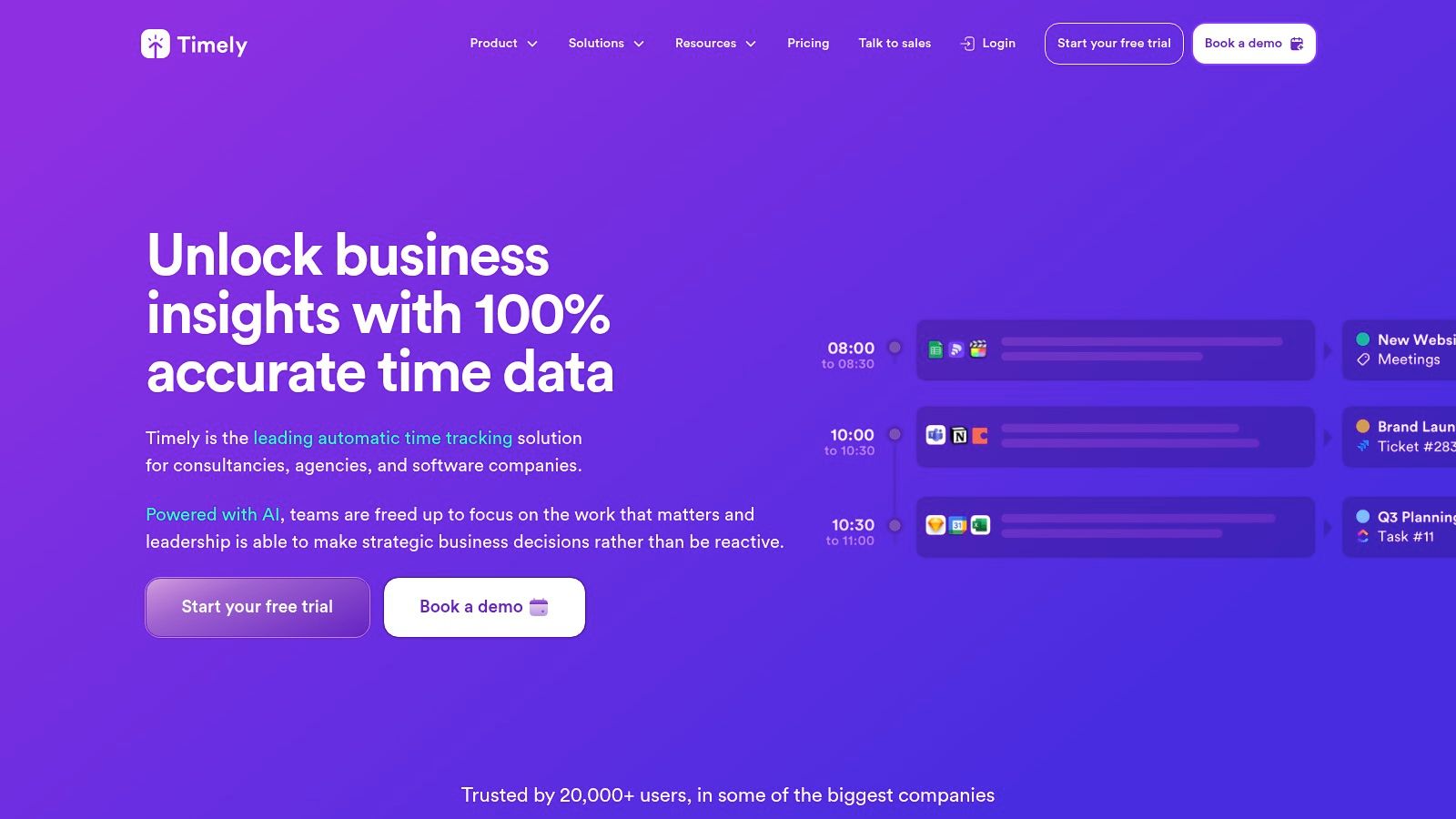
The platform’s core strength is its AI-powered timesheet generation. Timely analyses your recorded activities and suggests time entries, which you can review and approve, drastically reducing manual data entry. Beyond simple tracking, it provides robust features for project budget management, team capacity planning, and detailed performance reporting. Its privacy-first design ensures that your detailed activity log remains private to you, only sharing the finalised time entries with your team manager.
Key Features and Considerations
- Best for: Agencies, consulting firms, and software teams that require accurate billing and resource planning across multiple projects.
- Standout Feature: The AI-assisted "Memory" timeline which automatically captures all work activity and drafts timesheets for you, significantly reducing administrative overhead and human error.
- Pricing: Timely offers several subscription tiers aimed at teams, with pricing based on features and user count. Some plans have minimum seat requirements.
- Limitation: The price point is higher than many simpler time trackers, and its powerful feature set may be overkill for solo freelancers with basic needs.
The platform's focus on resource allocation makes it a great companion to the best planning apps for a holistic view of team productivity.
Website: https://www.timely.com
9. Hubstaff
Hubstaff is a comprehensive workforce management platform that offers more than just time tracking. It provides a robust suite of tools designed for managing distributed or remote teams, combining time logging with optional employee monitoring, payroll, scheduling, and project budgeting. This makes it an effective time tracker for Mac users who are part of a larger organisation needing deep insights into team productivity and resource allocation.
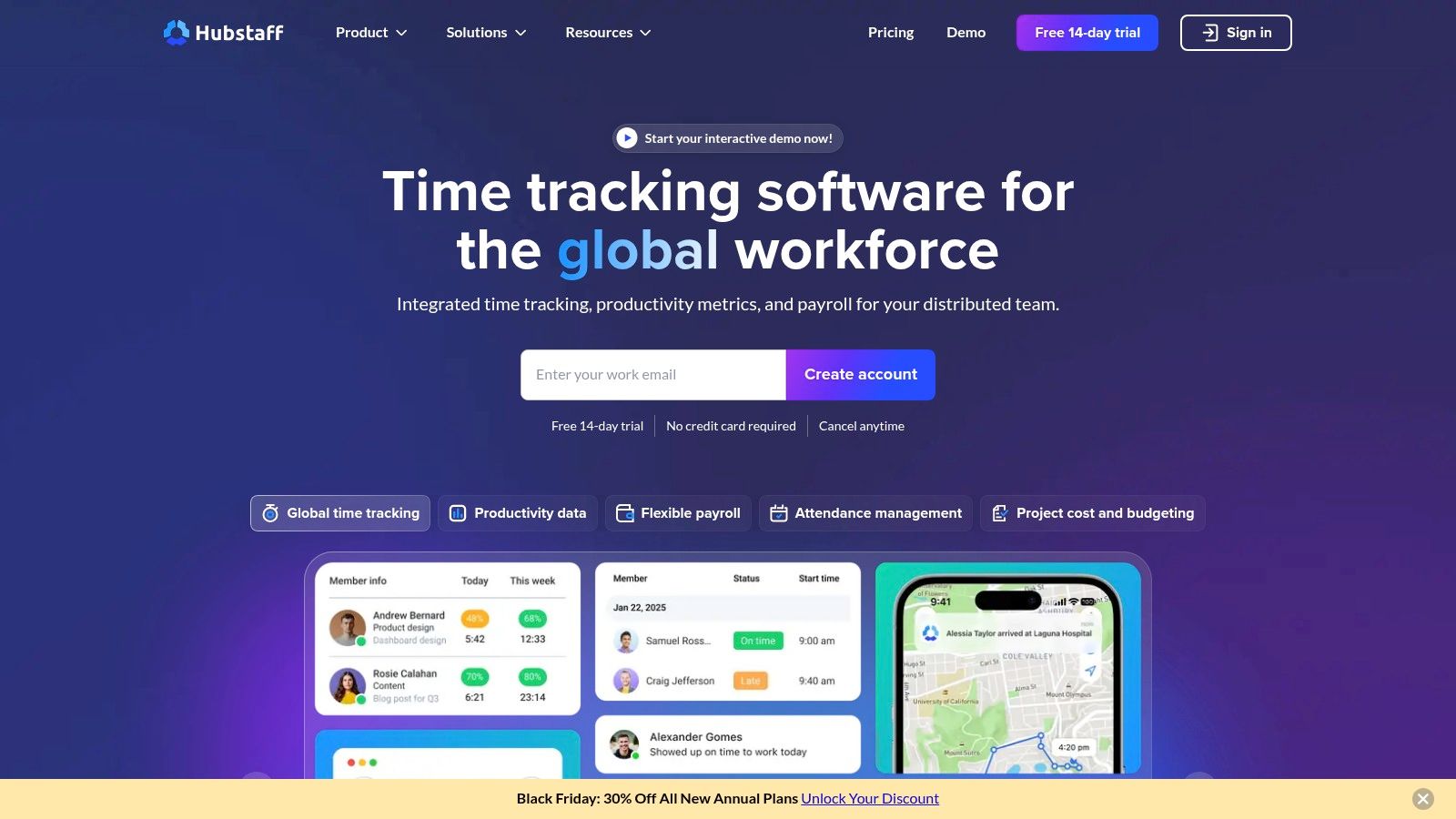
The platform's strength is its scalability and customisation. Teams can enable features like randomised screenshots, app usage, and URL tracking to verify work, or keep them disabled for a trust-based environment. Hubstaff integrates seamlessly with dozens of project management and accounting tools, allowing for streamlined workflows from time entry to invoicing and payment. Its detailed reporting and budget management features provide managers with the data needed to keep projects on track and profitable.
Key Features and Considerations
- Best for: Remote teams, agencies, and businesses that need an all-in-one solution for time tracking, payroll, and workforce management.
- Standout Feature: The optional productivity monitoring, including activity levels based on keyboard and mouse usage, provides a unique layer of oversight for managers of distributed teams.
- Pricing: Offers a free plan for a single user. Paid plans (Starter, Pro, Enterprise) are priced per user per month and unlock advanced features like integrations, invoices, and scheduling.
- Limitation: The employee monitoring features, while optional, can be perceived as invasive and may not be suitable for all company cultures. The pricing structure can also become complex with different add-on modules.
Website: https://hubstaff.com
10. DeskTime
DeskTime is an automatic time tracking solution with a strong focus on team productivity analytics. Its Mac client runs quietly in the background, capturing application usage, document titles, and website URLs to provide a clear, automated overview of daily activities. This makes it an effective time tracker for Mac for organisations that want to understand work patterns and improve efficiency without relying on constant manual input from team members.
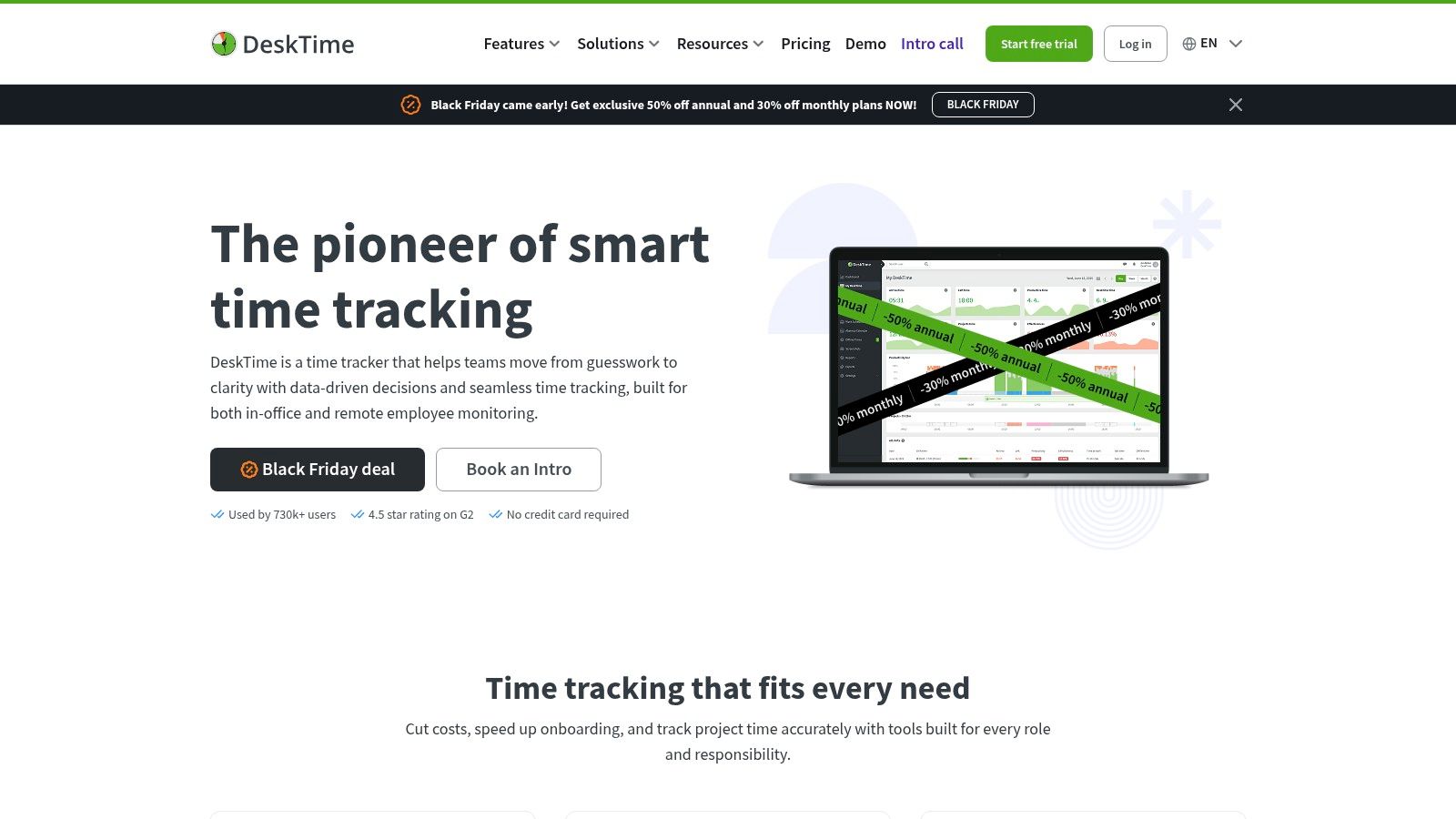
The platform’s core strength is its ability to translate raw activity data into simple productivity metrics. Managers can quickly see breakdowns of productive, unproductive, and neutral time, categorised by app or project. DeskTime also includes features geared towards team management, such as shift scheduling, absence tracking, and optional screenshots, providing a comprehensive tool for overseeing distributed teams. While it offers multi-platform access, its native Mac app ensures a seamless experience within the Apple ecosystem.
Key Features and Considerations
- Best for: Remote teams, agencies, and businesses looking for an all-in-one productivity and attendance tracking tool.
- Standout Feature: The combination of automatic time tracking with built-in productivity calculations and project costing, offering managers a quick, high-level view of team performance and resource allocation.
- Pricing: Offers a tiered subscription model (Pro, Premium, Enterprise) with a free lite version for individual use. Annual payments provide a significant discount.
- Limitation: The monitoring features, particularly optional screenshots, can be perceived as intrusive and may not align with every company's culture. The depth of reporting and customisation is also heavily dependent on the chosen pricing tier.
Website: https://desktime.com
11. Mac App Store (Germany)
While not a singular app, the Mac App Store is an essential starting point for many users seeking a secure and convenient way to acquire software. It serves as Apple’s official distribution channel in Germany, offering a curated selection of time tracking applications like Hours, Clockify, and Toggl Track. Using the App Store is ideal for individuals and businesses who prioritise straightforward purchasing, automatic updates, and simplified financial administration with localised currency and VAT handling.
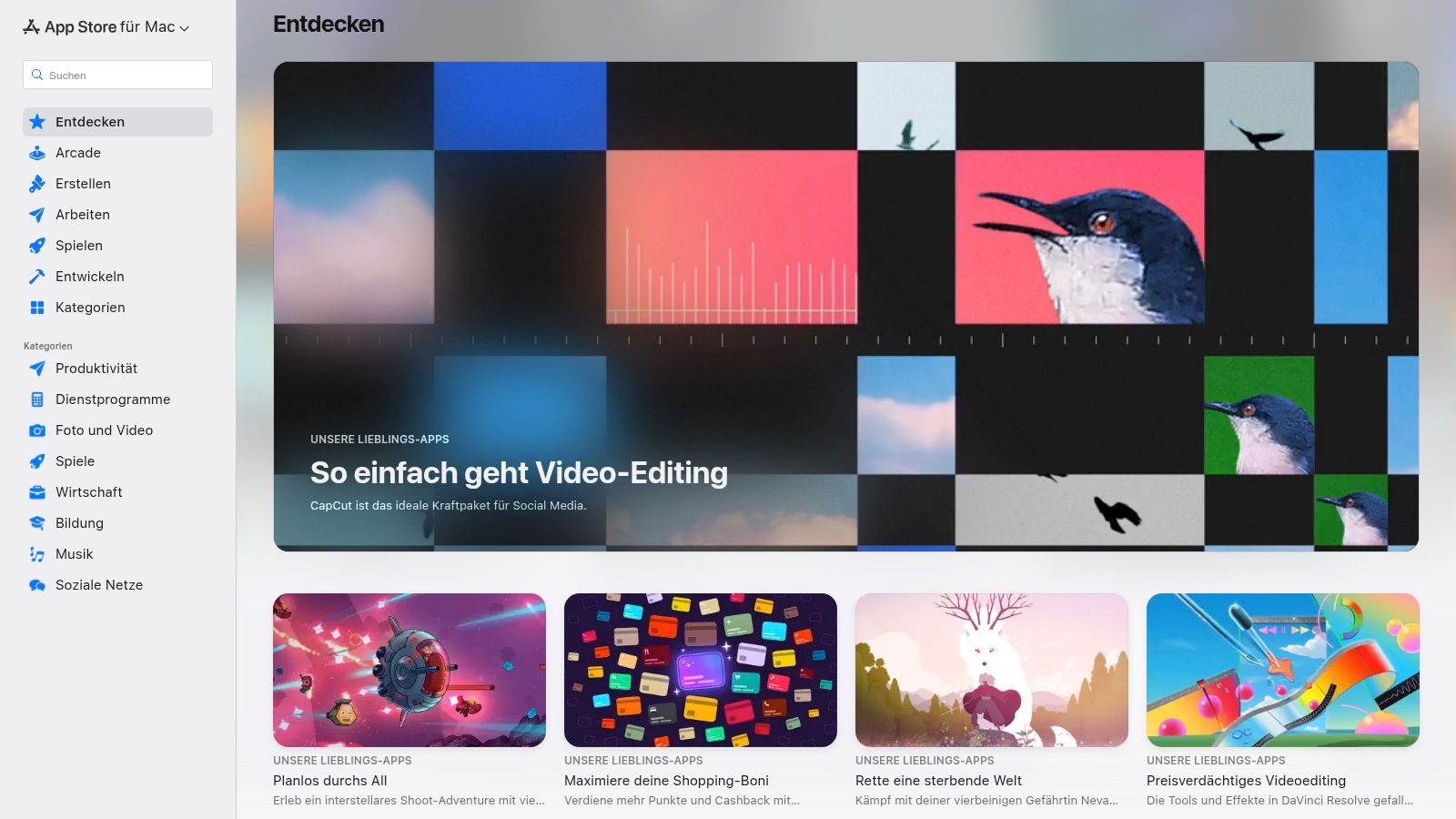
The platform’s main advantage is its trusted ecosystem. Every time tracker for Mac available through the store has been vetted by Apple, and all purchases are tied to your Apple ID, making receipts and refunds easy to manage. Features like Family Sharing can also extend the value of a purchased app across multiple users. This centralised approach simplifies discovering, installing, and maintaining your software tools, ensuring they are always up-to-date with minimal effort.
Key Features and Considerations
- Best for: Individuals and small businesses in Germany who prefer a secure, centralised storefront for app discovery and management.
- Standout Feature: Simplified billing and compliance, with purchases automatically handled in Euros and inclusive of German VAT. The unified receipt system is particularly useful for expense reporting and tax purposes.
- Pricing: Varies by app; many offer free downloads with optional in-app subscriptions to unlock premium features.
- Limitation: The selection is more limited than the open web. Some specialised or enterprise-focused time tracking solutions may not be available on the Mac App Store.
Exploring the App Store is a great first step, much like finding the right Google Calendar app for Mac to streamline your scheduling.
Website: https://apps.apple.com/de/mac
12. Setapp
Setapp offers a unique approach to acquiring software by providing a large, curated collection of over 260 Mac and iOS apps under a single subscription. Instead of being a singular tool, it’s a platform where you can find and use multiple applications, including several powerful time trackers. This makes it an exceptional choice for users who need a comprehensive time tracker for Mac alongside other productivity tools, such as project managers, text editors, and utilities, without the high cost of individual licences.
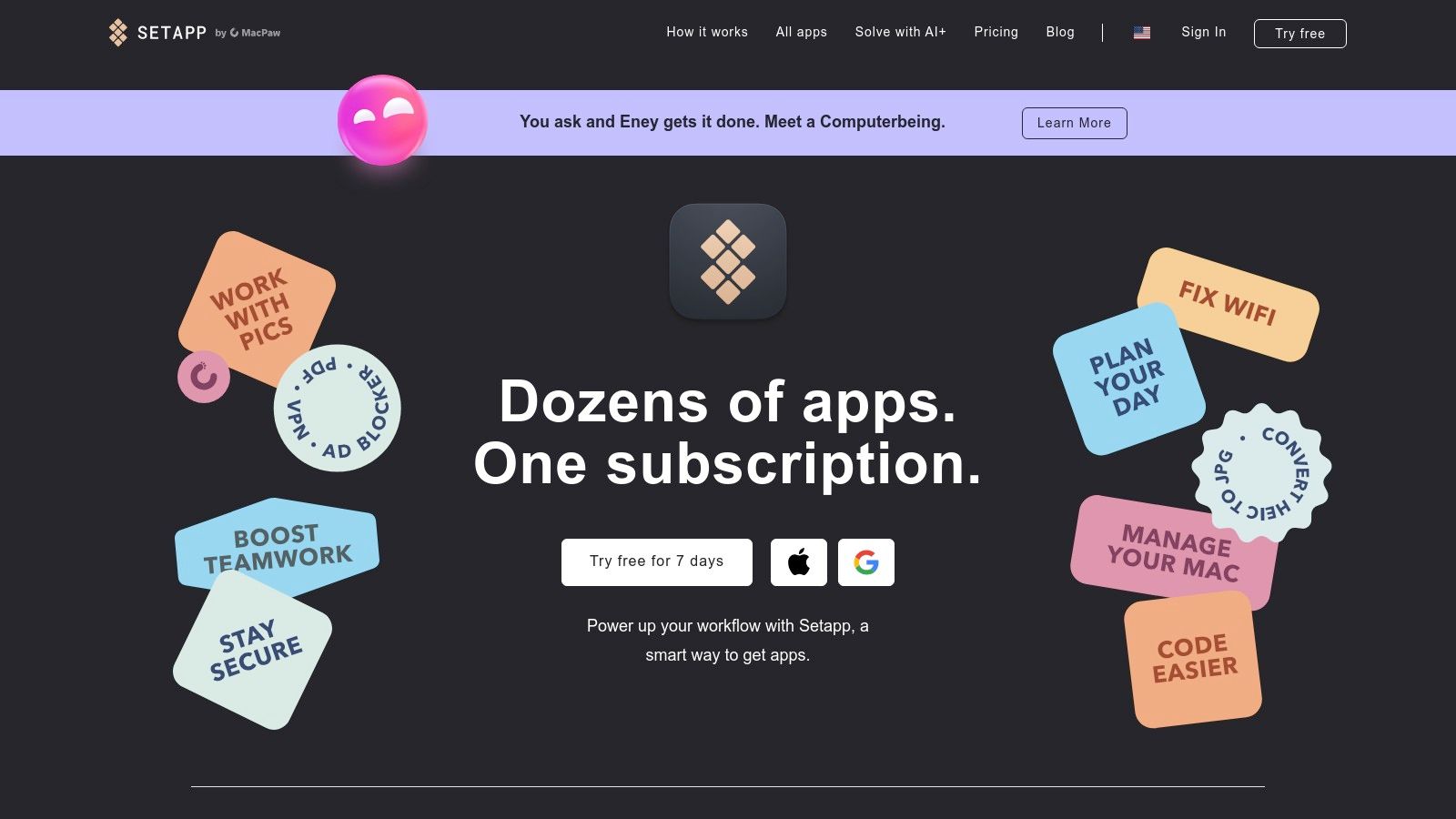
The platform’s value lies in its cost-effectiveness and the freedom to experiment. You can try different time tracking apps available in its catalogue, like Timing or Be Focused, to see which one best fits your workflow, all for one monthly fee. All apps are the full versions with no ads or in-app purchases, and updates are handled automatically. This model simplifies software management and encourages the discovery of new tools that can boost productivity.
Key Features and Considerations
- Best for: Mac users who require a variety of premium apps and want the flexibility to switch between different time trackers without separate purchases.
- Standout Feature: Its "all-in-one" subscription model provides access to a vast, high-quality app library, representing significant value compared to buying each app individually.
- Pricing: Setapp is a subscription service with various plans for individuals, families, and teams, including a 7-day free trial to explore its offerings.
- Limitation: The primary consideration is that you don't own the apps; access is contingent on maintaining your subscription. App availability can also change over time.
Website: https://setapp.com
Top 12 Mac Time Trackers — Comparison
| Product | Core features | UX / Quality (★) | Price & Value (💰) | Target audience (👥) | Unique selling point (✨ / 🏆) |
|---|---|---|---|---|---|
| Timing | Automatic activity logging, AI summaries, project rules | ★★★★★ | 💰 Subscription; Mac-native | 👥 Mac power users, freelancers | ✨ Deep automatic tracking + privacy-first |
| Tyme | Cross-device sync (Mac/iOS/Watch), budgets, shortcuts | ★★★★☆ | 💰 Subscription; App Store available | 👥 Freelancers & small Apple-centric teams | ✨ Polished Apple ecosystem experience |
| Timemator | Rules-based auto-tracking, offline, local backups | ★★★★ | 💰 One-time perpetual license | 👥 Privacy-conscious solo Mac users | 🏆 One-time purchase + local-only data |
| Toggl Track | Auto timeline, calendar & 100+ integrations, reports | ★★★★☆ | 💰 Generous free plan; paid tiers | 👥 Freelancers → SMB teams | 🏆 Easy onboarding + extensive integrations |
| Harvest | Timesheets → invoicing, expenses, accounting links | ★★★★ | 💰 Paid plans for billing workflows | 👥 Agencies & client-billing teams | ✨ End-to-end time-to-invoice workflow |
| Clockify | Unlimited users/projects (free), reporting, app | ★★★★ | 💰 Free-forever core; paid enterprise tiers | 👥 Large teams on a budget | 🏆 Best value for scale (free unlimited) |
| RescueTime | Automatic tracking, Focus Sessions, goals & alerts | ★★★★ | 💰 Subscription; simple plans | 👥 Individuals/teams focused on attention | ✨ Focus tools + habit-building analytics |
| Timely by Memory | Automatic capture, AI timesheets, capacity planning | ★★★★ | 💰 Pricier tiers; seat minimums on some plans | 👥 Growing teams & agencies billing clients | ✨ AI-drafted timesheets ('Memories') |
| Hubstaff | Time, screenshots, payroll, scheduling, integrations | ★★★★ | 💰 Paid with add-ons for monitoring/payroll | 👥 Distributed teams needing workforce ops | ✨ Deep workforce & payroll features |
| DeskTime | Auto tracking with productivity scoring & shifts | ★★★★ | 💰 Competitive pricing; annual discounts | 👥 Teams wanting quick productivity breakdowns | ✨ Fast setup + productivity analytics |
| Mac App Store (DE) | Verified app distribution, auto-updates, VAT handling | ★★★★ | 💰 Varies by app; local pricing & receipts | 👥 Users preferring trusted storefront | ✨ Simplified purchases + VAT/compliance for Germany |
| Setapp | Single subscription for 260+ Mac apps, auto-updates | ★★★★ | 💰 Subscription; cost-effective for many apps | 👥 Users needing multiple productivity tools | ✨ Access to many apps under one fee |
Final Thoughts
Navigating the landscape of the best time tracker mac applications reveals a diverse and powerful set of tools, each designed to address specific user needs and workflows. We've explored everything from fully automated, AI-driven solutions like Timely to meticulously manual tools like Toggl Track, and hybrid systems such as Timing that offer the best of both worlds. The key takeaway is that there is no single "best" application for everyone; the ideal choice is deeply personal and depends entirely on your professional role, working style, and ultimate goals.
Recapping the Core Insights
Throughout this comprehensive guide, several key themes have emerged. We’ve seen that the most effective time trackers for Mac are not just about logging hours, but about providing actionable insights. They transform raw data into a clear narrative of your productivity, helping you identify bottlenecks, value your work accurately, and foster a healthier work-life balance.
For freelancers and consultants, tools like Harvest and Tyme shine with their robust invoicing and project budgeting features. For software engineers and developers, the granular, automated tracking of Timemator or the focus-enhancing capabilities of RescueTime can be transformative. Meanwhile, managers and team leads will find the comprehensive reporting and monitoring features in Hubstaff or Clockify invaluable for optimising team performance and ensuring project profitability.
Making Your Final Decision
As you move towards making a choice, revisit your core requirements. Ask yourself these critical questions:
- Automation vs. Control: Do I prefer a set-and-forget system that automatically logs my activity, or do I need precise, manual control over every time entry? Your answer will guide you towards either automated tools like Timing and Timely or manual ones like Toggl Track.
- Privacy and Trust: How comfortable am I with an application monitoring my activity? Solutions like Tyme and Timemator, which prioritise on-device processing, offer greater peace of mind for the privacy-conscious user.
- Ecosystem Integration: How crucial is it for the time tracker to integrate with my existing project management, invoicing, or communication tools? Check the integration lists for apps like Harvest or Hubstaff to ensure seamless workflow connectivity.
- Solo vs. Team: Is this tool for my personal productivity, or do I need to coordinate and report on a team's efforts? This is the primary distinction between individual-focused apps and team-oriented platforms like Clockify and DeskTime.
Implementing a new tool is just the first step. True optimisation comes from analysing the data it provides and making informed changes to your habits. Ultimately, the goal of using a time tracker is to optimise work and boost output. To delve deeper into broader approaches, read about strategies to increase employee productivity and learn how to build sustainable habits around your newfound data.
Choosing the right time tracker mac app is an investment in your most valuable resource: your time. By carefully considering your unique needs and leveraging the insights from this guide, you can select a tool that not only tracks your hours but actively helps you reclaim control over your day, enhance your focus, and achieve your professional goals with greater clarity and efficiency.
While tracking where your time goes is a powerful first step, optimising how you schedule it is the next frontier in productivity. Calendar0 helps you and your team eliminate the back-and-forth of scheduling, making it effortless to find the perfect meeting time. Visit Calendar0 to see how you can spend less time organising and more time doing what matters.

