The 12 Best Sharing Calendars App Options for 2025
Discover the top sharing calendars app to streamline your workflow. We review the best tools for teams, families, and professionals to manage time effectively.

Calendar0 Team
January 3, 2026

Trying to coordinate with colleagues, clients, or family often descends into a frustrating loop of emails and messages. "Are you free on Tuesday?" "What about Wednesday afternoon?" This back-and-forth drains valuable time and mental energy, creating unnecessary friction just to find a simple meeting slot. A capable sharing calendars app is the definitive solution, moving beyond merely displaying appointments to actively preventing double-bookings and establishing a single, reliable source of truth for everyone involved.
Whether you're a manager organising a remote team across different time zones, a freelancer booking client consultations, or an executive assistant juggling multiple high-stakes schedules, the right tool is not just a convenience; it's a strategic asset. However, the market is saturated with options. From the standard calendars built into platforms like Google Workspace and Microsoft 365 to specialised scheduling assistants like Calendly and innovative team-focused organisers such as Calendar0, choosing the correct one for your specific needs can be overwhelming.
This guide is designed to cut through that noise. We provide an in-depth analysis of 12 of the best calendar sharing apps available today. We’ll delve into their core features, practical strengths, and honest limitations, helping you understand which platform excels for specific use cases. Each review includes direct links and screenshots to give you a clear view of the user experience. Our goal is to equip you with the insights needed to select the perfect sharing calendars app that will help you reclaim your time and finally bring order to your schedule.
1. Calendar0
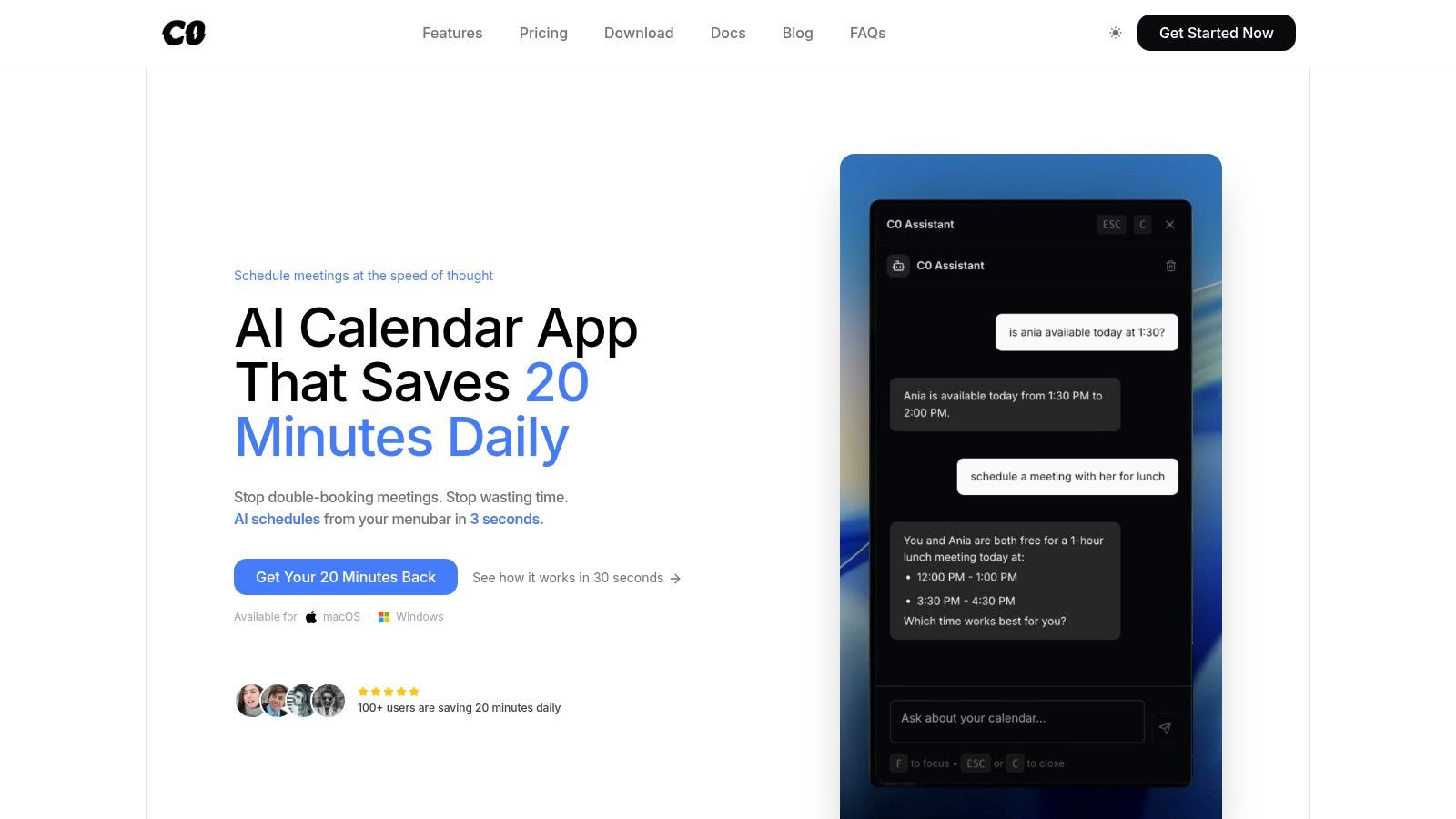
Calendar0 presents a powerful, AI-driven solution designed for professionals who need to manage and share multiple calendars with maximum efficiency. Positioned as a menubar application for macOS and Windows, it excels at unifying disparate calendar accounts, including Google and Microsoft, into a single, cohesive view. This core function is crucial for anyone juggling personal commitments, work schedules, and shared team calendars, as it effectively eliminates the risk of double-booking and provides instant visibility into everyone's availability.
The platform's standout capability is its natural language processing (NLP) for event creation. Users can simply type a command like "Schedule a project sync with the design team for 30 mins next Tuesday afternoon" directly into the menubar. Calendar0's AI then intelligently parses the request, identifies the correct contacts from integrated directories (like Google Contacts and Workspace), cross-references every attendee's calendar for conflicts, selects the appropriate calendar for the event, and dispatches the invitation. This keyboard-first workflow transforms scheduling from a multi-step administrative task into a near-instant action.
Key Features & Use Cases
Calendar0 is not just another calendar viewer; it’s an optimised scheduling engine. Its design philosophy centres on speed and reducing cognitive load for busy individuals.
- AI-Powered Scheduling: The natural language input is the primary draw. It's ideal for managers and executive assistants who need to rapidly book meetings without navigating complex web interfaces. The AI handles the tedious work of finding mutual availability and sending invites.
- Unified Cross-Account View: A game-changer for freelancers, consultants, or anyone working with multiple clients. It allows you to see your Google personal calendar, a Microsoft 365 work calendar, and shared client calendars all in one place, preventing scheduling conflicts.
- Productivity-Focused Interface: With global hotkeys, drag-and-drop rescheduling, and bulk editing capabilities, it’s built for power users. Engineers and project managers can quickly reorganise their day or add buffer time between meetings without leaving their current task.
- Privacy-First Architecture: Security is a key consideration. Calendar0 utilises OAuth2 for secure sign-in and encrypts access tokens locally on your device. Crucially, the company states it does not store your actual calendar data on its servers, a significant benefit for privacy-conscious users and organisations.
Practical Assessment
Pros:
- Speed: The combination of a menubar interface, global hotkeys, and AI parsing makes it one of the fastest ways to schedule meetings.
- Conflict Avoidance: Its ability to see across all connected accounts makes it an exceptional tool for anyone using more than one calendar service.
- Pricing Model: The one-time lifetime licence offers outstanding long-term value compared to subscription-only models.
Cons:
- Platform Limitations: As a desktop-native menubar app, it lacks a dedicated mobile or browser-based version, which may be a drawback for those who schedule heavily on the go.
- Early-Stage Tool: The AI may occasionally misinterpret highly ambiguous commands. Larger enterprises might also find it lacks advanced features like SSO or centralised admin controls.
Pricing Structure
Calendar0 offers a straightforward pricing model:
- Starter: A free tier with core calendar features and 3 free AI commands.
- Lifetime Licence: A one-time purchase (regularly $49) for unlimited AI commands and all future AI improvements.
- Monthly: A $4.99/month subscription with the same unlimited AI benefits.
All paid plans include a 14-day money-back guarantee, providing a risk-free trial period. For professionals looking to invest in a productivity tool that streamlines calendar management, the lifetime option is particularly compelling.
Website: https://www.calendar0.app
2. Google Calendar (via Google Workspace)
As the de facto calendar for millions, Google Calendar’s strength lies in its ubiquity and deep integration within the Google ecosystem. It serves as a powerful, free sharing calendars app for individuals, while its paid Google Workspace tiers unlock advanced features for professional and team-based use cases. The interface is clean, familiar, and highly functional, making it easy for almost anyone to start sharing schedules immediately.
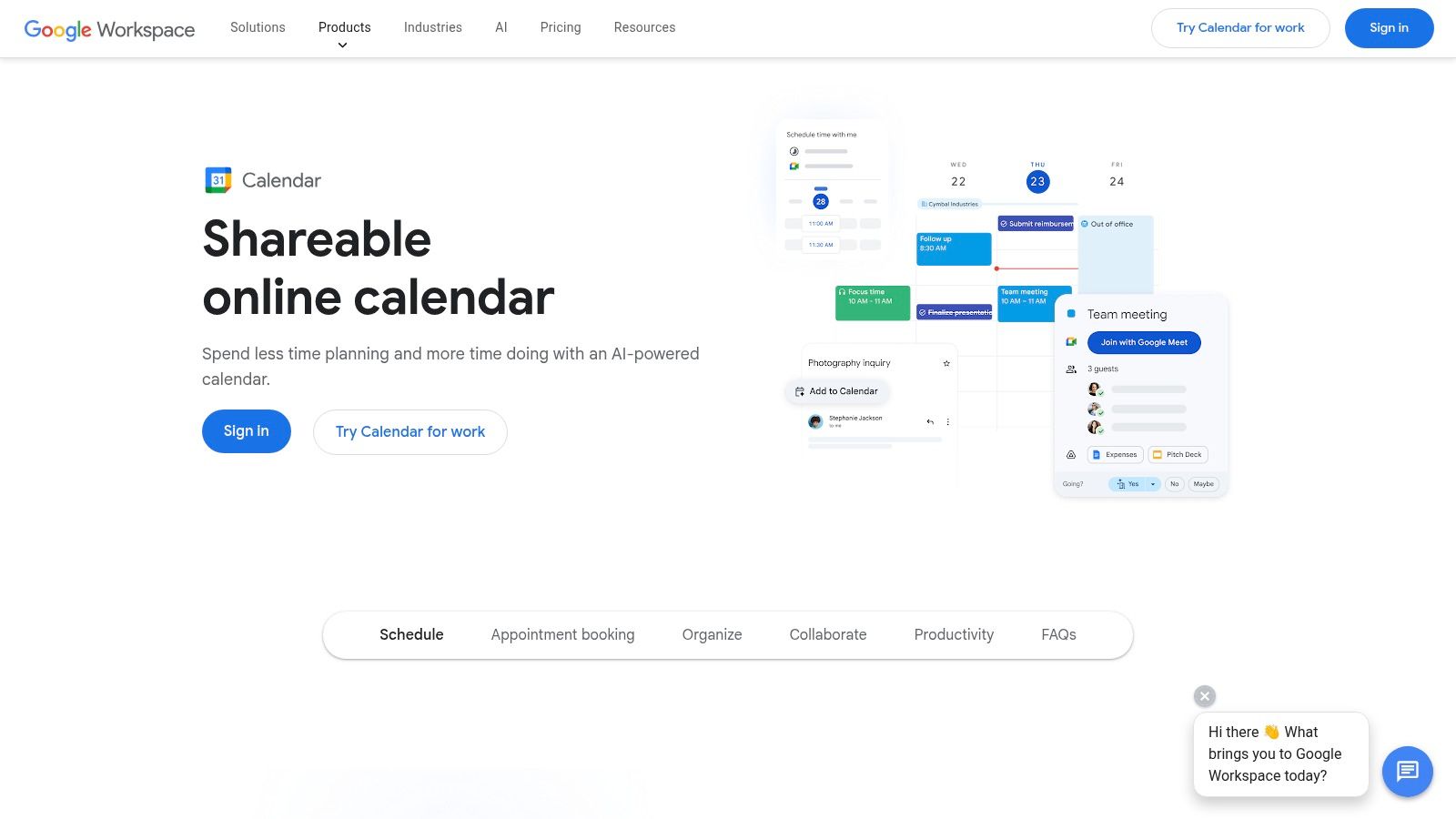
Its native appointment scheduling pages, available in Workspace plans, are particularly useful for client-facing professionals. These allow you to share a booking link where others can pick a time, automatically checking your availability across multiple calendars to prevent conflicts. For teams heavily invested in Gmail and Google Meet, the seamless workflow from email to event creation is a significant time-saver.
Key Details & Use Cases
- Best For: Individuals and teams deeply embedded in the Google Workspace ecosystem, professionals needing a straightforward public booking page.
- Standout Feature: The "Find a time" feature, which intelligently suggests meeting times by overlaying the schedules of all invited attendees, is a core strength. The integration with Gmail for automatically adding events from booking confirmations is also a key differentiator.
- Pricing: Free for personal use. Google Workspace plans, which include advanced calendar features, start from approximately €5.75 per user/month.
- Website: https://calendar.google.com
While Google Calendar offers excellent native functionality, integrating it with other ecosystems like Microsoft can be a challenge. For those needing to bridge this gap, learning how to synchronise Outlook and Google Calendars is essential for a unified view.
3. Microsoft Outlook Calendar (Microsoft 365)
For organisations built on the Microsoft stack, Outlook Calendar is the cornerstone of scheduling and time management. As a core component of Microsoft 365, it provides an enterprise-grade sharing calendars app with robust controls designed for corporate environments. Its strengths lie in deep integration with other Microsoft products like Teams and Exchange, offering a unified workflow for communication and planning.
The platform excels at granular permission management, allowing users to share calendars with specific viewer, editor, or delegate rights. This is particularly valuable for executive assistants or team leads who need to manage schedules on behalf of others. The system is built for scalability, with administrative controls that allow IT departments to manage sharing policies across the entire organisation, ensuring security and compliance. Its compatibility with the ICS standard also allows for easy subscription to external calendars.
Key Details & Use Cases
- Best For: Large enterprises and teams heavily invested in the Microsoft 365 ecosystem, organisations requiring stringent IT governance over calendar sharing.
- Standout Feature: The "Delegate Access" feature is a powerful tool for assistants and managers, allowing them to send and respond to meeting requests on another person's behalf. The deep integration with enterprise identity systems like Entra ID provides seamless and secure internal sharing.
- Pricing: Included with Microsoft 365 plans, which start from approximately €5.60 per user/month.
- Website: https://www.microsoft.com/microsoft-365
For teams using Outlook within a wider toolset, integration is key. For those relying on Slack for communication, this Slack Outlook Calendar integration guide can significantly streamline meeting reminders and status updates directly within your chat channels.
4. Apple iCloud Calendar
For users fully immersed in the Apple ecosystem, iCloud Calendar is the native and most seamless sharing calendars app available. Its primary advantage is its flawless integration across iPhone, iPad, Mac, and Apple Watch, providing a frictionless experience for sharing schedules with family, friends, or colleagues who also use Apple devices. The interface is clean, intuitive, and deeply embedded into the native Calendar apps, making sharing a matter of a few taps or clicks.
While it excels at private sharing within its ecosystem, it also offers public, read-only calendar links. This feature allows non-Apple users to subscribe to a calendar using any app that supports the standard ICS format, making it useful for publishing event schedules or team holidays. However, its capabilities for external appointment booking and scheduling are limited compared to specialised platforms, positioning it more as a personal and internal group collaboration tool rather than a client-facing one.
Key Details & Use Cases
- Best For: Individuals, families, and small teams heavily invested in the Apple ecosystem who need a simple, integrated way to share schedules.
- Standout Feature: The native, system-level integration is its biggest strength. Sharing a calendar feels like a core part of the operating system, not an add-on, with instant updates pushed across all linked devices.
- Pricing: Free with an Apple ID (includes 5GB of iCloud storage). Paid iCloud+ plans with more storage start from €0.99 per month.
- Website: https://www.icloud.com/calendar
While iCloud Calendar works beautifully on its own, integrating it with other major platforms like Microsoft Outlook can be a challenge. For professionals who use both, understanding how to sync Outlook with an iCloud calendar is crucial for maintaining a single, unified view of all appointments.
5. Calendly
Calendly specialises in simplifying the process of scheduling meetings by eliminating back-and-forth emails. Rather than a full calendar replacement, it acts as a powerful scheduling layer on top of your existing calendars. Its primary function is to let you share a simple link where others can view your real-time availability and book a meeting slot, making it a highly focused sharing calendars app for external appointments. The user experience is polished and intuitive for both the scheduler and the person booking a time.
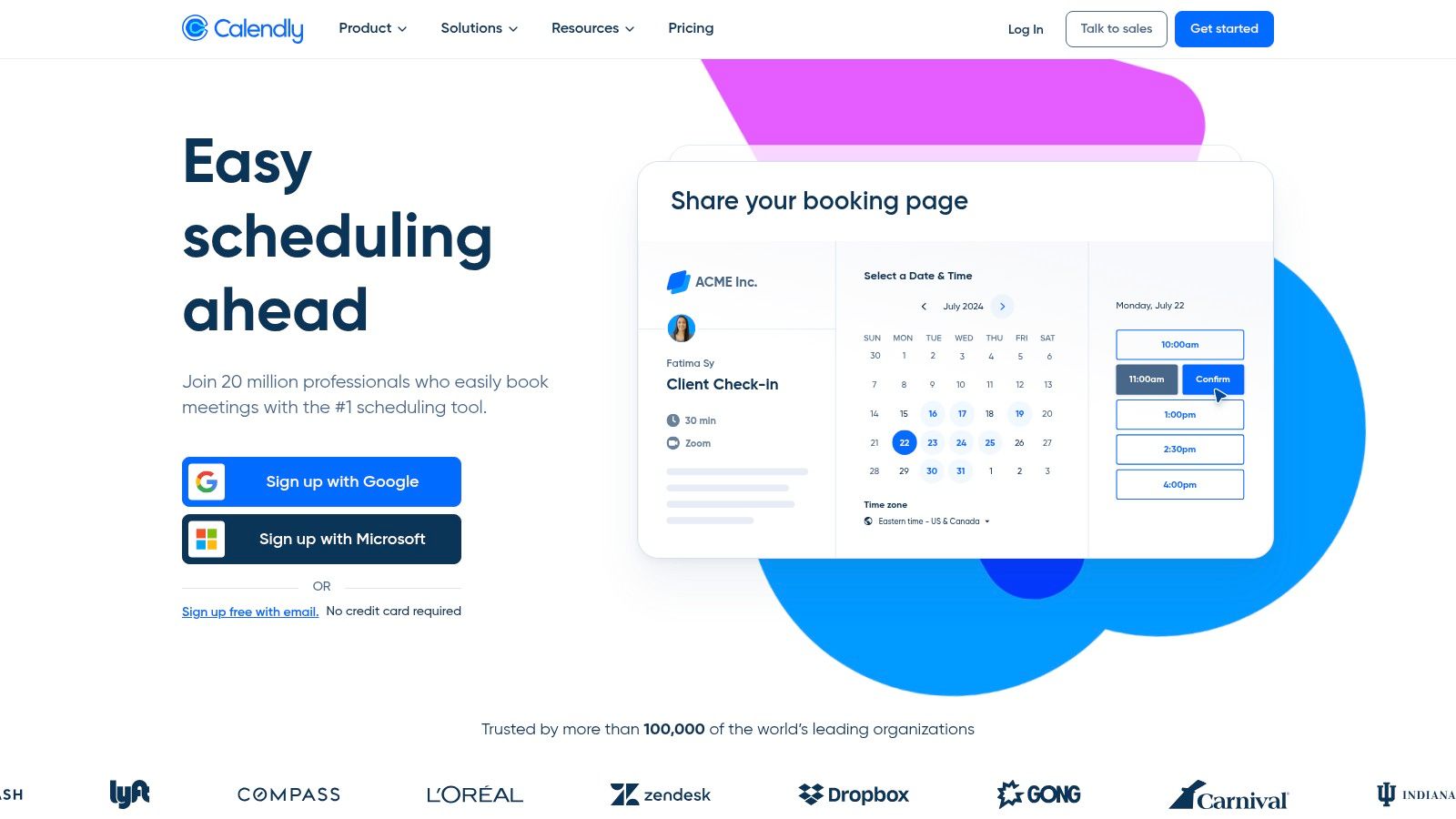
It truly shines in client-facing roles, sales, and recruitment, where scheduling with external parties is a constant task. For teams, Calendly offers advanced features like round-robin scheduling, which automatically assigns new meetings to the next available team member, and collective scheduling for meetings that require multiple internal participants. The platform's Workflows feature automates communications like reminders and follow-ups, further reducing administrative overhead.
Key Details & Use Cases
- Best For: Professionals, sales teams, and recruiters who frequently schedule meetings with external clients, candidates, or partners.
- Standout Feature: Its intelligent routing forms allow you to qualify and direct people to the right person or meeting type before they even book. The extensive integration with CRMs like Salesforce and HubSpot is also a major advantage for sales and marketing teams.
- Pricing: A basic free plan is available for individuals with one calendar connection. Paid plans with team features and advanced integrations start from $10 per seat/month.
- Website: https://calendly.com
While Calendly is excellent for external scheduling, its focus is less on internal team calendar visibility and more on the booking interface. This makes it a perfect complement to a primary calendar service like Google or Outlook, but not a replacement for them.
6. Doodle
Doodle excels at simplifying one of the most tedious scheduling tasks: finding a time that works for a large group. Instead of back-and-forth emails, Doodle allows you to create a poll with several potential time slots. You can then share a single link, allowing invitees to vote on the times that work for them, quickly revealing the most popular option without exposing anyone's full schedule. It's a focused sharing calendars app designed for group coordination.
While its group polling is its most famous feature, paid plans expand its utility into a competent 1:1 scheduling tool with customisable booking pages. This makes it a versatile choice for professionals who both organise team meetings and need to let clients book time with them. The platform is particularly popular in the DACH region and across Europe, with a user-friendly interface that lowers the barrier for participation, as invitees can vote without needing an account.
Key Details & Use Cases
- Best For: Organising meetings with large or external groups, academics coordinating with students, or anyone needing to find a consensus on timing without calendar access.
- Standout Feature: The anonymous polling system is its core strength. Invitees can simply click a link and select their availability, making it one of the most frictionless ways to schedule a group event.
- Pricing: A free plan with ads is available for basic polls. Paid plans, which add booking pages and remove ads, start from €14.95 per user/month (billed annually).
- Website: https://doodle.com
Doodle solves the group coordination problem effectively, but for teams needing a constant, synchronised view of multiple calendars, it isn’t a direct replacement for tools that offer live overlays or shared team views. It is best used as a specialised tool for event planning rather than a central calendar hub.
7. Notion Calendar
For teams already embedded in Notion's productivity ecosystem, Notion Calendar is a game-changer. It seamlessly integrates personal and work schedules by connecting directly to Notion databases, allowing users to link calendar events to project plans, meeting notes, and task lists. This creates a unified workspace where time management and project management coexist, making it a uniquely powerful sharing calendars app for context-rich planning.
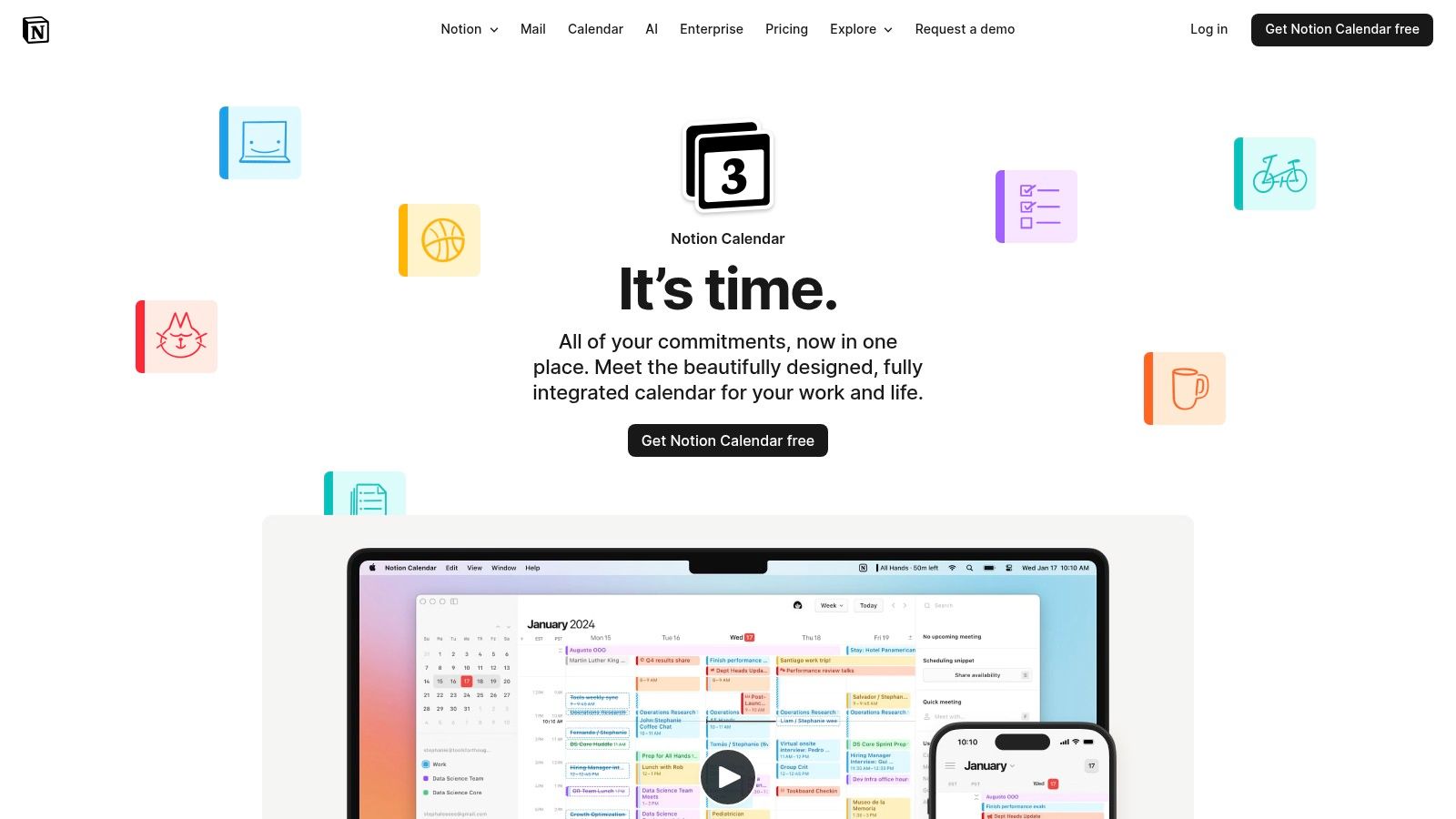
The platform shines in its ability to bring all commitments into one view, supporting Google and Apple Calendars. Teams can easily share availability links, which automatically block off time across all connected accounts to prevent double bookings. Its clean, minimalist interface is consistent with the broader Notion experience, providing a familiar environment for existing users and a shallow learning curve for newcomers focused on calendar functionalities.
Key Details & Use Cases
- Best For: Teams and individuals who use Notion as their central hub for project management, documentation, and task tracking.
- Standout Feature: The deep, native integration with Notion databases is its defining characteristic. Being able to attach a calendar event directly to a project page or a specific task provides unparalleled context that most standalone calendar apps cannot offer.
- Pricing: The calendar functionality is free. However, unlocking the full potential of Notion databases requires a paid Notion plan, which starts from $8 per user/month.
- Website: https://www.notion.com/product/calendar
While Notion Calendar’s strength is its integration, its weakness is its reliance on other calendar providers as a backend. It currently supports Google and Apple, with Outlook integration on the roadmap, which may be a limitation for teams standardised on Microsoft 365.
8. TimeTree
TimeTree carves out a unique niche as a consumer-focused sharing calendars app, designed primarily for families, partners, and close-knit social groups. Its strength lies in its simplicity and mobile-first approach, making it exceptionally easy to coordinate personal schedules without the corporate overhead of more complex platforms. The app encourages communication around events, allowing users to add comments and photos directly to calendar entries, turning it into a collaborative planning space.
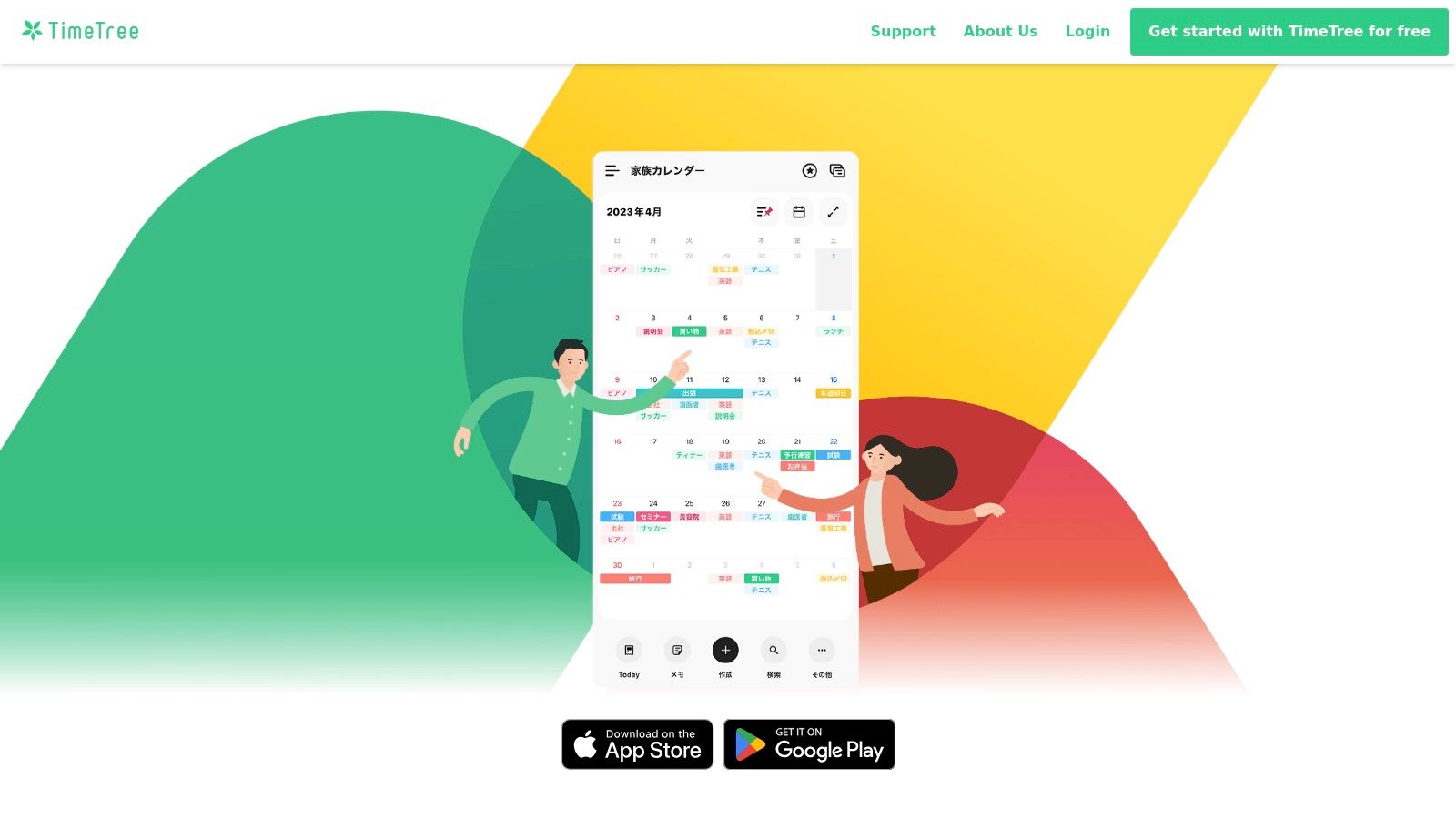
Unlike professional tools, TimeTree is built for life's logistics. The ability to create multiple calendars for different purposes (e.g., family, work, social club) and share each one with up to 500 members is a significant advantage for community organisers. Its "All Calendars" view provides a helpful overlay of your personal OS or Google calendars alongside shared TimeTree schedules, offering a consolidated glimpse of your commitments. While it excels at group coordination, its one-way sync for external calendars is a key limitation for those needing bi-directional updates.
Key Details & Use Cases
- Best For: Families, partners, and large social groups needing a simple, mobile-centric way to coordinate schedules and communicate about events.
- Standout Feature: The deep integration of communication tools, such as in-event chats and photo sharing, makes it more than just a calendar; it's a collaborative hub for organising life events with others. The generous member limit per calendar is also a key differentiator.
- Pricing: Free with ads. TimeTree Premium removes ads and adds features like file attachments and priority event pins for a monthly subscription.
- Website: https://timetreeapp.com
9. Teamup Calendar
Teamup Calendar is engineered for group coordination where simplicity and accessibility are paramount. It excels at creating centralised, colour-coded calendars that can be shared with large groups without requiring individual user accounts. This unique, link-based approach makes it a powerful sharing calendars app for organisations like community centres, clubs, or businesses needing to publish schedules for public or internal consumption without the friction of logins. The system is built around multiple sub-calendars, allowing for clear organisation by team, project, or resource.
The platform’s strength is its incredibly granular, permission-based shareable links. You can generate a unique URL that grants specific rights, such as read-only, add-only, or modify-own-events, to different user groups. This level of control is ideal for managing complex operational workflows where various stakeholders need different levels of access. For example, a logistics company can provide a read-only link to clients to track deliveries while giving drivers an add-only link to update their status.
Key Details & Use Cases
- Best For: Public-facing organisations, community groups, and teams needing to publish easily accessible schedules without requiring user sign-ups.
- Standout Feature: Its nine levels of access permissions, which can be assigned to shareable links rather than just user accounts, offer unparalleled flexibility for managing large, diverse groups of viewers and contributors. The ability to embed calendars directly into websites is also a core advantage.
- Pricing: A free plan is available with limitations (e.g., 8 sub-calendars, 1-year of data). Paid plans start from approximately €7 per month (billed annually), unlocking more sub-calendars, longer data history, and advanced features.
- Website: https://www.teamup.com
10. Proton Calendar
For users prioritising privacy above all else, Proton Calendar stands out as a security-focused sharing calendars app. Developed by the team behind Proton Mail, it offers end-to-end encryption for all your events, contacts, and calendar data, storing it on servers based in Switzerland. This focus on privacy makes it an excellent choice for individuals and organisations handling sensitive information who want to keep their schedules shielded from third-party data mining.
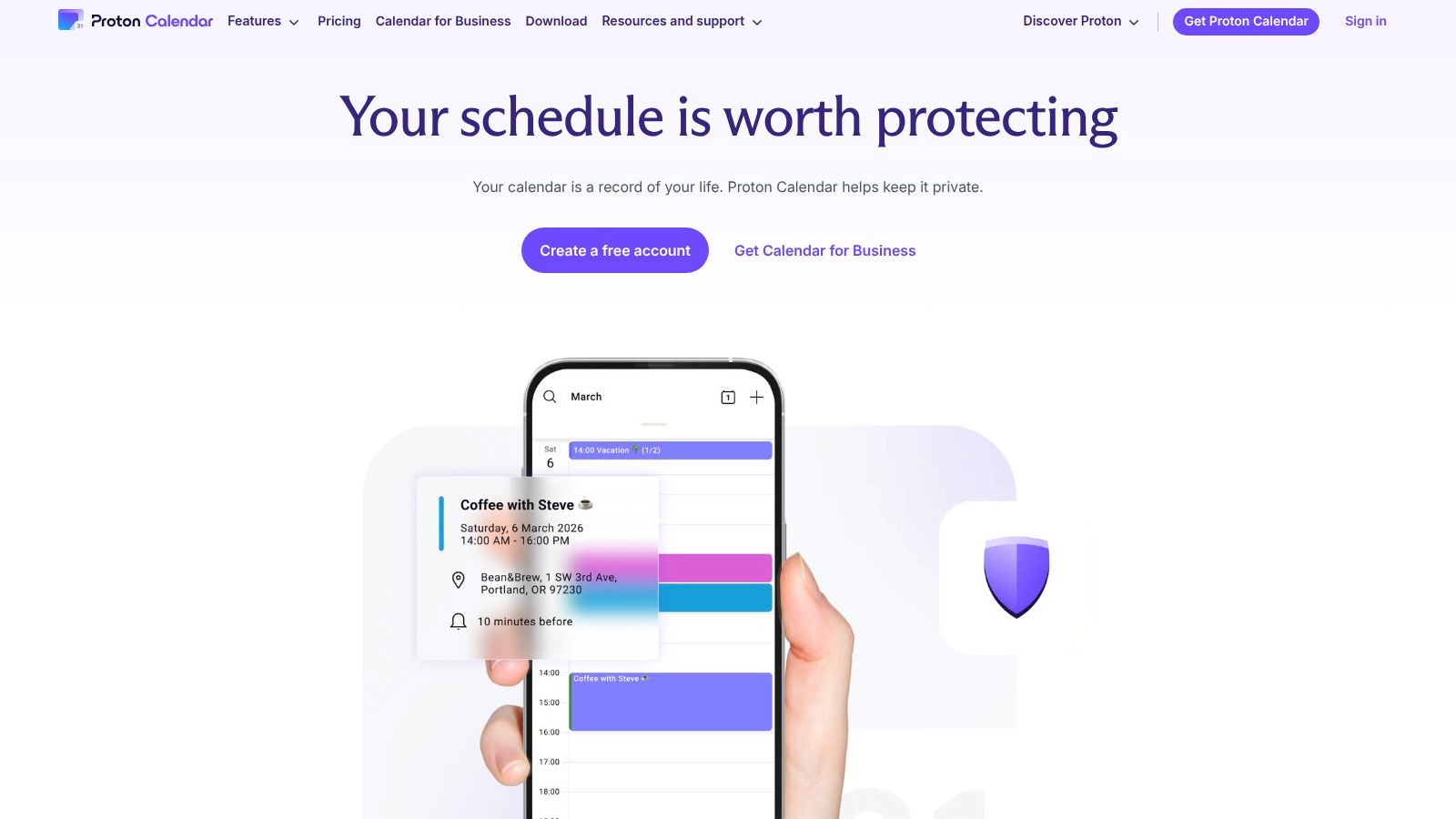
While its core strength is security, it still provides functional sharing capabilities. You can share your calendar with other Proton users with end-to-end encryption fully intact, ensuring no one else can view the contents. For collaborating with non-Proton users, you can generate a secure link that shares a read-only version of your schedule, which is ideal for publishing availability without compromising your account's core privacy.
Key Details & Use Cases
- Best For: Privacy-conscious individuals, journalists, activists, and businesses in regulated industries (like healthcare or legal) that require stringent data protection.
- Standout Feature: End-to-end encryption is the defining characteristic, ensuring that only you and the people you share with can see your event details. The seamless integration with the secure Proton ecosystem (Mail, Drive, VPN) is also a major benefit.
- Pricing: A free plan is available with one calendar. Paid Proton Unlimited plans, which include more calendars and advanced features across all Proton services, start from €9.99 per month.
- Website: https://proton.me/calendar
Proton Calendar's trade-off for enhanced security is a more limited feature set compared to mainstream providers. Advanced team collaboration and scheduling automation are not its focus, making it a specialised tool rather than a direct replacement for platforms like Google or Microsoft 365 in complex corporate environments.
11. Nextcloud Calendar
For organisations prioritising data sovereignty and privacy, Nextcloud Calendar offers a powerful, open-source alternative to mainstream SaaS solutions. As a self-hosted platform, it gives you complete control over your data, making it an excellent sharing calendars app for businesses with strict data residency requirements, such as those in Germany or the EU needing to comply with GDPR. It provides robust user and group sharing, public calendar links, and full support for the open CalDAV standard.
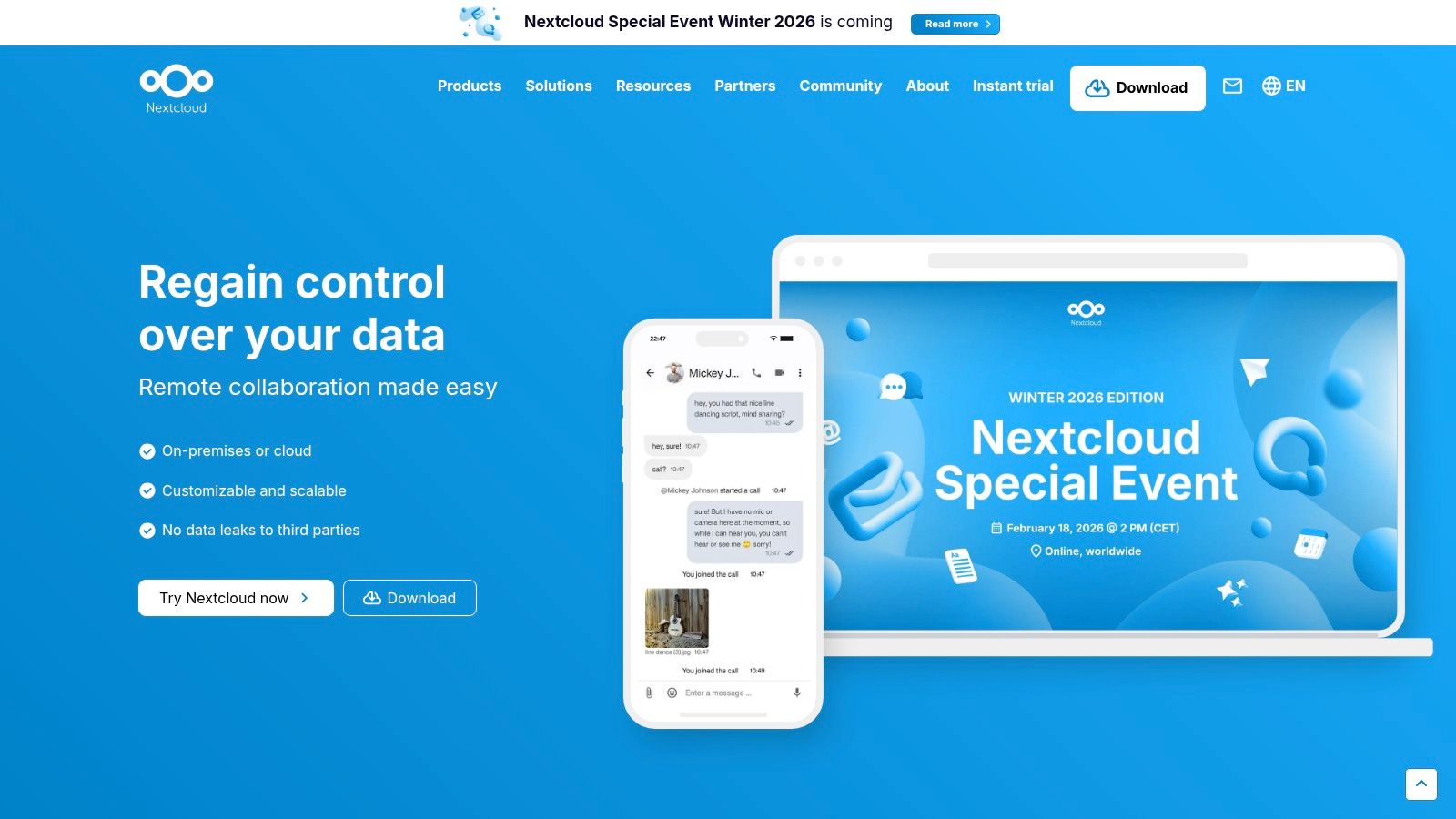
The platform integrates deeply within the wider Nextcloud ecosystem, connecting seamlessly with its Mail, Contacts, Talk, and Tasks applications to create a unified productivity hub. While it requires more initial setup compared to cloud-based tools, either through self-hosting or a managed provider, the trade-off is unparalleled data control, no vendor lock-in, and extensive customisation. This makes it ideal for privacy-conscious teams, government agencies, and educational institutions.
Key Details & Use Cases
- Best For: Organisations and teams that require full data control, GDPR compliance, and a self-hosted or EU-hosted calendar solution.
- Standout Feature: Its open-source, self-hosted nature is its core differentiator, ensuring complete data privacy and sovereignty. The deep integration with other Nextcloud apps creates a cohesive and private groupware suite.
- Pricing: The software itself is free. Costs are associated with your own hosting infrastructure or managed Nextcloud providers. Enterprise subscriptions for commercial support are quote-based.
- Website: https://nextcloud.com
12. Fantastical (Flexibits)
For users deeply invested in the Apple ecosystem, Fantastical acts as a supercharged calendar client that enhances existing iCloud, Google, or Microsoft calendars. While not a standalone calendar service, its power as a sharing calendars app comes from its sophisticated, built-in scheduling tools that reduce the need for separate applications. Its design is celebrated for its premium feel and intuitive, powerful natural-language input for creating complex events instantly.
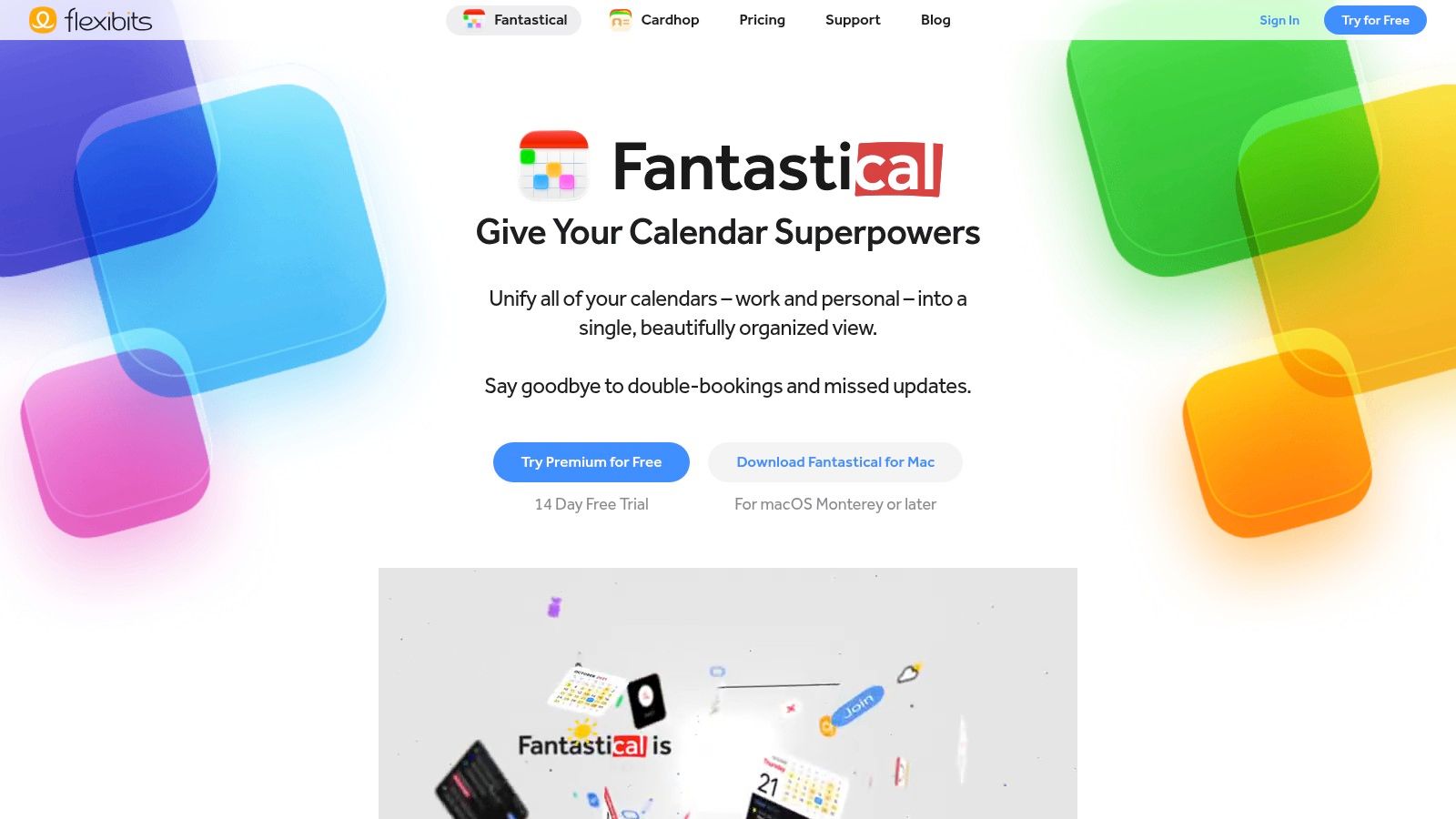
Fantastical's "Openings" feature allows you to share booking links directly, while "Proposals" lets you suggest multiple meeting times and have invitees vote on the best option. This combination of a superior user interface with practical scheduling automation makes it a favourite among macOS and iOS power users. The ability to create "Calendar Sets" that show or hide specific calendars based on your location or focus mode also provides a unique layer of context-switching for busy professionals.
Key Details & Use Cases
- Best For: Apple power users (macOS/iOS) seeking a premium interface with integrated, advanced scheduling and task management.
- Standout Feature: The "Proposals" feature for polling attendees on preferred meeting times is a standout, simplifying coordination with multiple stakeholders. Its natural-language parsing is arguably best-in-class, turning a simple sentence into a fully detailed event.
- Pricing: A limited free version is available. Fantastical Premium, which unlocks all sharing and scheduling features, is required for advanced use and is available through a Flexibits subscription.
- Website: https://flexibits.com/fantastical
Fantastical excels as a high-end client for Apple devices, and for those looking for the ultimate Mac experience, it is a top contender. To see how it compares with other native and third-party applications, you can discover more about the best calendar app for Mac.
Shared Calendar Apps — Top 12 Comparison
| Product | Core features | UX / Quality (★) | Price / Value (💰) | Target audience (👥) | Unique selling points (✨) |
|---|---|---|---|---|---|
| Calendar0 🏆 | AI natural‑language scheduling; unified Google & Microsoft view; menubar + global hotkeys; drag‑drop & bulk edits | ★★★★★ — keyboard‑first, fast (saves ~20 min/day) | 💰 Starter free (3 AI cmds); Lifetime $49 one‑time or $4.99/mo; 14‑day refund | 👥 Busy professionals, EAs, founders, remote teams | ✨ Auto‑resolves attendees & calendar, privacy‑first (OAuth2, locally encrypted tokens) |
| Google Calendar | Shared calendars, appointment pages, Gmail/Meet integrations, conflict checks | ★★★★☆ — ubiquitous & reliable | 💰 Free; Workspace paid tiers add booking pages & business features | 👥 General users, businesses, teams | ✨ Deep Google ecosystem & easy guest access |
| Microsoft Outlook Calendar | Enterprise shared calendars, delegate access, Exchange/Entra integration | ★★★★☆ — enterprise‑grade | 💰 Included with Microsoft 365 subscriptions | 👥 Enterprises, IT‑managed orgs | ✨ Admin controls, delegate booking & broad compatibility |
| Apple iCloud Calendar | Native Apple sharing, WebCal/ICS, iPhone/Mac integration | ★★★★☆ — seamless in Apple ecosystem | 💰 Free with Apple ID | 👥 Apple users, families | ✨ Native device integration & family sharing |
| Calendly | Availability links, round‑robin, workflows, CRM integrations | ★★★★☆ — simple external scheduling | 💰 Free tier; paid plans for teams/workflows | 👥 Sales, freelancers, teams | ✨ Easy link‑based booking & routing workflows |
| Doodle | Group polls, 1:1 booking pages, calendar sync & reminders | ★★★☆☆ — great for group scheduling | 💰 Free/paid (Pro/Team) for advanced features | 👥 Groups, event organizers (popular in Europe) | ✨ Low‑friction polls — invitees can vote without accounts |
| Notion Calendar | Calendar inside Notion, Google/Apple sync, ties to databases/tasks | ★★★★☆ — excellent if you use Notion | 💰 Free with Notion; advanced Notion features paid | 👥 Notion teams, product & ops teams | ✨ Events linked to Notion databases & context |
| TimeTree | Large shared calendars (up to 500), mobile comments & photos | ★★★☆☆ — consumer/mobile friendly | 💰 Free; Premium removes ads & adds features | 👥 Families, partners, large informal groups | ✨ Very large member counts & collaborative mobile UX |
| Teamup Calendar | Link‑based permissions, sub‑calendars, embeddable public schedules | ★★★☆☆ — good for publishing schedules | 💰 Free limited; paid tiers for more sub‑calendars/users | 👥 Teams, communities, public schedulers | ✨ No‑login viewing + granular link permissions |
| Proton Calendar | End‑to‑end encrypted sharing, secure links, subscribe to external calendars | ★★★★☆ — privacy‑first | 💰 Free basic; paid plans increase limits & features | 👥 Privacy‑conscious users, EU users | ✨ Strong encryption & Swiss data protection |
| Nextcloud Calendar | Self‑hosted CalDAV, user/group sharing, public links, federation | ★★★☆☆ — powerful but admin‑required | 💰 Open‑source; hosting/managed plans vary 💰 | 👥 Organizations needing full data control | ✨ Self‑hosting & GDPR/data‑residency control |
| Fantastical (Flexibits) | Natural‑language parsing, booking "Openings", proposals, tasks | ★★★★☆ — premium Mac/iOS UX | 💰 Subscription for advanced features | 👥 Apple power users, productivity fans | ✨ Built‑in booking links & multi‑attendee proposals |
Final Thoughts: Choosing the Right App to Share Your Time
Navigating the landscape of calendar-sharing applications can feel overwhelming, but as we've explored, the "best" tool is fundamentally a personal or organisational choice. Your ideal sharing calendars app is the one that aligns seamlessly with your existing workflow, security requirements, and primary use case. The journey from chaos to coordinated scheduling begins with a clear understanding of what you need to solve.
For many, the default calendars embedded within their digital ecosystems, such as Google Calendar or Microsoft Outlook, provide a sufficient foundation. They are powerful, widely adopted, and offer robust sharing controls within their respective environments. However, their limitations often become apparent when you need to coordinate with people outside your immediate team or manage schedules across different platforms. This is where specialised tools truly demonstrate their value.
Key Takeaways for Your Decision
Making the right choice requires a strategic assessment of your specific scheduling challenges. Consider these core factors as you weigh your options:
- Ecosystem vs. Specialisation: Do you need a tool that simply does one thing exceptionally well, like Calendly for booking external meetings, or a comprehensive platform that forms the backbone of your daily planning? Tools like Fantastical and Calendar0 aim to unify your entire calendar experience, while platform-native options keep you within a familiar ecosystem.
- Internal vs. External Collaboration: How you share your calendar depends heavily on who you're sharing it with. Teamup and TimeTree excel at group and family coordination, offering shared spaces where everyone has visibility. For client-facing professionals, a polished booking page from a tool like Calendly is often more appropriate.
- Privacy and Data Sovereignty: In an era of heightened data awareness, understanding where your calendar data lives is crucial. For individuals and organisations prioritising absolute control, self-hosted solutions like Nextcloud Calendar are the definitive choice. Similarly, Proton Calendar offers end-to-end encryption for those who place privacy above all else.
- Speed and Efficiency: How much time do you really spend on calendar administration? For busy executives, freelancers, and power users, every second counts. This is the central problem that a modern
sharing calendars applike Calendar0 is designed to solve. Its focus on a menubar interface and natural language processing is engineered to minimise friction and make scheduling an instantaneous action rather than a multi-step process.
Your Actionable Next Steps
Before you commit, take these final steps to ensure you've made the right decision. First, identify your single biggest scheduling pain point. Is it finding a common time for a team meeting? Is it the back-and-forth of booking client calls? Or is it the mental load of juggling multiple personal and professional calendars? Your primary problem will point you directly to the most suitable category of tool.
Next, conduct a small-scale trial. Nearly every paid application on this list offers a free trial or a freemium tier. Use it. Integrate the app into your daily routine for a week and assess its real-world impact on your productivity. Did it save you time? Did it reduce frustration?
Finally, consider the broader context of your organisation's toolset. For some teams, scheduling is just one component of a larger collaboration need. When making your final decision, also consider comprehensive platforms that offer robust, platform-integrated events calendars as part of their feature set. This can help centralise your team’s activities and reduce the number of standalone apps you need to manage.
Ultimately, the goal of any sharing calendars app is to give you back your most valuable resource: time. It’s about transforming scheduling from a chore into a seamless, almost invisible part of your day. By carefully evaluating your needs against the unique strengths of these tools, you can implement a system that not only organises your schedule but also unlocks a new level of productivity and focus.
Ready to stop managing your calendar and start mastering your time? Discover how Calendar0 unifies all your schedules into one lightning-fast interface, letting you create and share events at the speed of thought. Try Calendar0 today and experience scheduling, simplified.

