Explore google calendar alternatives: Top 12 options for better scheduling
Discover google calendar alternatives with 12 top picks, from AI schedulers to privacy-first planners—find the perfect fit for your schedule.

Calendar0 Team
January 11, 2026

Google Calendar is a powerful, ubiquitous tool integrated deeply into the Google ecosystem, and for many, it's the default choice for managing schedules. It’s familiar, free, and functional. However, a one-size-fits-all solution rarely meets every specific need, especially for busy professionals, teams coordinating complex projects, or individuals prioritising data privacy. The limitations of its interface, privacy concerns tied to Google's data model, or a lack of specialised features for team collaboration often lead users to seek more tailored options.
This guide is designed to help you navigate the landscape of Google Calendar alternatives. We have moved beyond generic feature lists to provide a comprehensive resource for professionals and teams. Whether you are a software engineer needing better integration with project management tools, a founder managing client appointments, or simply someone looking for a more secure, encrypted calendar, this article details robust solutions to fit your workflow.
Each entry provides a detailed analysis, including:
- A concise overview and ideal use cases.
- In-depth breakdowns of key features.
- Transparent pricing information.
- An honest assessment of pros and cons.
- Practical tips for migrating your existing calendar.
We will explore everything from privacy-focused platforms like Proton Calendar and Tuta to powerful team-oriented organisers like Microsoft Outlook and Zoho Calendar, as well as sleek, user-centric apps like Fantastical. Every review includes screenshots and direct links, equipping you to make an informed decision and find the perfect calendar to enhance your productivity and organisational efficiency. Let's find the right tool for you.
1. Calendar0: The AI-Powered Menubar Alternative for Speed
Calendar0 is a macOS menubar calendar designed for professionals who need to manage their schedule with maximum efficiency, without ever leaving their current task. It lives in your menubar, providing instant access to your agenda and powerful scheduling features via a simple keyboard shortcut. This makes it an exceptional Google Calendar alternative for those who find switching between browser tabs a constant drain on productivity.
Its core strength lies in its AI-powered natural language processing. You can type commands like "Schedule a project sync with Alex for tomorrow at 3 pm for 45 mins" and Calendar0 instantly creates the event and finds a mutual free slot. This fluid, command-line-style interaction is a game-changer for quickly organising your day.
Best For & Pricing
- Ideal Use Case: Software engineers, project managers, and busy executives on macOS who need to rapidly check availability, join meetings, and schedule events without context switching.
- Pricing: Calendar0 offers a free plan with basic features. The Pro plan is available for a one-time purchase of €59, unlocking unlimited calendar accounts, meeting analytics, and advanced customisation.
Key Features & Considerations
What sets Calendar0 apart is its focus on workflow integration and speed. It's not a full-fledged web calendar but a powerful, streamlined interface to your existing Google or Microsoft 365 calendars.
| Pros | Cons |
|---|---|
| Lightning-fast scheduling with natural language input. | macOS only, no Windows or web version available. |
| One-click to join meetings (Zoom, Google Meet, etc.). | Not a standalone calendar, requires a backend (Google/Microsoft). |
| Menubar access reduces distractions and tab-switching. | Limited advanced features like detailed task management. |
| Multi-account support consolidates all your calendars. |
Pro Tip: Customise the global keyboard shortcut (e.g.,
Option+Space) for immediate access. This turns Calendar0 into a command centre for your entire schedule, fundamentally changing how you interact with your calendar.
Visit Calendar0
2. Microsoft 365 Outlook Calendar: The Enterprise Standard
Microsoft 365 Outlook Calendar is the ubiquitous scheduling tool for organisations embedded within the Microsoft ecosystem. More than just a calendar, it acts as a central hub for communication and planning, deeply integrated with services like Teams, Exchange, and OneDrive. This makes it an essential Google Calendar alternative for enterprises, particularly in Germany and the EU, where data governance and GDPR compliance are paramount.
Its power lies in corporate-level integration. The Scheduling Assistant simplifies finding conflict-free meeting times across entire departments, while shared calendars and robust governance controls provide administrators with the tools needed to manage organisational workflows securely. It's a mature, feature-rich platform supported by dedicated desktop and mobile applications, offering a cohesive experience for users tied to Microsoft services.
Best For & Pricing
- Ideal Use Case: Small to large enterprises, especially those in Germany/Europe, that have standardised on the Microsoft 365 suite and require strong administrative controls and data residency options.
- Pricing: Included with Microsoft 365 subscriptions, which start from €5.60 user/month (Business Basic). Pricing scales per user and tier, with recent global price increases affecting long-term budgeting.
Key Features & Considerations
Outlook Calendar excels in a corporate environment where its integrations can be fully leveraged. It is a powerful, standalone system, unlike tools that only provide a front-end to other services. For those who need to integrate with an existing Google setup, you might find a practical guide to syncing Outlook Calendar with Google Calendar helpful.
| Pros | Cons |
|---|---|
| Deep Microsoft 365 integration (Teams, Exchange, etc.). | Cost scales per seat and can be complex to administer. |
| Widely adopted in German/European enterprises with GDPR-focus. | Global price increases announced, affecting budget predictability. |
| Mature desktop apps and strong admin/governance features. | The user interface can feel less modern than newer competitors. |
| The Scheduling Assistant is excellent for large teams. |
Pro Tip: Utilise Categories and colour-coding to manage multiple projects or workstreams within a single calendar view. This visual organisation is crucial for quickly identifying priorities and meeting types without needing to open each event.
3. Apple iCloud Calendar: The Default Choice for Apple Users
iCloud Calendar is Apple's native calendar solution, deeply integrated into iPhones, iPads, and Macs, while also offering robust browser-based access. It’s a powerful and free Google Calendar alternative, especially for those invested in the Apple ecosystem. Its strength lies in seamless synchronisation across Apple devices and its clean, user-friendly interface that requires virtually no setup.
The platform provides all essential calendaring functions, including event creation, invites, and calendar sharing. Its web version at icloud.com ensures that even non-Apple users can view shared calendars or that Apple users can access their schedule from any computer, making it more versatile than many assume. Family Sharing is a standout feature, creating a shared calendar automatically for family members to coordinate events easily.
Best For & Pricing
- Ideal Use Case: Individuals and families heavily using Apple devices, or anyone seeking a free, simple, and reliable calendar without the data-profiling aspects of Google's services.
- Pricing: Completely free with an Apple ID. Optional iCloud+ plans add more storage and privacy features but are not required for core calendar functionality.
Key Features & Considerations
What sets iCloud Calendar apart is its frictionless integration. Events from Mail are added automatically, and addresses link directly to Apple Maps. It's a prime example of an ecosystem working in perfect harmony, prioritising simplicity over an exhaustive feature set.
| Pros | Cons |
|---|---|
| Seamless synchronisation across all Apple devices. | The best experience is locked within the Apple ecosystem. |
| Clean, ad-free interface on both native apps and the web. | Lacks advanced scheduling automation or customisation. |
| Excellent Family Sharing for household organisation. | Limited integrations with third-party, non-Apple services. |
| Accessible from any modern browser for cross-platform use. | Windows users have a less integrated experience; learn more about using Apple Calendar on Windows. |
Pro Tip: Utilise the "Travel Time" feature when creating an event with a location. The calendar will automatically block out the necessary travel time and notify you when it's time to leave based on current traffic conditions, a simple but highly practical tool.
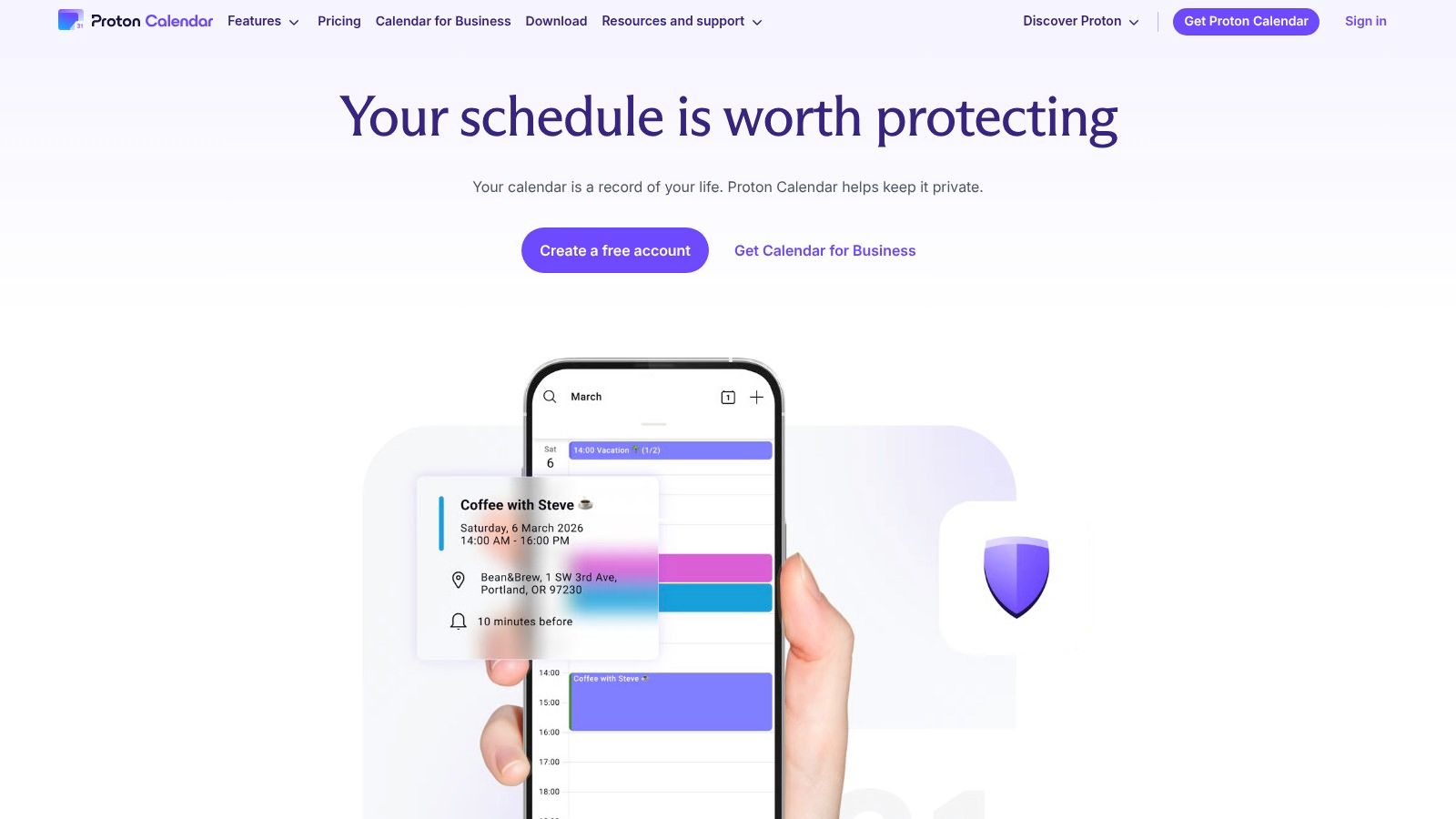
4. Proton Calendar: The Secure, Privacy-First Alternative
Proton Calendar is an end-to-end encrypted calendar from the Swiss-based privacy advocates at Proton, known for Proton Mail and VPN. It’s built for users and organisations that place the highest value on data security and confidentiality. This makes it a leading Google Calendar alternative for anyone concerned about how their schedule data is used, offering peace of mind that event details, locations, and attendees remain private.
Its core strength is its robust, zero-access encryption model. All your event data, including titles, descriptions, and participants, is encrypted on your device before it ever reaches Proton's servers. This means not even Proton can access the contents of your schedule, a stark contrast to the data-centric models of many mainstream calendar providers.
Best For & Pricing
- Ideal Use Case: Journalists, activists, legal professionals, healthcare providers, and any business or individual handling sensitive information or operating under strict data protection regulations like GDPR.
- Pricing: Proton Calendar has a free plan with one calendar. Paid plans start at €4.99/month, offering up to 25 calendars, sharing features, and access to the full Proton privacy suite (Mail, Drive, VPN).
Key Features & Considerations
What sets Proton Calendar apart is its uncompromising commitment to privacy, integrated into a clean and functional interface available on web, iOS, and Android. It’s a true standalone calendar ecosystem, not just a front-end for another service.
| Pros | Cons |
|---|---|
| End-to-end encryption for all event data. | Lacks some advanced integrations found in Google Calendar. |
| Swiss-based with strong privacy laws and GDPR compliance. | The free plan is quite limited (only one calendar). |
| Clean, ad-free interface on all platforms. | Collaboration features are less mature than competitors. |
| Bundled value when using the entire Proton privacy suite. |
Pro Tip: Utilise the "Share with link" feature on paid plans to send a secure, read-only view of your calendar to external partners without requiring them to have a Proton account. This maintains privacy while still allowing for necessary schedule coordination.
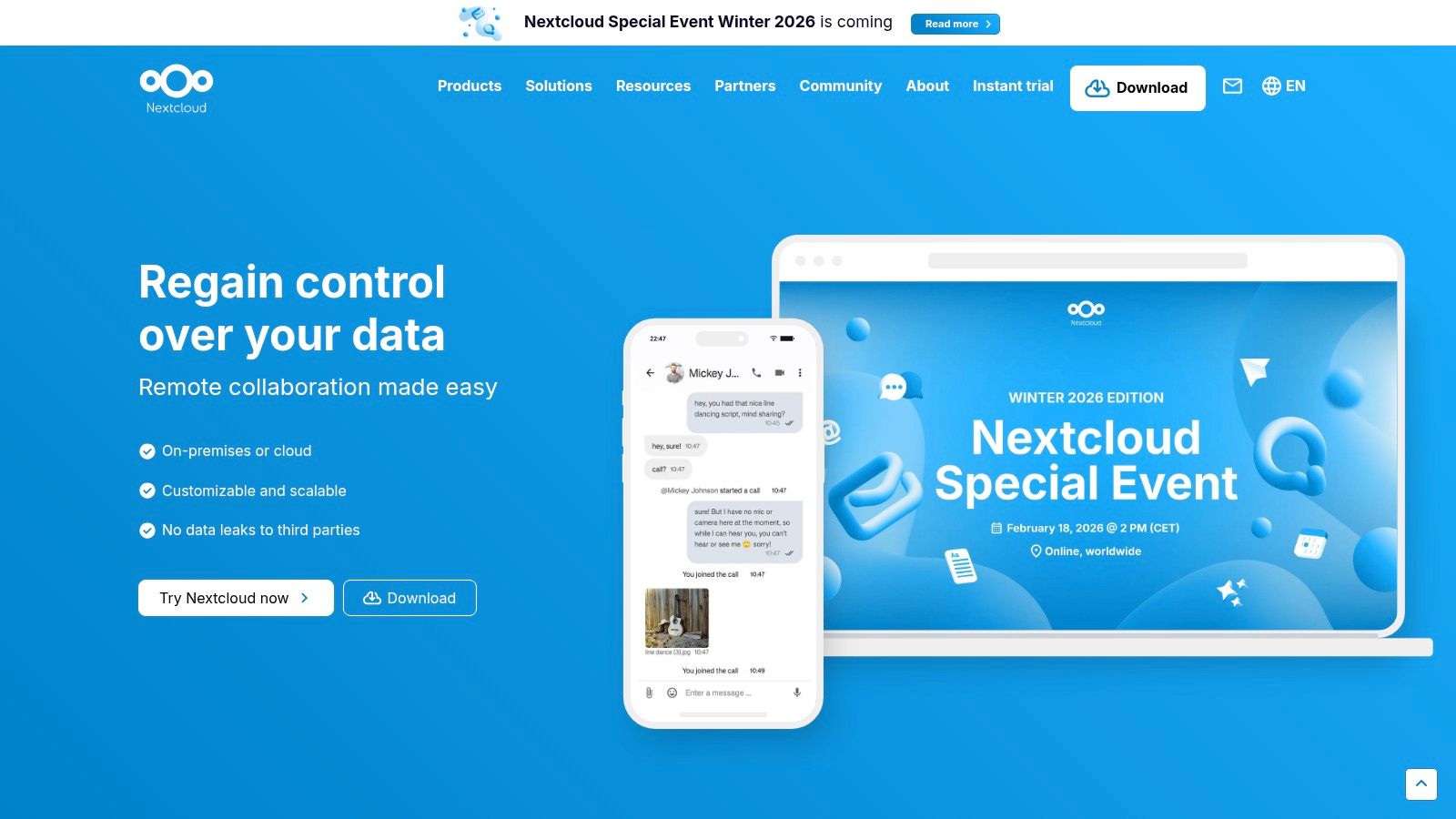
5. Nextcloud Calendar: The Self-Hosted, Open-Source Option
Nextcloud Calendar is a powerful, open-source calendar application integrated within the Nextcloud Hub ecosystem. As a self-hosted solution, it offers an unparalleled level of privacy and data control, making it a leading Google Calendar alternative for individuals and organisations prioritising data sovereignty. It functions as a complete groupware calendar, syncing across devices via the CalDAV standard and integrating deeply with other Nextcloud apps.
This approach means your calendar data resides on your own server or with a trusted hosting provider, completely outside the reach of large tech corporations. The platform provides all the essential features you would expect, including shareable calendars, appointment booking, and free/busy information for attendees, all within a unified, private environment.
Best For & Pricing
- Ideal Use Case: Privacy-conscious users, educational institutions, government agencies, and businesses in regions like Germany (with strong data protection laws) who need full control over their calendar infrastructure.
- Pricing: The Nextcloud software is free and open-source for self-hosting. Paid enterprise plans are available, offering professional support and additional features, with pricing based on the number of users.
Key Features & Considerations
Nextcloud Calendar’s primary distinction is its focus on data ownership and ecosystem integration. It’s not just a calendar; it’s a component of a comprehensive, self-hosted productivity suite that includes files, contacts, and communication tools.
| Pros | Cons |
|---|---|
| Full control over your data with on-premise or trusted hosting. | Requires technical setup and ongoing maintenance for self-hosting. |
| Deep integration with Nextcloud apps (Files, Talk, Tasks). | Mobile sync on Android often requires a third-party app like DAVx⁵. |
| Open-source and customisable to fit specific needs. | The user interface may feel less polished than some commercial rivals. |
| Strong community and optional enterprise-level support. |
Pro Tip: Use the "Appointments" feature to create public booking pages. This allows external parties to book slots in your calendar without needing a Nextcloud account, replicating the functionality of services like Calendly but from your own private server.
6. Zoho Calendar: The Integrated Suite for Business Operations
Zoho Calendar is an online calendar that forms a core part of the Zoho Workplace suite, a collection of productivity and collaboration apps. This makes it an excellent Google Calendar alternative for small to medium-sized enterprises (SMEs) that are already invested in or considering the Zoho ecosystem. It provides a familiar, robust web and mobile interface for scheduling, but its real power is realised through its native integration with other Zoho tools like Zoho Mail, CRM, and Projects.
The platform is built for team collaboration, offering features like group calendars, easy sharing with customisable permissions, and resource booking for meeting rooms or equipment. You can embed calendars on internal websites or share them publicly, making it a versatile tool for both internal organisation and external client-facing scheduling. It handles all the fundamentals of a modern calendar while connecting seamlessly to a much broader business operating system.
Best For & Pricing
- Ideal Use Case: Businesses, particularly SMEs, that use or plan to use the Zoho suite of apps and need a calendar that integrates tightly with their CRM, email, and project management tools.
- Pricing: A free version is available. The Workplace Standard plan starts at €3 per user/month (billed annually), which includes Zoho Calendar along with a suite of other business applications.
Key Features & Considerations
Zoho Calendar's strength is its role as a connective tissue within the extensive Zoho ecosystem. While it stands on its own as a capable calendar, its value multiplies when used alongside other Zoho products, streamlining workflows across different business functions.
| Pros | Cons |
|---|---|
| Deep integration with the Zoho ecosystem (CRM, Mail, etc.). | Two-way sync with Google Calendar can be unreliable at times. |
| Affordable and included in comprehensive Workplace bundles. | The user interface may feel less modern than some competitors. |
| Strong group calendar and resource management features. | Advanced enterprise features are locked behind paid plans. |
| Mobile apps are available with useful offline access. |
Pro Tip: Utilise the "Smart Add" feature to create events using natural language, similar to other advanced calendars. Simply type something like "Meeting with the marketing team tomorrow at 10 am at the main conference room" to have the event created and populated instantly.
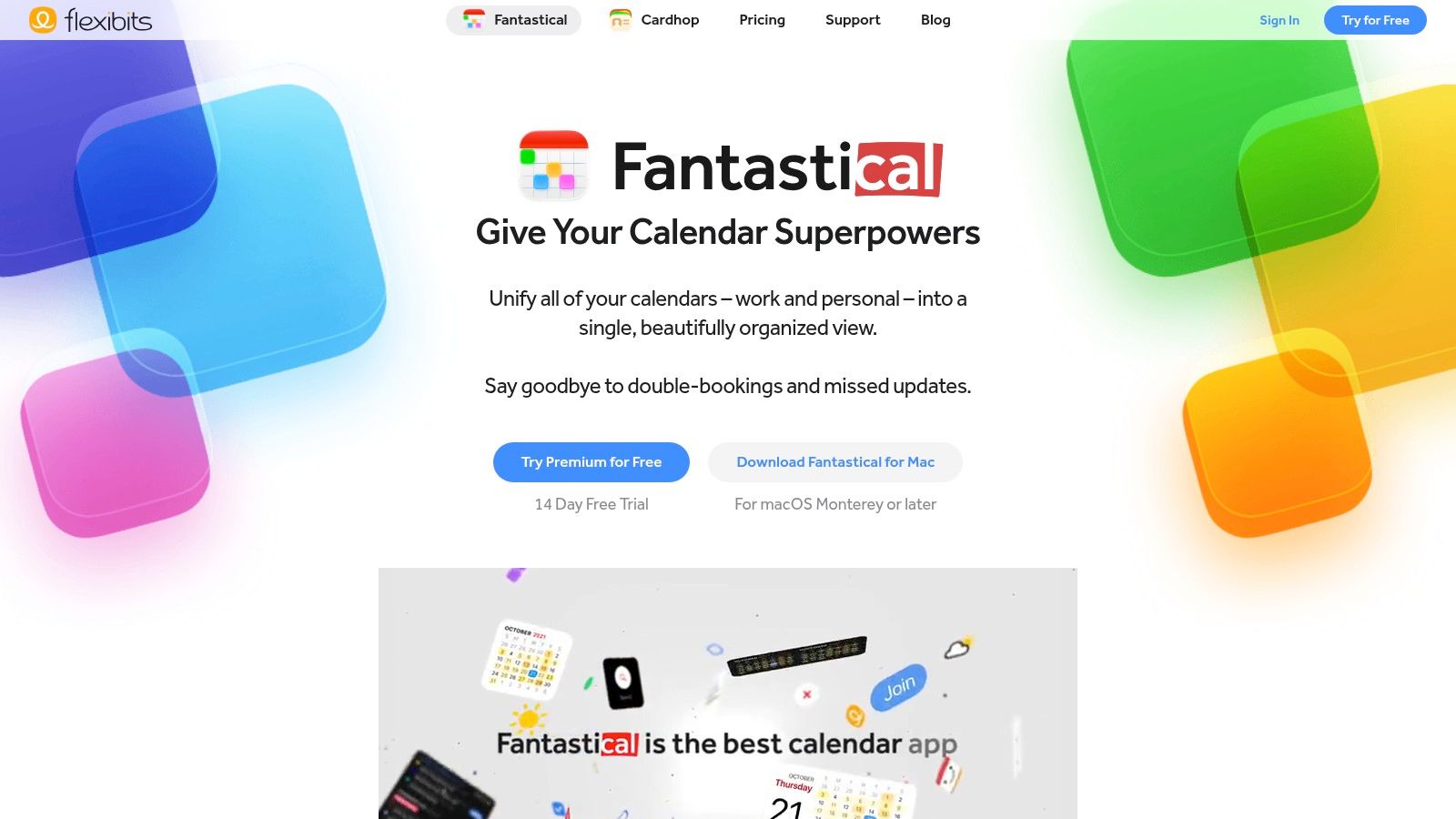
7. Fantastical (Flexibits): The Premium Power-User Experience
Fantastical by Flexibits is a highly polished calendar app designed for power users on Apple and Windows devices who demand a superior user experience and advanced scheduling tools. It stands out as a Google Calendar alternative by offering a beautiful interface combined with robust functionality, including its renowned natural-language event creation. You can simply type "Lunch with Sarah at The Café on Friday at 1pm" and Fantastical parses it into a perfectly formatted event.
Its design philosophy centres on providing a premium, cohesive experience across all your devices, from Mac to iPhone and now Windows. The app integrates deeply with your existing calendars (Google, Microsoft 365, iCloud) but elevates the interaction with features like "Openings," which lets you share your availability for others to book, and "Proposals," for suggesting multiple meeting times.
Best For & Pricing
- Ideal Use Case: Professionals and individuals deeply embedded in the Apple ecosystem (and now Windows) who value a refined UI and powerful, integrated scheduling features for managing complex personal and work lives. It is often considered among the best calendar apps for Mac.
- Pricing: A limited free version is available. Full functionality requires a Flexibits Premium subscription, which starts at €6.49/month (or €52.99/year) and includes Fantastical and Cardhop across all platforms.
Key Features & Considerations
Fantastical's strength is its combination of aesthetic excellence and powerful, user-centric features. It’s not just a prettier face for your Google Calendar; it’s a more intelligent and efficient way to interact with your schedule.
| Pros | Cons |
|---|---|
| Exceptional natural-language processing for quick event creation. | The best features are locked behind a recurring subscription. |
| Polished, unified user experience across macOS, iOS, and Windows. | The feature set can be overkill for users with simple needs. |
| Powerful scheduling tools like 'Openings' and 'Proposals'. | Not a native web app, requires client installation. |
| Integrates with popular meeting services (Zoom, Teams, etc.). |
Pro Tip: Utilise Fantastical's Calendar Sets and link them to Focus Modes on your Apple devices. This allows you to automatically show only your work calendars during business hours and switch to personal calendars during your downtime, keeping you focused and organised.
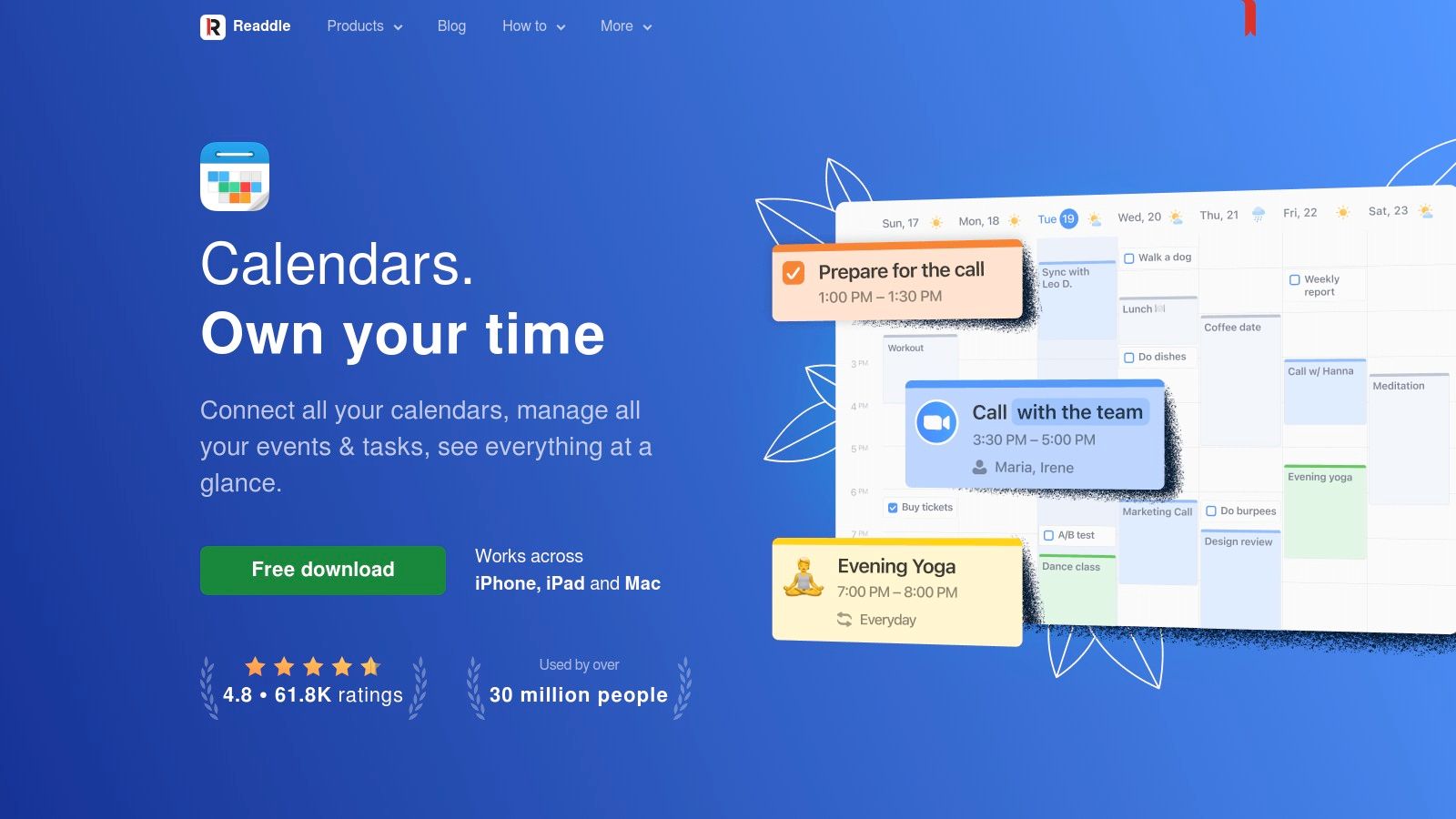
8. Readdle Calendars: The Polished Planner for Apple Users
Readdle Calendars is a beautifully designed calendar and planner app for iOS, iPadOS, and macOS. It stands out as a strong Google Calendar alternative for users deeply embedded in the Apple ecosystem who desire a more aesthetically pleasing and integrated experience than Google's native offering. The app feels right at home on Apple devices, offering a fluid and intuitive interface.
Its natural language input is a key feature, allowing you to create events by simply typing "Team meeting tomorrow at 10 am at the office". Readdle Calendars intelligently parses this information to create a fully-formed event, which simplifies scheduling on the go. The seamless integration of tasks and reminders within the calendar view also helps users consolidate their planning into a single application.
Best For & Pricing
- Ideal Use Case: Individuals and professionals who primarily use iPhone, iPad, and Mac and are looking for a visually refined, all-in-one planner that combines calendar events and tasks.
- Pricing: Readdle Calendars offers a free version with core functionality. The PRO plan, which unlocks the Mac app and advanced features like weather forecasts and multiple account integrations, is available for £19.99 per year or via a one-time lifetime purchase of £59.99.
Key Features & Considerations
Readdle's strength lies in its design philosophy and commitment to the Apple platform, offering a premium user experience. While it syncs with Google and Outlook, its full potential is realised when used across Apple devices.
| Pros | Cons |
|---|---|
| Elegant and intuitive interface that feels native to iOS/macOS. | Best experience is within the Apple ecosystem, less ideal for cross-platform users. |
| Lifetime purchase option offers great long-term value. | The Mac version is locked behind the PRO subscription. |
| Natural language input for quick event creation. | Lacks advanced team collaboration features found in other tools. |
| Integrated task and reminder management. |
Pro Tip: Use the drag-and-drop feature to convert reminders into events or reschedule tasks directly on your calendar grid. This tactile interaction makes reorganising your day quick and satisfying, especially on an iPad with an Apple Pencil.
9. Notion Calendar: The Integrated Workspace Calendar
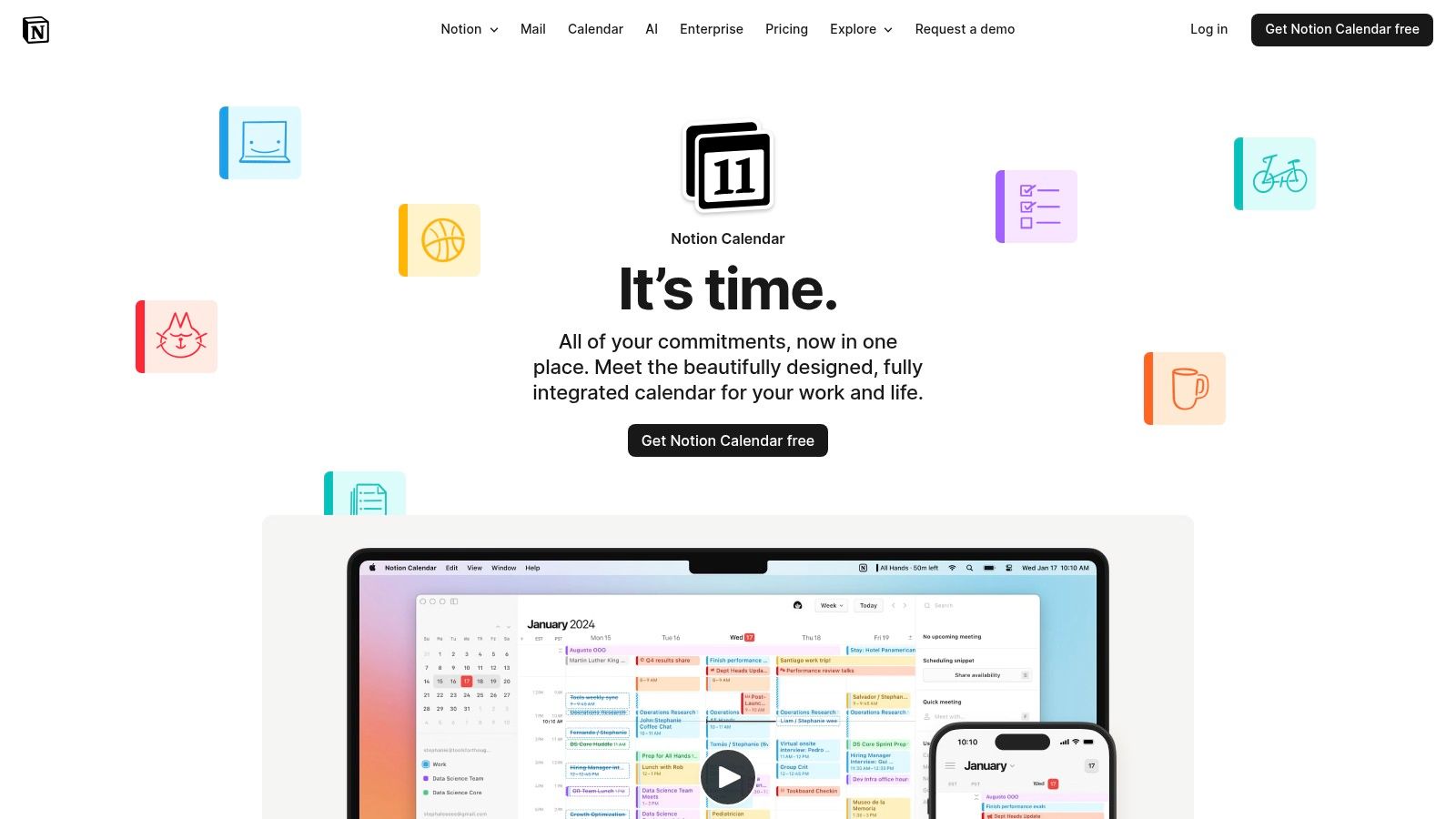
Notion Calendar is the natural evolution of Notion's all-in-one workspace, designed for teams and individuals who live inside Notion. It integrates your schedule directly with your project databases, notes, and documents, creating a unified system for managing both time and tasks. As a Google Calendar alternative, its primary advantage is this deep contextual link between your events and your work.
You can link calendar events directly to Notion pages, bringing all relevant context-meeting notes, project briefs, and action items-right into your calendar view. This eliminates the need to hunt for documents before a call, creating a seamless workflow from planning to execution. It synchronises with Google Calendar, ensuring you don't have to abandon your existing setup entirely.
Best For & Pricing
- Ideal Use Case: Teams and individuals heavily invested in the Notion ecosystem who want to connect their calendar directly to their project management databases, meeting notes, and knowledge bases.
- Pricing: Notion Calendar is free to use. It works alongside both free and paid Notion plans.
Key Features & Considerations
Notion Calendar's strength isn't in being a standalone product but in its ability to centralise information. It acts as a bridge, pulling your schedule into the same place where your work actually happens. This makes it one of the most powerful Google Calendar alternatives for existing Notion users.
| Pros | Cons |
|---|---|
| Deep integration with Notion pages and databases. | Outlook/Exchange support is still on the roadmap. |
| Free to use for all Notion users. | Requires commitment to the Notion ecosystem for full value. |
| Excellent cross-platform support (Web, macOS, Windows, iOS, Android). | Some users report quirks when syncing or embedding. |
| Simple availability sharing and booking links. |
Pro Tip: Create a dedicated "Meetings" database in Notion. When you link calendar events to pages in this database, you automatically build a searchable, organised archive of all your meeting notes, decisions, and follow-up tasks.
10. Thunderbird (Calendar built in)
Thunderbird is a free, open-source desktop email client that includes a powerful, fully-integrated calendar. Developed by the Mozilla Foundation, it stands as a robust Google Calendar alternative for users who prioritise privacy, data ownership, and a unified desktop experience for their email and scheduling. It operates independently of the cloud, storing your data locally while still offering full online synchronisation capabilities.
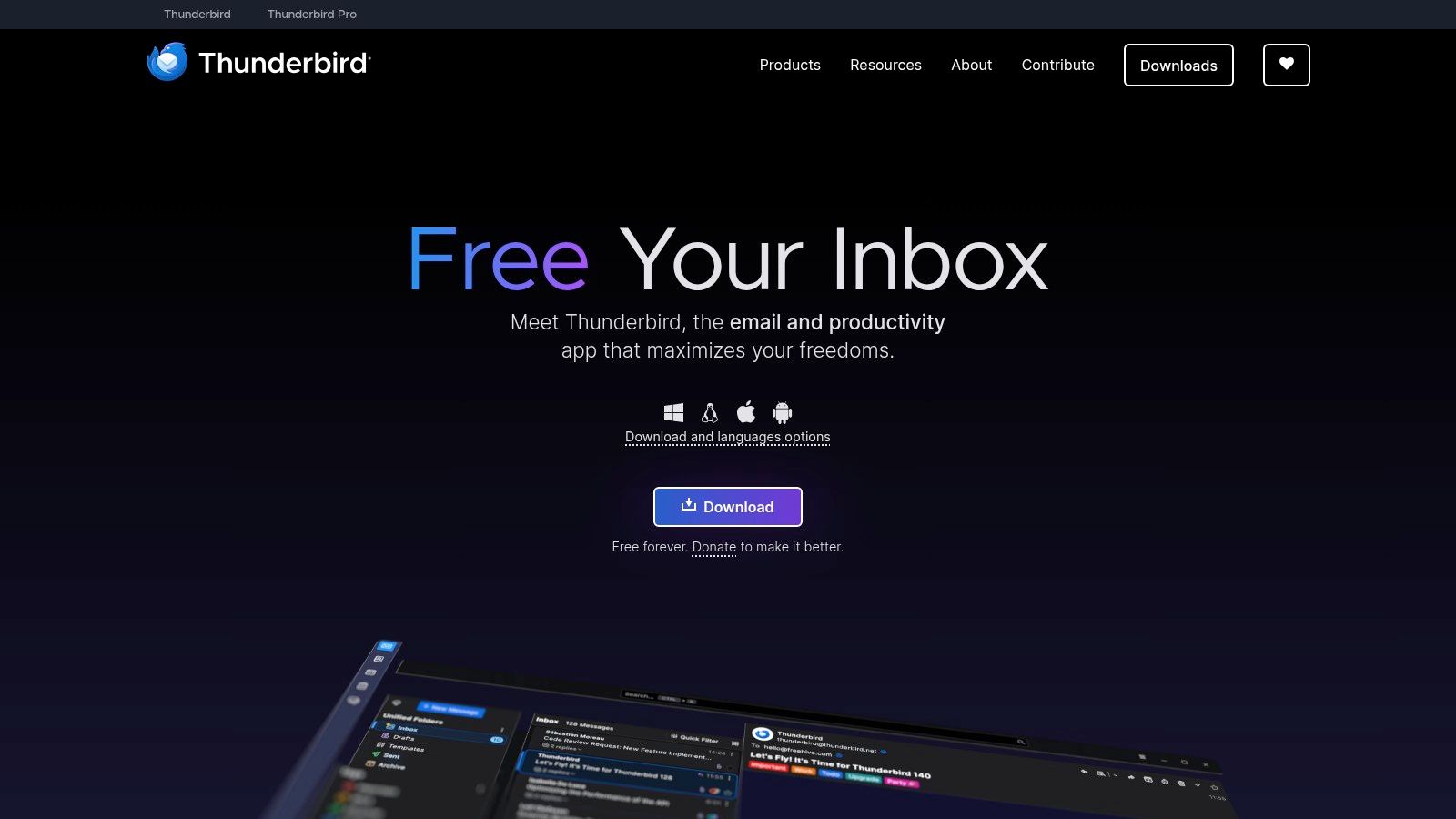
Its main advantage is its versatility and open-source nature. Thunderbird supports standard calendar protocols like CalDAV and iCal, allowing you to connect to a wide range of services, from Google and Microsoft accounts (via add-ons) to private, self-hosted servers like Nextcloud. This makes it an ideal choice for those looking to de-google their workflow or consolidate various calendar sources into one secure application.
Best For & Pricing
- Ideal Use Case: Privacy-conscious individuals, open-source advocates, and users who want to manage self-hosted calendars alongside their email in a single, offline-capable desktop application.
- Pricing: Completely free. Thunderbird is funded by user donations.
Key Features & Considerations
Thunderbird's strength lies in its extensibility and control. While not as sleek as modern web apps, its functionality can be significantly expanded with a vast library of community-developed add-ons, allowing you to customise its features to your specific needs.
| Pros | Cons |
|---|---|
| Free, open-source, and privacy-focused with local data storage. | Desktop-first client; lacks a native mobile application. |
| Extensible with a rich ecosystem of add-ons. | Sync with services like Google can sometimes break with updates. |
| Supports standard protocols like CalDAV/iCal for self-hosting. | The user interface may feel dated compared to modern web apps. |
| Offline access to your calendar and email data. |
Pro Tip: If you're connecting a Google Calendar, install the "Provider for Google Calendar" add-on. This enables full two-way synchronisation, including invitation management, directly within the Thunderbird interface, bridging the gap between Google's ecosystem and a private desktop client.
11. Tuta (formerly Tutanota) – Encrypted Calendar
Tuta Calendar is a fully encrypted calendar from the German privacy-focused provider Tuta (formerly Tutanota). It integrates seamlessly with Tuta Mail, creating a secure, private ecosystem for your communications and scheduling. Its entire premise is built on end-to-end encryption, ensuring that no one, not even Tuta, can access your event details, making it an excellent Google Calendar alternative for users prioritising data sovereignty.
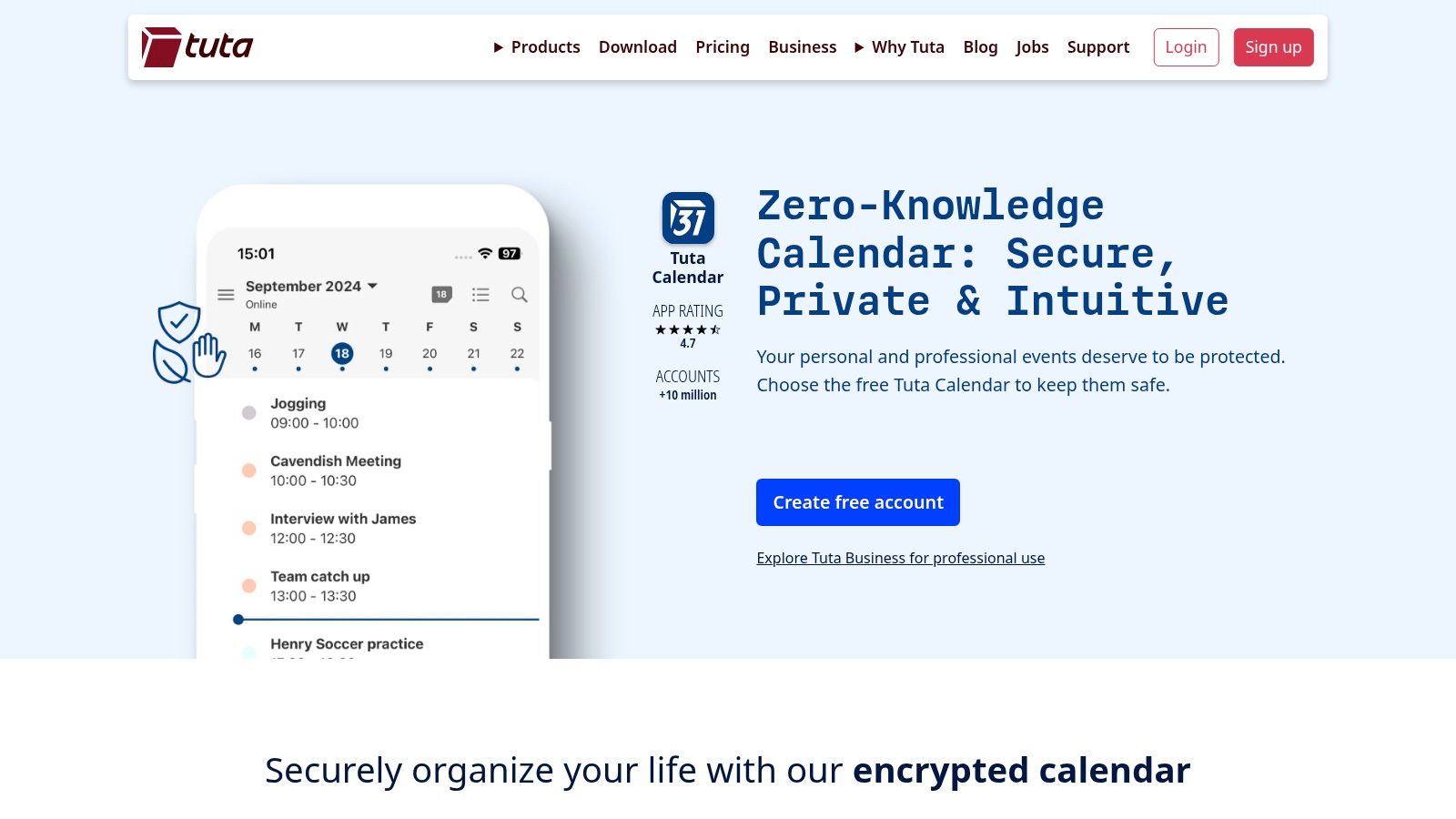
The platform offers a clean, minimalist interface across web, desktop, and mobile apps, all with offline support. This focus on privacy doesn't sacrifice core functionality; you can still manage events, receive reminders, and share calendars with others. Shared calendars also benefit from role-based permissions, giving you control over who can view or edit your schedule within the secure Tuta environment.
Best For & Pricing
- Ideal Use Case: Individuals, journalists, activists, and organisations in sensitive fields who require maximum privacy and data security under strict EU laws. It's also great for anyone looking to de-google their life completely.
- Pricing: Tuta offers a free plan for private use with limited features. Paid plans (Revolutionary) start at €3/month, offering more storage, custom domains, and premium features like multiple calendars.
Key Features & Considerations
Tuta's main differentiator is its uncompromising stance on security. Unlike mainstream calendars, every piece of data, including event metadata and reminders, is end-to-end encrypted. This commitment to privacy is its core value proposition.
| Pros | Cons |
|---|---|
| Complete end-to-end encryption for all calendar data. | Fewer third-party scheduling automations (e.g., Calendly). |
| Data is hosted in secure, EU-based data centres. | The best experience requires adopting the full Tuta Mail ecosystem. |
| Simple, focused feature set avoids complexity. | Lacks advanced features found in business-centric platforms. |
| Offline access via dedicated desktop and mobile apps. |
Pro Tip: When sharing a calendar with another Tuta user, the entire process remains end-to-end encrypted. For sharing with non-Tuta users, you can send an
.icsfile, but be aware this compromises the encryption for that specific event.
12. Calendar.com: The Analytics-Driven Scheduling Hub
Calendar.com is a powerful scheduling platform built on top of your existing calendars, designed to streamline how individuals and teams book meetings. It serves as an intelligent layer over Google and Microsoft 365, focusing less on being a standalone calendar and more on optimising the entire meeting lifecycle, from booking to analysis. This makes it a strong Google Calendar alternative for those whose primary challenge is coordinating availability across multiple people.
Its core value is in its suite of smart scheduling tools. Features like customisable booking pages, team-based round-robin scheduling, and meeting polls eliminate the endless back-and-forth emails. Furthermore, its analytics provide actionable insights into how you and your team spend time, helping to identify and reduce inefficient meeting habits.
Best For & Pricing
- Ideal Use Case: Sales teams, consultants, and managers who need robust, client-facing booking systems and data on their meeting patterns to improve productivity.
- Pricing: A free Basic plan is available with one connected calendar and limited scheduling templates. Paid plans start at $25/user/month (billed monthly) for the Standard plan, unlocking more calendars, team features, and analytics.
Key Features & Considerations
What sets Calendar.com apart is its focus on scheduling workflows and data. It isn't trying to replace your calendar's interface but to supercharge it with powerful, analytics-backed booking and coordination capabilities.
| Pros | Cons |
|---|---|
| Robust team scheduling (polls, round-robin, etc.). | Emphasis on scheduling over deep calendar customisation. |
| Built-in analytics to track and optimise time spent in meetings. | Core team features and analytics require paid plans. |
| Unifies availability across Google and Microsoft accounts. | Can feel like a complex layer for very simple use cases. |
| Powerful "Find a Time" feature for groups. |
Pro Tip: Utilise the team analytics dashboard to conduct a quarterly "meeting audit". Identify recurring meetings with low attendance or engagement and use that data to make informed decisions about optimising your team's schedule for deep work.
Top 12 Google Calendar Alternatives Comparison
| Product | Core features | UX & quality (★) | Pricing / Value (💰) | Target audience (👥) | Unique selling points (✨) |
|---|---|---|---|---|---|
| Calendar0 🏆 | Menubar + keyboard-first, NL AI commands, unified Google/Microsoft/Apple view, drag‑drop, bulk ops, on‑device encrypted tokens | ★★★★☆ | Starter free (3 AI cmds); ~$4.99/mo; $49 lifetime 💰 | Busy professionals, managers, founders, EAs, remote teams 👥 | Menubar/keyboard workflow + NL auto-select contacts & calendars; strong privacy (OAuth2 + local encryption) ✨ |
| Microsoft 365 Outlook Calendar | Deep MS365 integration (Teams/Exchange), Scheduling Assistant, org governance, web/desktop/mobile | ★★★★☆ | Per‑seat Microsoft 365 plans (enterprise pricing) 💰 | Enterprises & SMBs needing governance and MS stack 👥 | Enterprise admin controls & native Teams/Exchange integration ✨ |
| Apple iCloud Calendar | Native iOS/macOS apps + web access, family sharing, Mail/Contacts integration | ★★★★☆ | Free with Apple ID 💰 | Apple ecosystem users & households 👥 | Seamless Apple integration and reliable cross‑device sync ✨ |
| Proton Calendar | End‑to‑end encrypted events, web/iOS/Android, bundled with Proton suite | ★★★★☆ | Free tier (limited); paid tiers for more calendars 💰 | Privacy‑first users & EU‑focused orgs 👥 | E2E encryption and Swiss data‑protection posture ✨ |
| Nextcloud Calendar | Self‑hosted CalDAV, .ics support, integrations with Contacts/Talk/Tasks | ★★★★☆ | Open‑source (hosting costs vary) 💰 | Teams wanting on‑premise control & data sovereignty 👥 | Full self‑hosted control and Nextcloud ecosystem integration ✨ |
| Zoho Calendar (Workplace) | Group calendars, room availability, Zoom/Meet integrations, mobile apps | ★★★★☆ | Included in Zoho Workplace (affordable bundles) 💰 | SMEs using Zoho suite 👥 | Cost‑effective team features inside Zoho Workplace ✨ |
| Fantastical (Flexibits) | NL event creation, Openings, multi‑view, Zoom/Teams integrations | ★★★★★ | Subscription (premium features) 💰 | Power users and cross‑platform mac/Windows users 👥 | Polished UX, advanced scheduling tools and availability publishing ✨ |
| Readdle Calendars | NL input, task integration, iCloud/Google/Outlook sync, offline use | ★★★★☆ | Subscription + lifetime purchase option 💰 | Apple‑centric planners and power users 👥 | Planner focus with lifetime buy option and sleek Apple UX ✨ |
| Notion Calendar | Two‑way views/sync, auto‑blocking, links to Notion pages/databases | ★★★★☆ | Free entry; paid Notion plans for teams 💰 | Teams using Notion workspaces 👥 | Tight integration with Notion content and databases ✨ |
| Thunderbird (Calendar built‑in) | Built‑in calendar, CalDAV support, add‑ons, offline use | ★★★★☆ | Free (open‑source) 💰 | Privacy‑minded desktop users & self‑hosted setups 👥 | Extensible open‑source client with strong community support ✨ |
| Tuta (Tutanota) – Encrypted Calendar | E2E encrypted events, role‑based shared calendars, offline apps | ★★★★☆ | Free/paid tiers; EU‑focused pricing 💰 | EU privacy advocates and organizations 👥 | German/EU data residency with end‑to‑end encryption ✨ |
| Calendar.com | Unified view, booking links, polls, round‑robin, analytics, Chrome extension | ★★★★☆ | Free/basic; paid team plans for advanced features 💰 | Teams & schedulers needing analytics and booking flows 👥 | Scheduling workflows, team analytics and cross‑account find‑a‑time ✨ |
How to Choose the Right Calendar for Your Workflow
Navigating the landscape of Google Calendar alternatives reveals a fundamental truth: there is no single "best" calendar, only the one that best aligns with your specific needs, workflow, and priorities. We have explored a wide spectrum of tools, from the privacy-first fortresses of Proton and Tuta to the deeply integrated ecosystem players like Microsoft Outlook and Zoho Calendar. The journey away from Google's default option is less about finding a direct replacement and more about making a strategic choice to enhance productivity, secure your data, or streamline collaboration.
Your decision should be a deliberate one, guided by a clear understanding of what you need to achieve. For many professionals, the primary motivation is escaping the limitations of a one-size-fits-all solution and adopting a tool that actively supports their unique operational rhythm.
Recapping the Core Themes
Throughout our analysis of twelve distinct calendar applications, several key themes emerged. The most prominent is the trade-off between integration and privacy. Tools like Notion Calendar and Microsoft Outlook thrive on their deep connections within a broader suite of productivity apps, offering a seamless, unified experience. Conversely, options such as Proton Calendar and Tuta prioritise end-to-end encryption and data sovereignty, appealing to users for whom security is non-negotiable.
Another critical consideration is the balance between simplicity and feature-richness. Apple's iCloud Calendar and Thunderbird offer clean, straightforward interfaces that handle core scheduling tasks with minimal fuss. On the other hand, platforms like Calendar.com and Fantastical pack in advanced functionalities, such as sophisticated analytics, natural language input, and powerful scheduling automation, catering to power users and teams who demand more from their digital planners.
A Framework for Your Decision
To make an informed choice, move beyond feature lists and assess each alternative through the lens of your daily work. Consider the following crucial factors:
- Your Primary Use Case: Are you an individual freelancer managing client appointments, or a project manager coordinating a distributed team? A freelancer might prioritise a tool like Fantastical for its elegant interface and powerful scheduling links, while a manager may lean towards Zoho Calendar for its tight integration with project management and CRM tools.
- Ecosystem Allegiance: Your existing technology stack plays a significant role. If your organisation is heavily invested in Microsoft 365, migrating to Outlook Calendar is the most logical and efficient path. Similarly, users deeply embedded in the Apple ecosystem will find iCloud Calendar's native integration with macOS and iOS devices to be a major advantage.
- Collaboration Needs: How do you share your schedule? If your work involves extensive external collaboration, a tool with robust public sharing, customisable booking pages, and team availability views like Calendar0 or Calendar.com is essential. For internal team coordination, a shared calendar within a platform like Nextcloud or Zoho might be more appropriate.
- Privacy and Security Requirements: For individuals and organisations handling sensitive information, standard calendars are often insufficient. If data privacy is your top concern, your shortlist should immediately narrow to encrypted, privacy-focused Google Calendar alternatives like Proton Calendar or Tuta.
- Budget and Scalability: Finally, consider your budget. Free options like Thunderbird or the basic tiers of many services are excellent for individual use. However, growing teams will need to evaluate the paid plans of platforms like Microsoft 365, Zoho Workplace, or specialised tools like Calendar0 to access the collaborative features necessary for scaling their operations.
Ultimately, the goal is to select a calendar that feels less like a passive repository for appointments and more like an active partner in your productivity. Take the time to trial one or two of the options that resonate most with your needs. The right tool will not just organise your time; it will empower you to use it more effectively.
Ready to upgrade to a calendar designed for high-performance teams and professionals? Calendar0 combines powerful team scheduling, analytics, and a beautiful interface to give you back control of your time. See why it stands out among the best Google Calendar alternatives by signing up for a free trial at Calendar0.

