The 12 Best Pomodoro Technique Apps to Supercharge Your Focus in 2025
Discover the top 12 pomodoro technique apps to boost productivity. Our guide covers features, pricing, and how to pick the right one for your workflow.

Calendar0 Team
December 29, 2025

In a world of constant digital distractions, mastering deep work is a superpower. The Pomodoro Technique, working in focused 25-minute sprints with short breaks, is a proven method for reclaiming your attention. But the real magic happens when you pair this simple technique with the right tool. A basic kitchen timer or phone alarm simply doesn't cut it when you need to track progress, block distractions, and integrate focus sessions into a complex calendar.
This guide moves beyond generic timers to review the 12 best Pomodoro technique apps, analysing their unique strengths for specific workflows, from solo developers to busy managers. We will explore which apps integrate seamlessly with your existing tools, which ones gamify your focus, and how you can use them to protect your most valuable asset: your time. Each review includes detailed analysis, screenshots, and direct links to help you find the perfect application to match your professional needs and boost your concentration.
We'll dissect features designed for deep work, such as task list integration, progress reporting, and customisable session lengths. While this article focuses on specialised Pomodoro tools, a broader look at the best free productivity apps can offer additional options to enhance your workflow and organise your projects. Our goal is to equip you with a tool that doesn't just count down minutes, but actively helps you build and maintain a state of productive flow.
1. Apple App Store
For users embedded in the Apple ecosystem, the App Store is the definitive starting point for finding high-quality Pomodoro technique apps. It's not a single app, but rather a vast, curated marketplace offering a huge catalogue of specialised tools for iPhone, iPad, and Mac. The platform stands out due to Apple's stringent review process, which ensures apps meet high standards for privacy, security, and user experience.
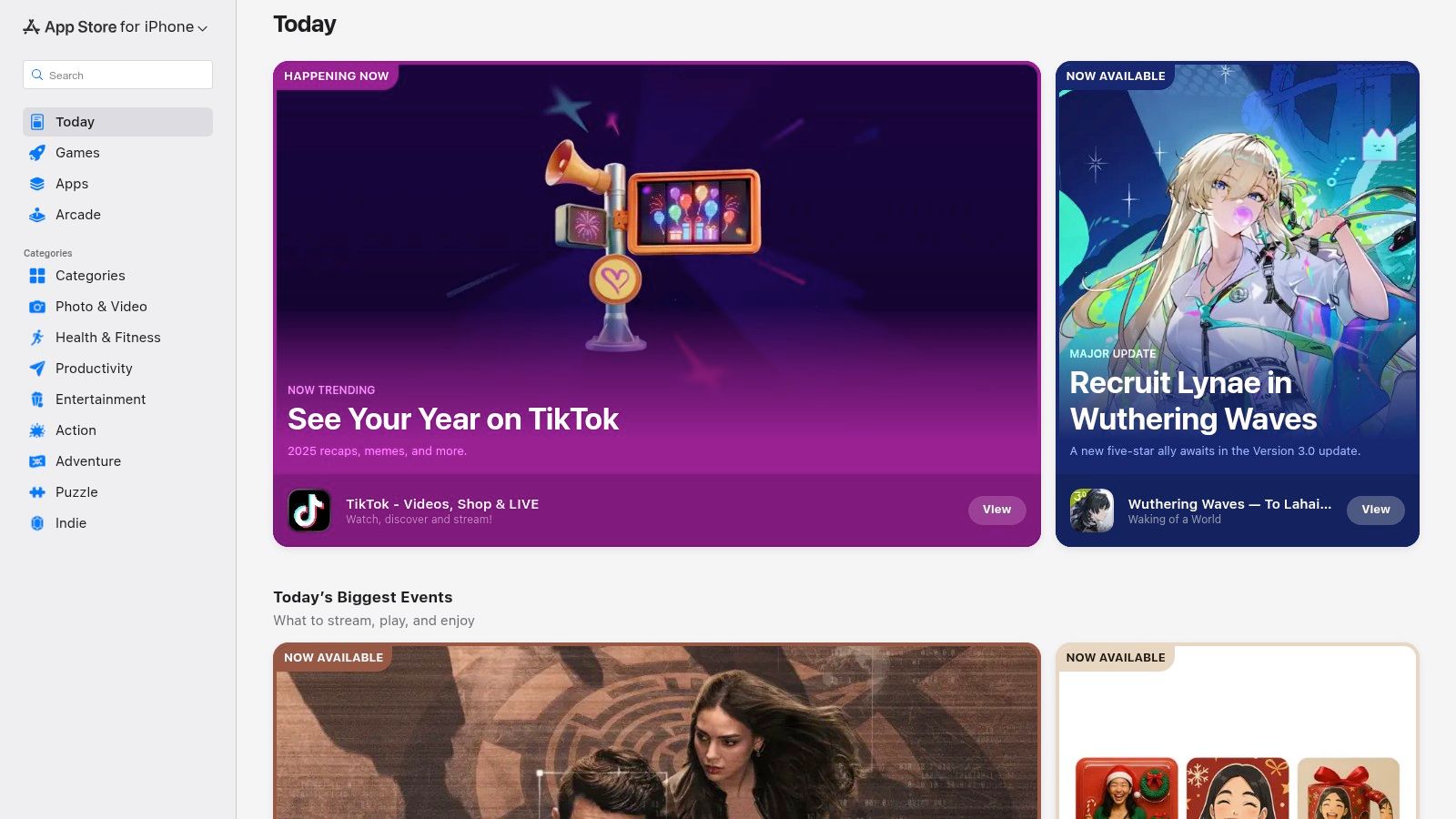
This makes it a trusted source for discovering powerful options like Forest, Be Focused, and Session. The user experience is seamless, with integrated features like Family Sharing, easy subscription management, and secure payments tied to your Apple ID. For professionals in Germany and across Europe, the App Store provides localised pricing and app availability, ensuring a relevant and accessible selection. While the platform is exclusive to Apple devices, its commitment to quality and user protection makes it an unparalleled resource for finding the perfect focus timer.
Website: https://apps.apple.com
| Key Features & Considerations | |
|---|---|
| Platform | iOS, iPadOS, macOS |
| Best For | Users fully invested in the Apple ecosystem seeking premium, well-vetted applications. |
| Pros | Trusted storefront with strict privacy guidelines; easy refunds and subscription management. |
| Cons | Apple-only ecosystem; many advanced features are locked behind subscriptions. |
2. Google Play Store
For Android users, the Google Play Store is the primary hub for discovering a diverse range of Pomodoro technique apps. Functioning as a massive digital marketplace, it provides an enormous catalogue of tools tailored for Android smartphones and tablets. The platform's strength lies in its open nature and the sheer volume of options, from globally recognised apps like Forest and Focus To-Do to countless simpler, ad-free timers developed by independent creators.
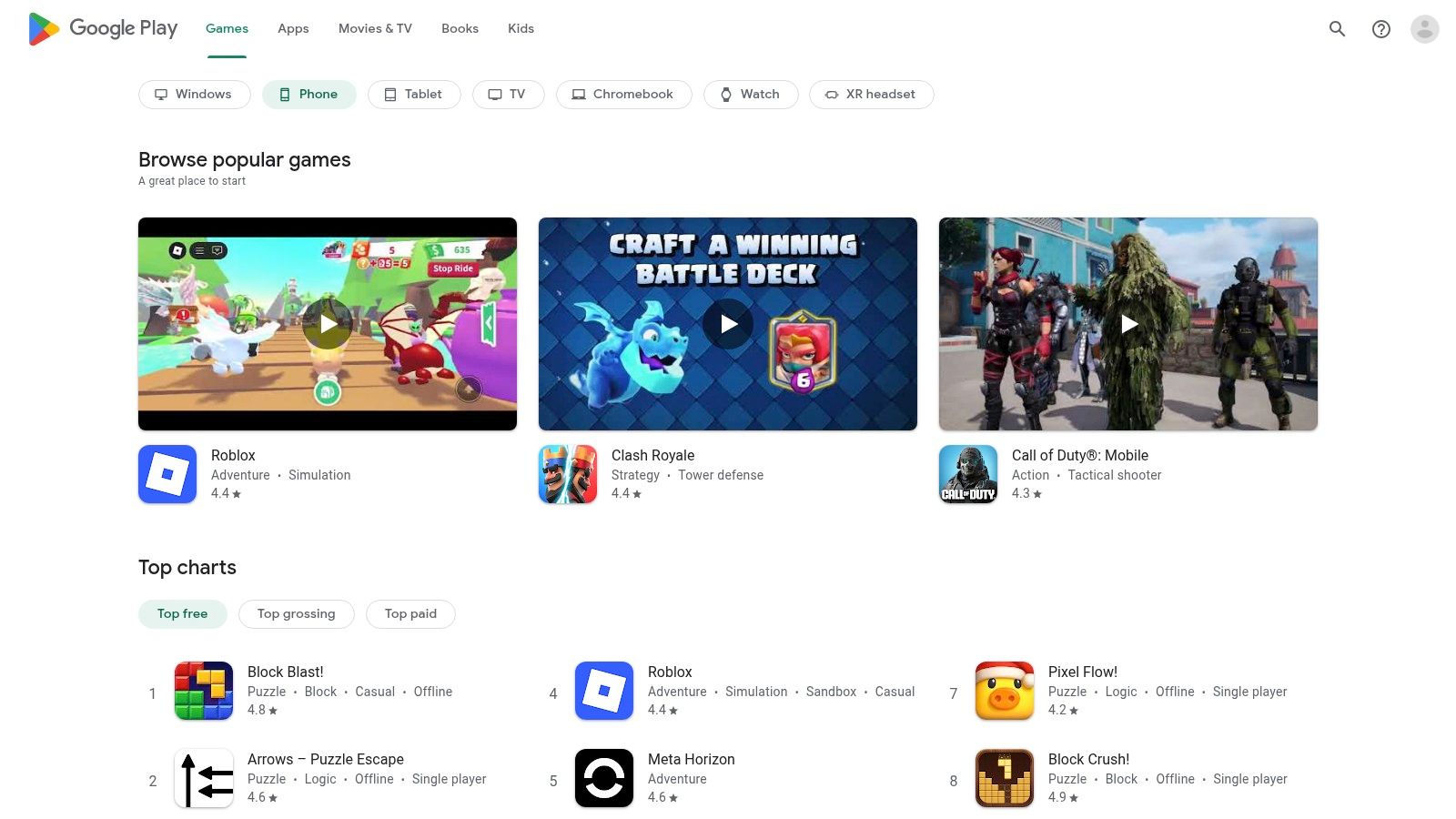
This variety allows users to find an app that perfectly matches their needs, whether it's for simple time tracking or feature-rich task management. The user-driven rating system is a key feature for discovery, helping to surface high-quality applications. For users in Germany and other supported regions, the Google Play Pass subscription can offer premium access to some of these apps without extra cost. While the quality can vary more than on curated stores, the breadth of choice and competitive pricing makes it an essential resource for any Android user looking to boost their productivity.
Website: https://play.google.com
| Key Features & Considerations | |
|---|---|
| Platform | Android |
| Best For | Android users seeking a wide variety of free and paid options with diverse feature sets. |
| Pros | Broad selection and frequent sales/promotions; seamless installs across Android devices. |
| Cons | Quality varies among lesser-known timers; app availability and pricing can differ by country/region. |
3. Setapp
For Mac users seeking an all-in-one solution, Setapp offers a unique subscription-based approach to acquiring powerful software, including excellent Pomodoro technique apps. Rather than purchasing individual licences, a single monthly membership grants access to a curated catalogue of over 240 high-quality macOS and iOS applications. This model is particularly cost-effective for professionals who rely on multiple specialised tools for their workflow, as it bundles premium focus timers like Focused Work and Be Focused alongside other productivity utilities.
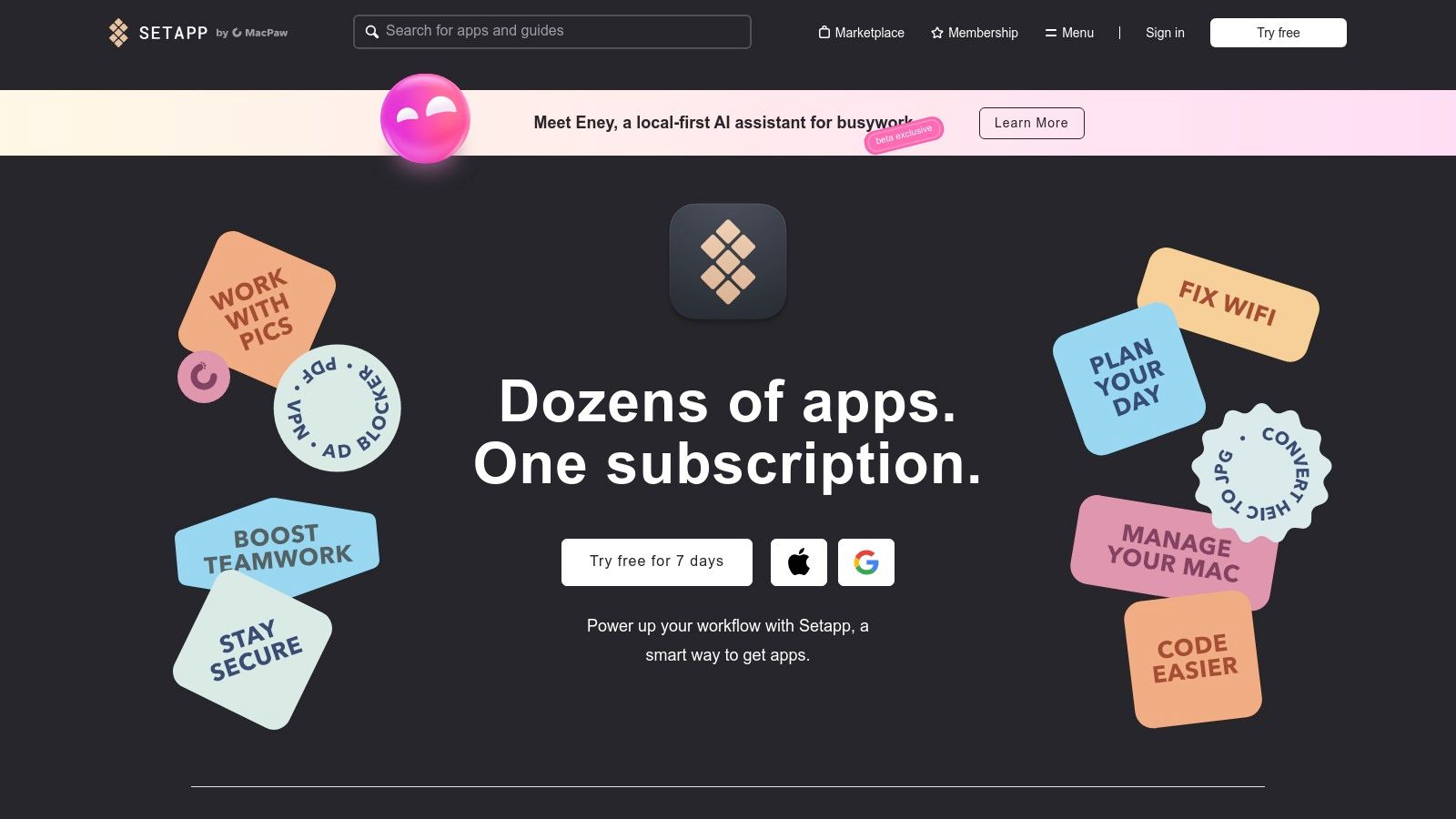
The platform streamlines software management by handling all licensing and updates centrally, ensuring you always have the latest versions without extra costs. This curated ecosystem guarantees that every app meets high standards of quality and functionality, removing the guesswork from finding reliable tools. While its primary focus is on the Mac, making it less suitable for Windows users, its value proposition for those within the Apple ecosystem is undeniable. For professionals in Germany, Setapp offers straightforward, localised billing and support.
Website: https://setapp.com
| Key Features & Considerations | |
|---|---|
| Platform | macOS, iOS |
| Best For | Mac power users who want access to a wide range of premium apps, including focus timers, under one subscription. |
| Pros | Cost-effective if you use multiple apps; curated, quality apps with ongoing updates. |
| Cons | Mac-centric service (Windows users excluded); not all iOS versions or apps are included with membership. |
4. Chrome Web Store — Marinara: Pomodoro Assistant
For professionals whose work is heavily browser-based, a dedicated browser extension is often the most efficient way to implement the Pomodoro Technique. Marinara: Pomodoro Assistant is a long-standing, open-source timer available on the Chrome Web Store that integrates seamlessly into your browsing workflow. This extension is celebrated for its simplicity and lightweight design, offering core Pomodoro functionality without needing a separate application or account.
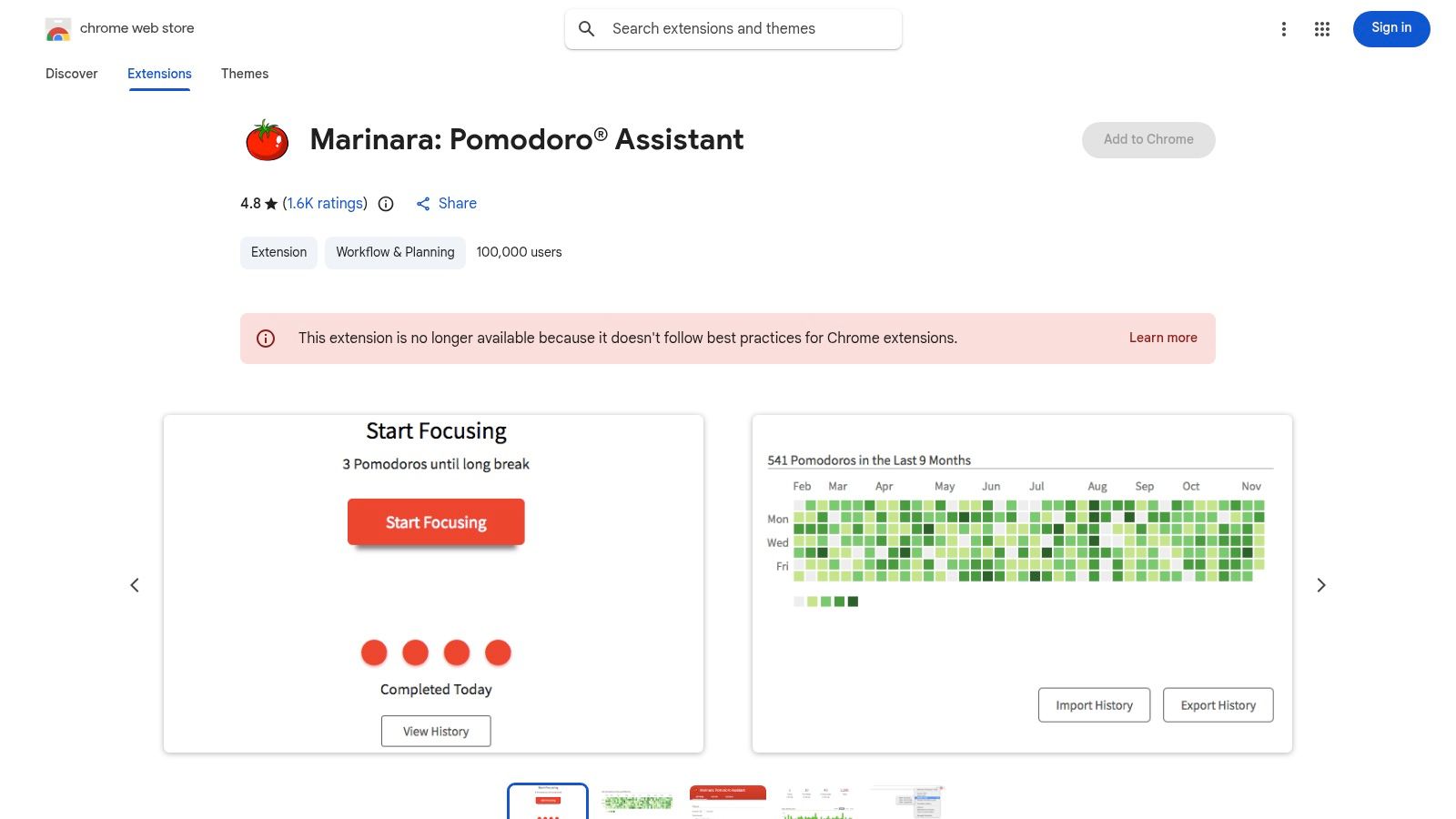
The user experience is straightforward: install the extension, and a small tomato icon appears in your toolbar. From there, you can start, stop, and customise timers directly. It provides desktop and tab notifications, optional ticking sounds, and a history with basic statistics to track your focus sessions. While it lacks the advanced features of standalone Pomodoro technique apps, its free, no-nonsense approach is perfect for users in Germany and worldwide who want an unobtrusive tool that simply works without any fuss.
| Key Features & Considerations | |
|---|---|
| Platform | Chrome-based browsers (Chrome, Edge, Brave, etc.) |
| Best For | Individuals with browser-centric workflows who need a simple, free, and lightweight timer. |
| Pros | Free, lightweight, and no account required; widely recommended and easy to install. |
| Cons | Browser-based only (no native mobile app features); multiple updated listings in store can be confusing. |
5. Forest
Forest introduces a unique, gamified approach to the Pomodoro method, making it one of the most engaging pomodoro technique apps available. The core concept is simple yet powerful: you plant a virtual tree when you start a focus session. If you leave the app to get distracted, your tree withers and dies. This creates a tangible, visual consequence for breaking your concentration, which is a highly effective motivator for many users.
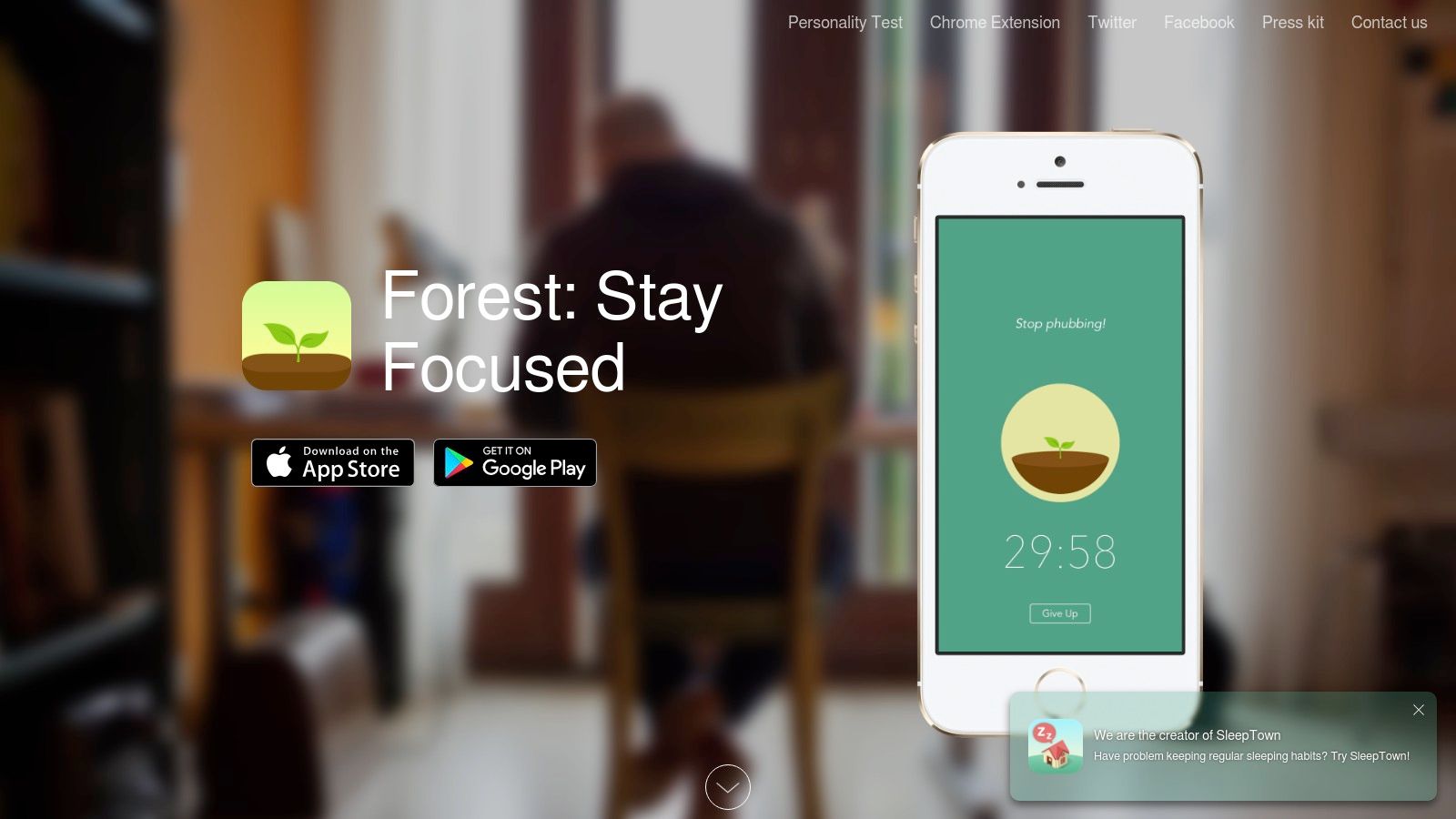
Over time, successful focus sessions help you grow a lush, digital forest, providing a satisfying record of your productivity. The app extends its appeal with features like device syncing across iOS, Android, and browser extensions, along with a partnership that allows users to spend in-app currency to plant real trees. While it's excellent for building focus habits, it may be less suitable for professionals in Germany who require deep task integration or detailed analytics, as its primary strength lies in its motivational simplicity.
Website: https://www.forestapp.cc
| Key Features & Considerations | |
|---|---|
| Platform | iOS, Android, Chrome, Firefox |
| Best For | Individuals who respond well to visual rewards and negative reinforcement to stay off their phones. |
| Pros | Highly motivating and approachable for new users; tangible rewards through real tree planting. |
| Cons | Less suited for users wanting deep analytics; some recent changes have been met with user complaints. |
6. Pomofocus
For those who value speed and simplicity, Pomofocus is a standout web-based Pomodoro technique app that gets you started in seconds. It operates directly in your browser without requiring any account creation, making it an incredibly low-friction tool for anyone needing to instantly block out focus time. The clean, minimalist interface is its main strength, presenting a customisable timer and a simple task list to help you organise your work sessions immediately.
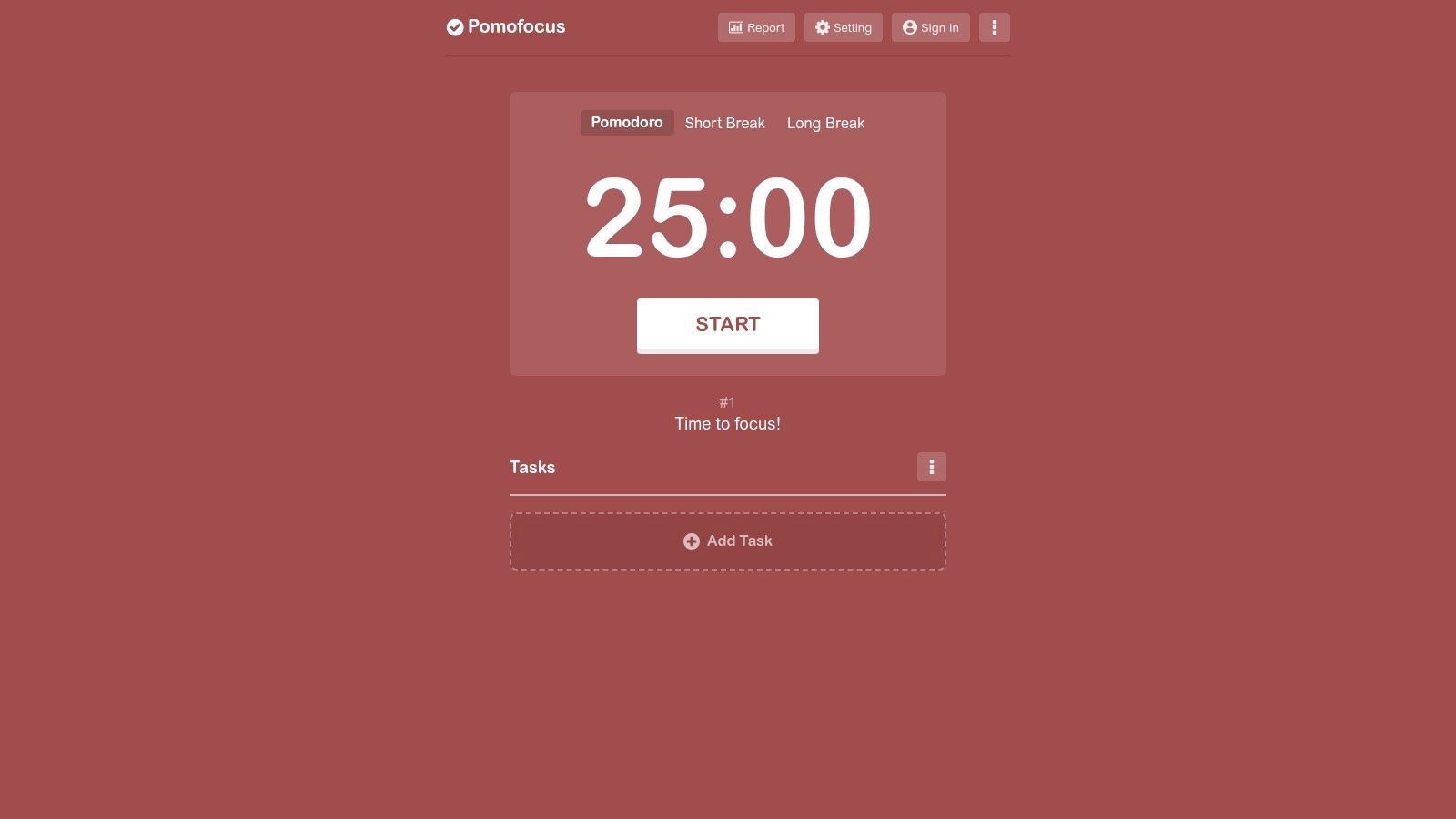
Beyond its core web functionality, Pomofocus offers downloadable desktop apps for Mac, Windows, and Linux, providing a native experience for users who prefer it. While the basic timer is free, a premium subscription unlocks advanced features like project templates, detailed visual reports, and a valuable integration with Todoist. This flexibility makes it an excellent choice for professionals who want to test a tool before committing, and its simple design is a powerful aid for achieving better work-life planning. The blend of accessibility and optional advanced features secures its place as a top-tier choice.
Website: https://pomofocus.io
| Key Features & Considerations | |
|---|---|
| Platform | Web, macOS, Windows, Linux |
| Best For | Professionals and freelancers looking for a quick, no-signup browser-based timer with optional advanced features. |
| Pros | Fast to start-no signup required; works across desktop and mobile browsers; offers a clean, distraction-free interface. |
| Cons | Advanced features like integrations and yearly reports require premium; the Windows desktop app is unsigned. |
7. TickTick
For those who want to integrate their focus sessions directly into a comprehensive task management system, TickTick is an outstanding all-in-one solution. It's more than just a timer; it’s a full-featured to-do list, planner, and habit tracker with a built-in Pomodoro timer. This integration allows users to start a focus session directly from a specific task, seamlessly linking time spent with actionable items. The platform's strength lies in its ability to centralise productivity workflows, eliminating the need to switch between different Pomodoro technique apps and task managers.
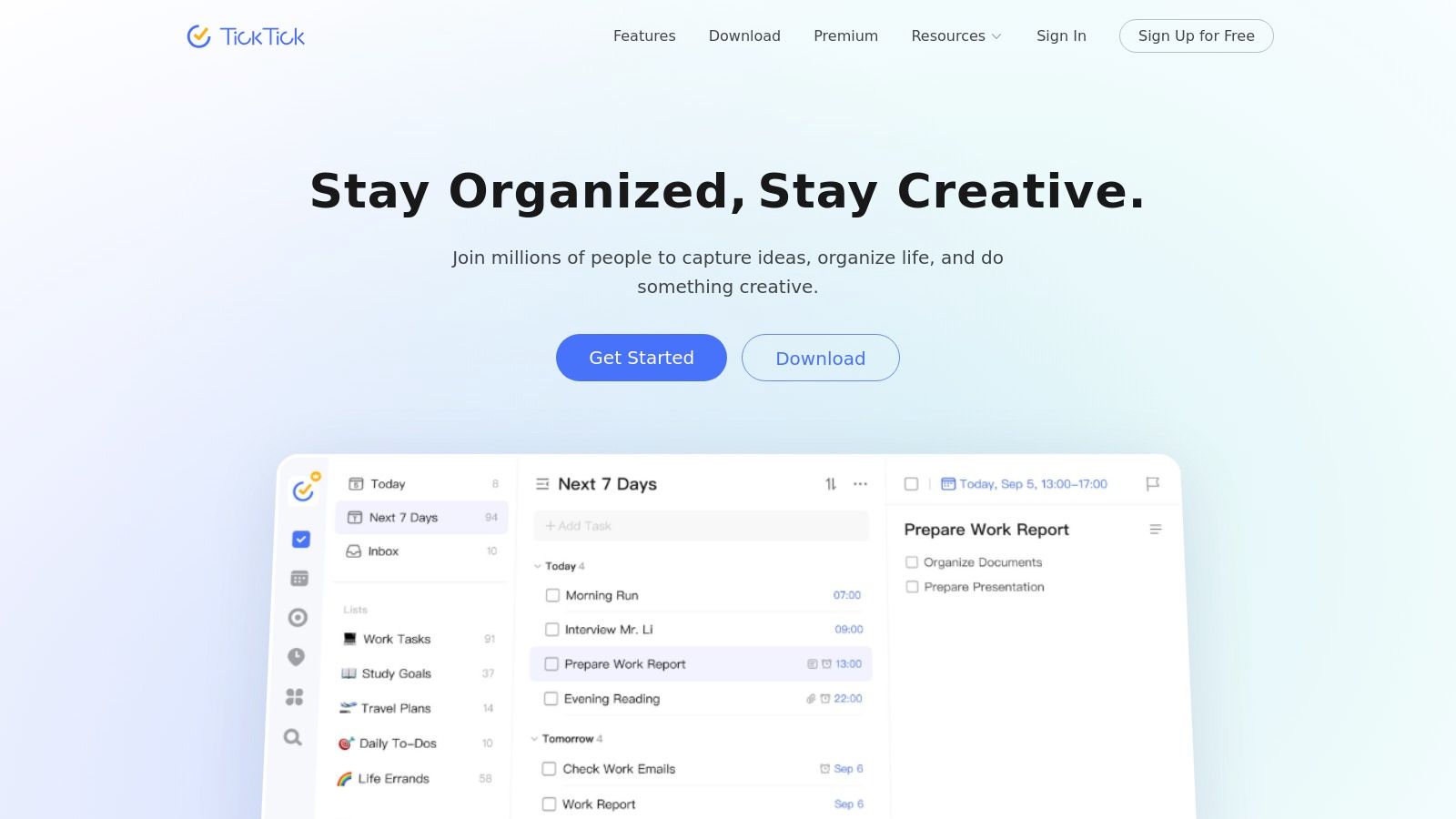
The user experience is unified across a wide range of devices, including iOS, Android, macOS, Windows, and the web, with reliable and fast synchronisation. This cross-platform availability makes it ideal for professionals in Germany and elsewhere who work on multiple devices throughout the day. While the core functionality is free, a Premium subscription unlocks advanced features like customisable timer durations and detailed statistics. Its combination of robust task organisation and integrated time management makes TickTick a powerful choice for structured productivity.
Website: https://ticktick.com
| Key Features & Considerations | |
|---|---|
| Platform | iOS, Android, macOS, Windows, Web |
| Best For | Professionals seeking an integrated task manager and focus timer in one application. |
| Pros | All-in-one task and focus workflow; reliable synchronisation and broad device support. |
| Cons | Learning curve compared with simple standalone timers; advanced features require a Premium subscription. |
8. Toggl Track
For professionals who need to connect their focus intervals directly to billable hours and project management, Toggl Track offers a powerful solution. It's a comprehensive time-tracking platform that integrates a Pomodoro timer directly into its desktop apps and browser extensions. This unique combination allows freelancers, agencies, and teams to not only manage their focus but also generate detailed reports and timesheets from their Pomodoro sessions, bridging the gap between productivity and business analytics.
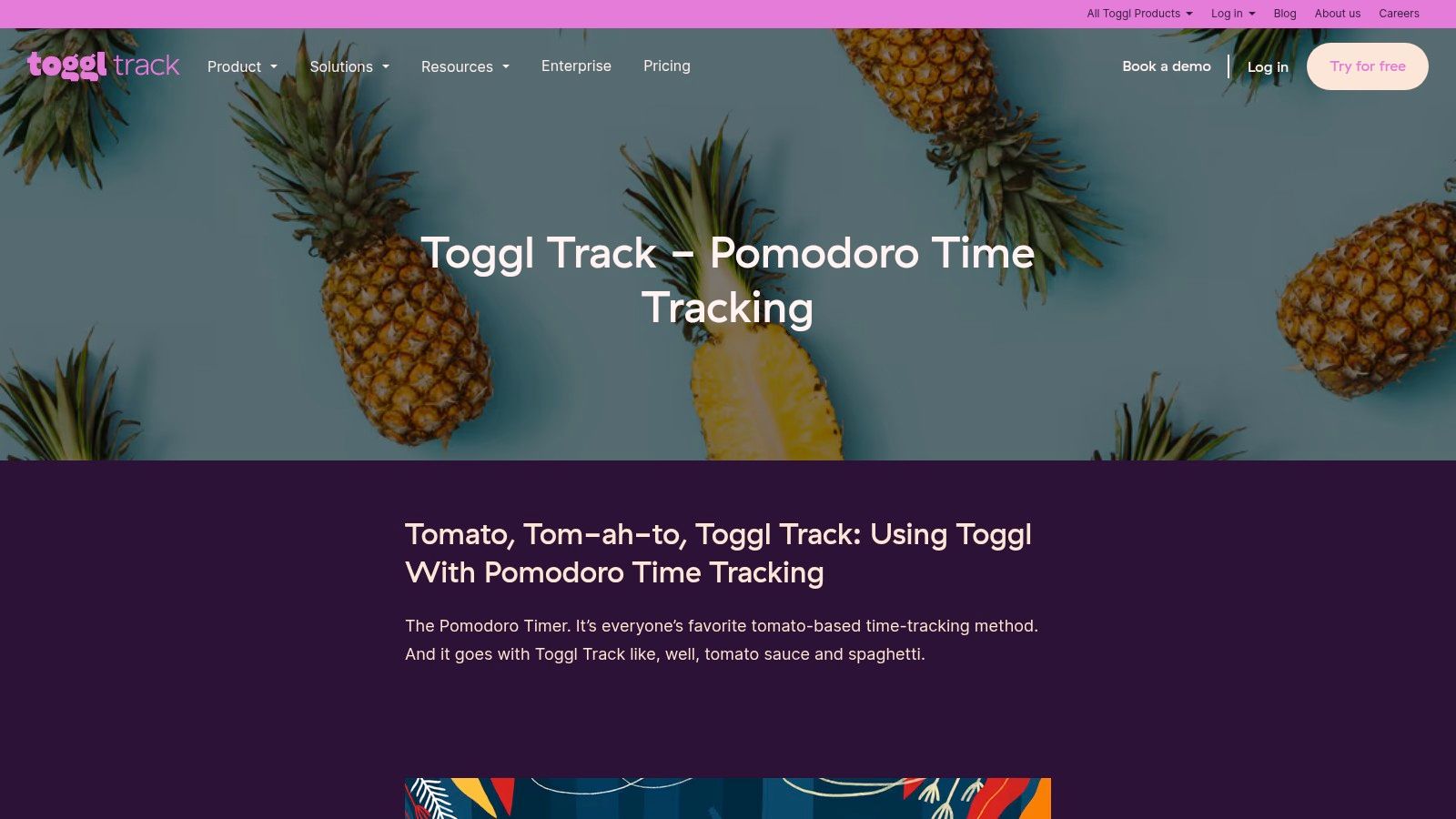
Toggl Track stands out by embedding one of the best pomodoro technique apps within a larger analytics framework. While a standalone timer might be simpler, Toggl provides context to your work, showing where your focused time is actually going. For users in Germany and worldwide who rely on precise time logging for client invoicing or internal reporting, its robust cross-platform support ensures that every focused minute is captured, categorised, and accounted for, whether you're at your desk or on the go.
Website: https://toggl.com/track/pomodoro-timer-toggl/
| Key Features & Considerations | |
|---|---|
| Platform | macOS, Windows, iOS, Android, Chrome, Firefox |
| Best For | Freelancers and teams needing to track billable hours alongside productivity intervals. |
| Pros | Strong analytics and export options; excellent cross-platform support for seamless tracking. |
| Cons | More complex than a simple timer; Pomodoro feature is not available in the web app. |
9. Session
For professionals seeking a beautifully designed and potent focus tool, Session delivers a minimalist yet powerful experience tailored for the Apple ecosystem. It moves beyond a simple timer by integrating features specifically for deep work, such as distraction blocking for apps and websites during your focus intervals. The app encourages mindful productivity by prompting users to add session tags, take notes, and complete a brief reflection at the end of each Pomodoro cycle.
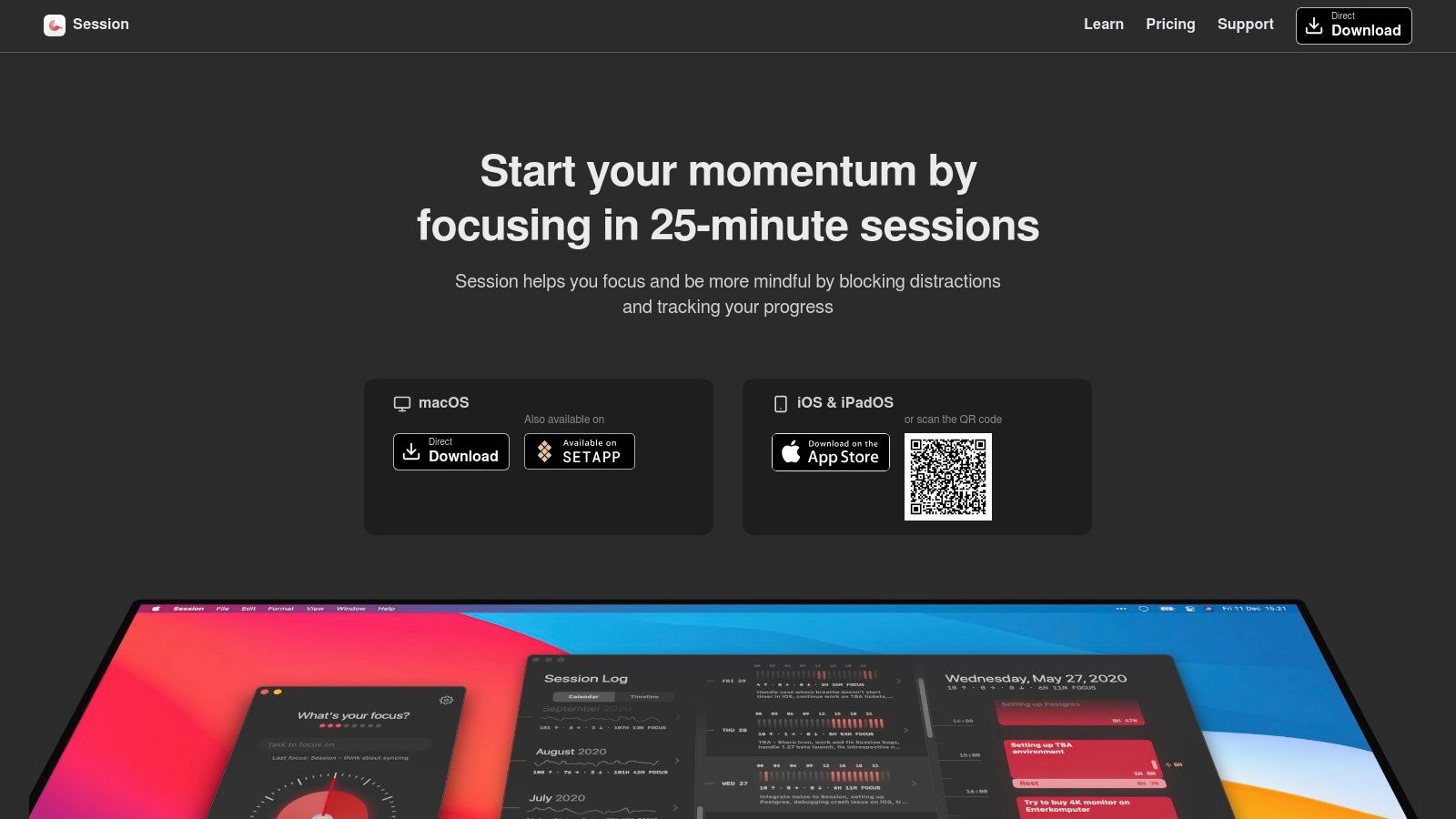
What makes Session one of the best Pomodoro technique apps is its focus on building momentum. The detailed analytics provide a clear view of your daily and weekly focus patterns, helping you understand where your time is best spent. With seamless iCloud sync between its macOS menu-bar utility and the iOS companion app, your focus sessions and data are always up to date. Its elegant interface and practical deep-work integrations make it an excellent choice for dedicated Apple users committed to improving their concentration.
Website: https://stayinsession.com
| Key Features & Considerations | |
|---|---|
| Platform | macOS, iOS |
| Best For | Apple users who want an aesthetic timer with analytics and distraction-blocking capabilities. |
| Pros | Clean, minimalist design; useful analytics to review daily momentum and productivity trends. |
| Cons | Exclusive to the Apple ecosystem; subscription-based with fewer task-management features. |
10. Be Focused (by Xwavesoft)
For Apple users seeking a mature and straightforward tool, Be Focused stands out as one of the most reliable pomodoro technique apps available. It elegantly combines a customisable focus timer with basic task management, allowing you to assign work intervals to specific to-dos. This approach helps you track where your time is going without the complexity of a full-blown project management system.
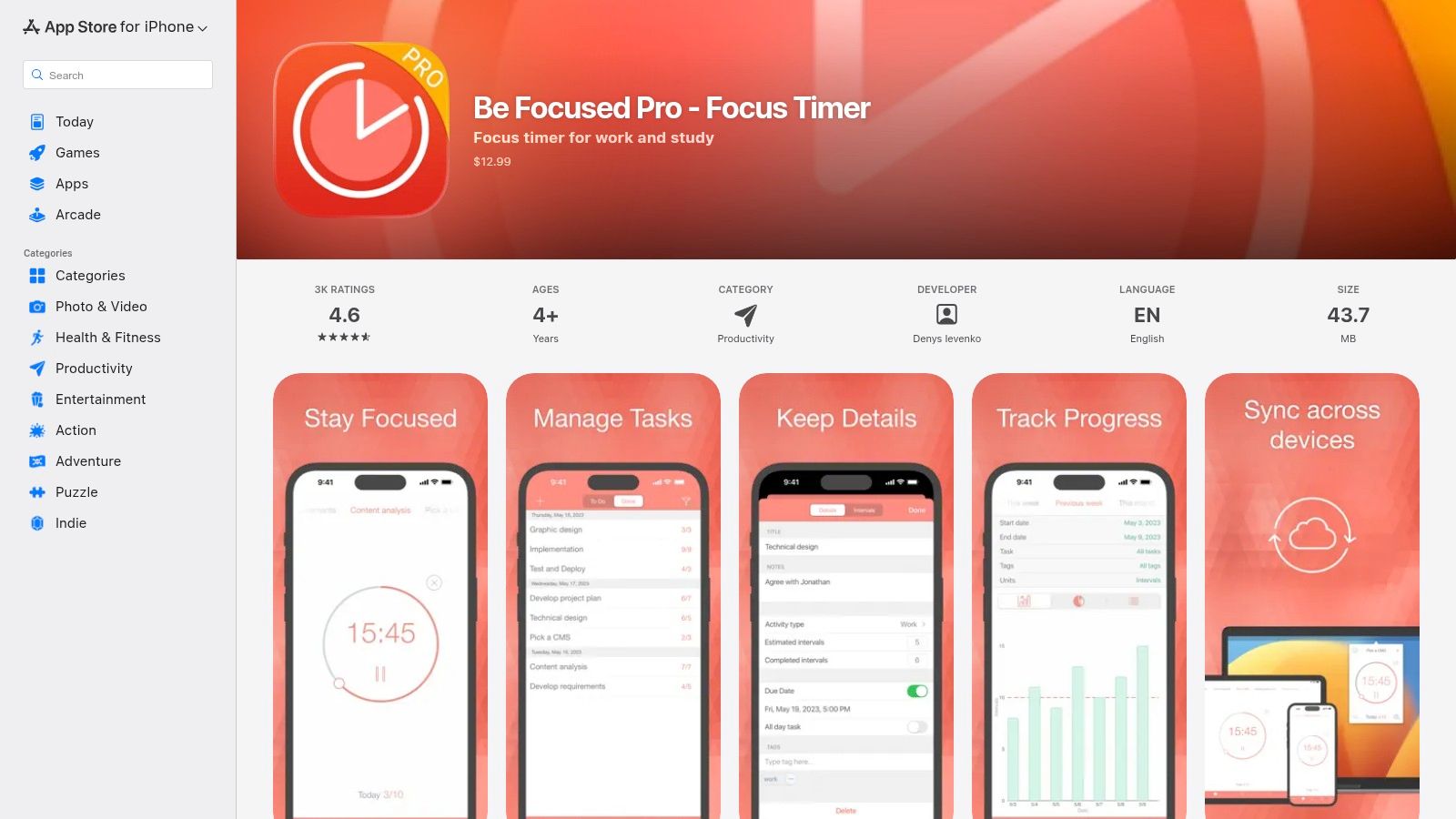
The app integrates deeply into the Apple ecosystem, offering widgets, Apple Watch support, and convenient menu bar controls on macOS. This makes it an excellent time tracker for Mac users who value quick access. While its simplicity is a key strength, users should note that syncing data seamlessly between iPhone and Mac often requires purchasing the Pro version on each platform separately. Its focused feature set makes it a long-running favourite for professionals who want a dedicated timer without unnecessary distractions.
Website: https://apps.apple.com/app/be-focused-pro-focus-timer/id953426154
| Key Features & Considerations | |
|---|---|
| Platform | iOS, iPadOS, macOS, watchOS |
| Best For | Apple users wanting a simple, dedicated Pomodoro timer with light task integration. |
| Pros | Mature, focused tool without heavy complexity; works well across Apple devices with menu bar controls on Mac. |
| Cons | Sync between iOS and macOS may require Pro purchases on each platform; Apple-only availability. |
11. Focus To-Do
Focus To-Do merges the Pomodoro technique with comprehensive task management, creating an all-in-one productivity hub. It allows users to link specific tasks to Pomodoro sessions, providing a structured way to tackle to-do lists while tracking time spent on each item. This integration makes it one of the most practical Pomodoro technique apps for those who need more than just a simple timer, offering a clear connection between focused work and tangible progress.
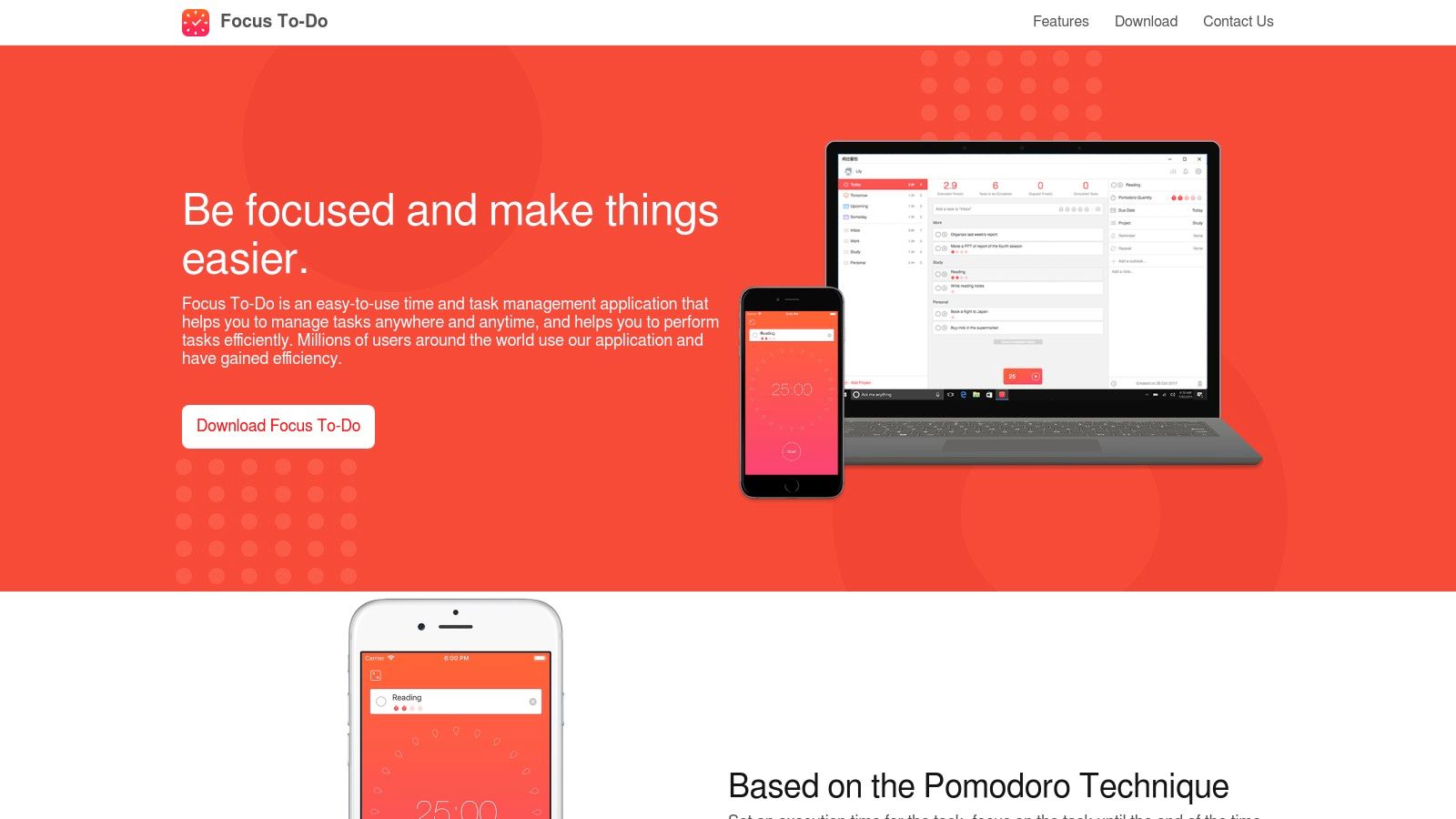
The platform’s standout feature is its cross-device synchronisation, available on iOS, Android, macOS, Windows, and as a browser extension. This ensures your tasks and focus data are always up to date, no matter where you work. Its reporting capabilities are also robust, offering detailed daily, weekly, and monthly breakdowns of your focused time. While the user interface is more functional than minimalist, its power lies in its ability to organise complex projects into focused, manageable work sessions. For those exploring powerful task management solutions, you can find a deeper dive into the best task managers for Mac.
Website: https://focustodo.cn
| Key Features & Considerations | |
|---|---|
| Platform | iOS, Android, macOS, Windows, Chrome |
| Best For | Professionals who want to integrate Pomodoro timers directly into their task and project management workflows. |
| Pros | Seamless cross-platform synchronisation; detailed reports on time allocation; combines to-do list with focus timer. |
| Cons | The user interface is more utilitarian than stylish; some key features require a Premium subscription. |
12. Amazing Marvin
Amazing Marvin is far more than a simple timer; it's a comprehensive and deeply customisable productivity system designed for users who want to build their own perfect workflow. It integrates a "Tomato timer" directly into its task management framework, allowing you to launch focused work sessions from your to-do list. The platform's true power lies in its "Strategies" feature, where you can enable or disable various productivity methods, including time blocking, Eisenhower matrices, and of course, the Pomodoro technique.
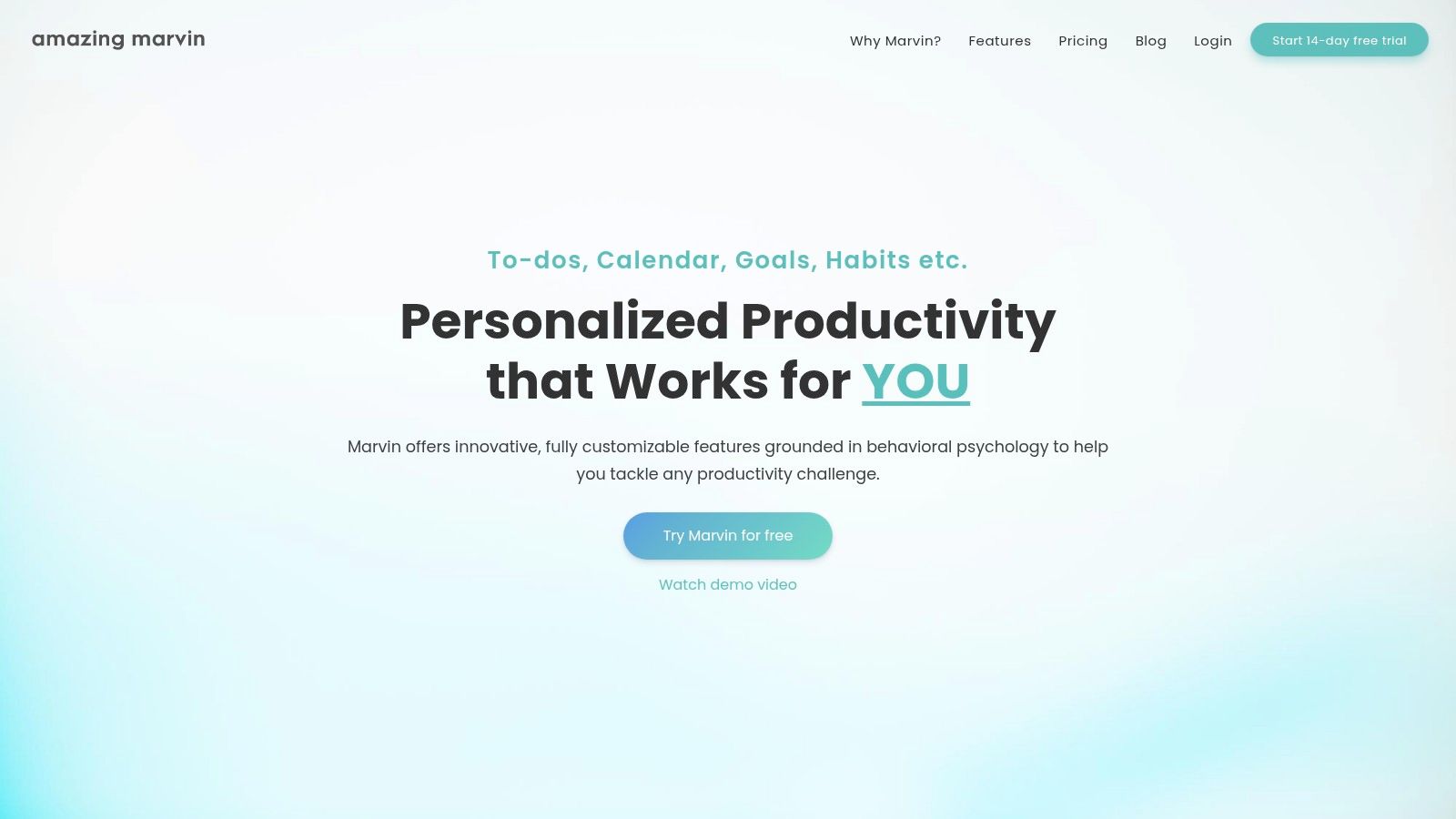
This modular approach makes it one of the most flexible Pomodoro technique apps available, as you can combine the timer with other tools to create a tailored focus environment. For professionals in Germany, its cross-platform availability on web and desktop ensures seamless synchronisation across all devices. While its extensive features can be overwhelming for beginners seeking just a timer, it’s an ideal all-in-one solution for power users aiming to consolidate their productivity stack and fine-tune their focus strategies.
Website: https://amazingmarvin.com
| Key Features & Considerations | |
|---|---|
| Platform | Web, macOS, Windows, Linux |
| Best For | Power users and individuals with specific productivity needs who want a single, highly customisable tool. |
| Pros | Extremely flexible and can replace multiple separate tools; active development and helpful documentation. |
| Cons | Subscription only (no permanent free plan); can feel complex for users who only want a simple timer. |
Top 12 Pomodoro Apps — Feature Comparison
| Item | Core features | UX/Quality ★ | Price / Value 💰 | Target audience 👥 | Unique selling points ✨🏆 |
|---|---|---|---|---|---|
| Apple App Store | Huge Pomodoro catalog, reviews, IAP handling | ★★★★☆ | 💰 Free to browse; app prices & subs vary | 👥 iPhone/iPad/Mac users | ✨ Curated editorial + secure payments 🏆 |
| Google Play Store | Large catalog, ratings, Play Pass support | ★★★★☆ | 💰 Free to browse; app prices & regional variance | 👥 Android users | ✨ Frequent promos & broad selection 🏆 |
| Setapp | One membership for many Mac/iOS apps, auto updates | ★★★★☆ | 💰 Subscription — access to hundreds of apps | 👥 Mac power users | ✨ Cost‑effective bundle for heavy users 🏆 |
| Chrome Web Store — Marinara | Custom timers, notifications, history (open source) | ★★★★☆ | 💰 Free | 👥 Browser‑centric users | ✨ Lightweight, no account required 🏆 |
| Forest | Gamified sessions, streaks, team options, tree planting | ★★★★★ | 💰 Freemium; paid features/in‑app purchases | 👥 Casual & motivated users | ✨ Gamification + real‑tree partnerships 🏆 |
| Pomofocus | Custom durations, templates, reports, desktop builds | ★★★★☆ | 💰 Free core; premium for advanced reports/integrations | 👥 Cross‑platform browser users | ✨ Fast to try (no signup) + templates |
| TickTick | Pomodoro + to‑do, calendar & habits, cross‑platform sync | ★★★★☆ | 💰 Free tier; Premium subscription | 👥 Users wanting tasks + focus in one app | ✨ Integrated task manager + timer 🏆 |
| Toggl Track | Pomodoro mode, robust reporting, timesheets | ★★★★☆ | 💰 Free tier; paid plans for teams | 👥 Freelancers & teams tracking billable time | ✨ Strong analytics & exports 🏆 |
| Session | Distraction blocking, tagging, reflections, iCloud sync | ★★★★☆ | 💰 Subscription (Apple only) | 👥 Apple users focused on deep work | ✨ Menu‑bar + session analytics |
| Be Focused (Xwavesoft) | Tasks, reports, widgets, Apple Watch support | ★★★★☆ | 💰 One‑time / Pro purchases per platform | 👥 Apple users wanting simple timer | ✨ Mature, menu‑bar friendly |
| Focus To‑Do | Pomodoro + to‑do, detailed reports, cross‑platform sync | ★★★★☆ | 💰 Free + Premium or lifetime unlocks | 👥 Users who want tasks + Pomodoro across devices | ✨ Feature‑rich for price |
| Amazing Marvin | Built‑in timers, deep customization, strategy modules | ★★★★☆ | 💰 Subscription (no permanent free plan) | 👥 Power users who customize workflows | ✨ Extremely flexible strategy engine 🏆 |
Integrate Your Timer, Protect Your Time
Navigating the landscape of Pomodoro Technique apps reveals a powerful truth: the best tool is the one that seamlessly integrates into your unique workflow, transforming a simple timer into a cornerstone of deep, focused work. We've explored a diverse range of options, from the minimalist browser extension Marinara to the all-encompassing productivity suite Amazing Marvin. Each app offers a distinct approach to time management, catering to different needs, platforms, and professional styles.
Your journey doesn't end with a download. The real challenge, and the greatest opportunity, lies in making this new tool a consistent part of your daily routine. This means moving beyond reactive time tracking and adopting a proactive strategy to defend your focus. The most effective method is to synchronise your Pomodoro sessions directly with your calendar, creating a non-negotiable schedule for your most critical tasks.
Finding Your Ideal Pomodoro Partner
Choosing the right app from our list requires a moment of self-reflection. Consider your primary work environment and personal preferences to make the best decision:
- For the Minimalist: If you prefer simplicity and speed, a web-based tool like Pomofocus or a browser extension like Marinara offers a frictionless way to start your sessions without any complex setup.
- For the Data-Driven Professional: If you need to track time for clients or analyse your productivity patterns, a robust solution like Toggl Track provides detailed reports and integrations that justify its comprehensive feature set.
- For the Gamified Motivator: If you thrive on visual progress and positive reinforcement, Forest's unique tree-growing concept can provide that extra incentive to stay off your phone and remain on task.
- For the All-in-One Organiser: For those who want their timer integrated within a larger task management system, TickTick and Focus To‑Do offer a unified experience, linking your Pomodoros directly to your to-do list.
Beyond the Timer: A Proactive Defence for Your Focus
Ultimately, the true power of the Pomodoro Technique is amplified when it's part of a larger system for protecting your time. A timer can help you focus, but it can't prevent a colleague from scheduling a meeting over your planned deep work block. This is where calendar integration becomes indispensable.
Before you even press 'start' on your chosen Pomodoro app, the first step should be to carve out and defend that time on your calendar. By explicitly scheduling "Focus Time" blocks, you create a visible barrier against interruptions. This practice signals your unavailability to your team and, just as importantly, reinforces your own commitment to the task at hand. When the calendar event begins, start your timer. This two-step process transforms the Pomodoro Technique from a personal productivity hack into a robust, collaborative system for prioritising and executing high-value work. Choosing one of the best Pomodoro Technique apps is your first step; making it an integral, calendar-synced part of your workflow is how you will truly master your time.
Ready to stop interruptions before they start? Calendar0 helps you quickly find and schedule protected focus time across your entire team’s calendars, ensuring your Pomodoro sessions remain truly uninterrupted. Defend your deep work blocks by visiting Calendar0 today.

